
 RaaYos BoberKurva322 X_xLEOx_X Wizard_Mist kellybelly21 ninjasaurusrexy CottonMonkeyman Otojiro aleneeds2benerfd dom79 Zyxkiv CYBERSCOOT ITADAKIM4SU Haysmacker Paruurun whatthe536 Zaraki_sa DaddyWeebus Abisso167 Le_Cobz SamOnel cpzzzzzzz vazeniia MinerThatsMINING Pacarro30 Skowza PITUX_CURSEDA LeanSayan09 Amlind Hinity FELWINTERR Coronav20 FurFurFuryonish CASPLITT Oci3mni4ly GazdaLeL Filth_Rodriguez MontiGrand Riktor95 cortrox Cheeseitz21duh Alan_Mog FMJTOMCAT Rusalkas CamilleXx2001 GP_iO dartingo SebySkills VEL_33 SaharaOS GABRIELMEDEIR0 ScuttleKrab kalofdutti MunizeraL RevolverKevin LargeBlackHammer HuggeGangsta GreyMatta GANGMEMBERSANTA LeFonsder
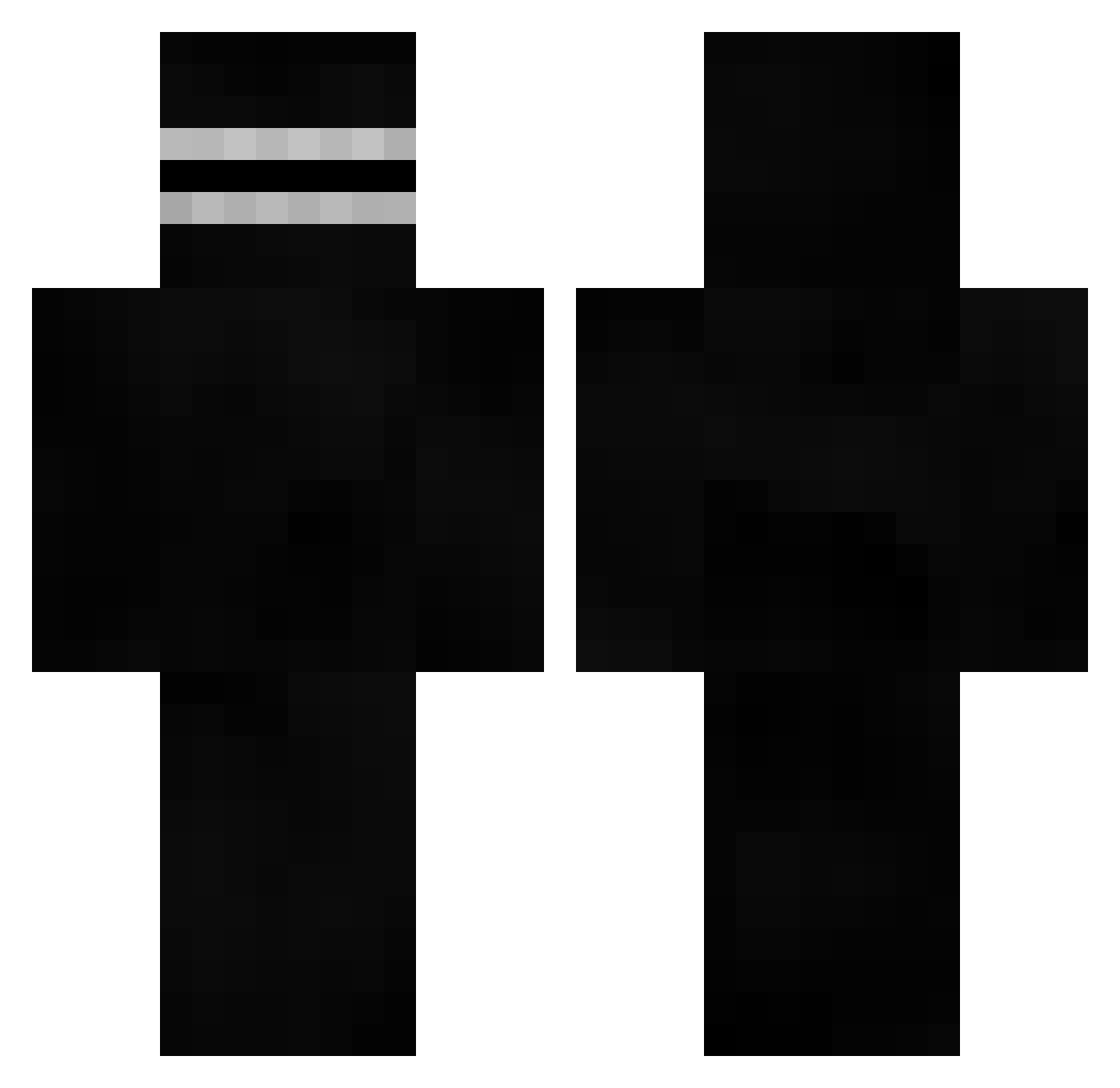
Minecraft skin of KaiserGreed. Rotate the 3D model with your mouse or finger to view the skin from every angle, then download it as a PNG file and use it in Minecraft: Bedrock Edition or Java Edition for free. Rate the skin with stars to help other players find the best skins in our collection.
How to install the KaiserGreed skin
- Press the Download button above to save the skin as a PNG file.
- Minecraft: Bedrock Edition (PE): open the Dressing Room from the main menu (or tap your character → Edit Character), go to Classic Skins → Owned, press the + (new skin) button, choose the downloaded PNG and pick the Classic (Steve) model. Works on PC and mobile; consoles cannot import custom skins.
- Minecraft: Java Edition: open the Minecraft Launcher, go to the Skins tab, click New Skin, load the PNG, pick the Classic (Steve) model and press Save & Use. You can also upload it at minecraft.net → Profile → Change Skin.
The skin does not show up after import - what should I do?
Restart Minecraft and open the Dressing Room again - imported skins sometimes appear only after a restart. Also make sure you selected the imported skin and picked the Classic (Steve) model.
Which model should I choose, Classic or Slim?
This skin is designed for the Classic (Steve) model. If you pick the wrong model, the arms of the skin will look stretched or squeezed.
Is this skin free to use?
Yes. Press Download, save the PNG file and use it in Minecraft: Bedrock Edition or Java Edition - no payment or registration needed. The skin also works on multiplayer servers and Realms.
More Visor Minecraft skins
More skins
Looking for more? Go back to all Minecraft skins and check the top skins of the week, month and all time, or find any player's skin by nickname.