
salmaan1x - Minecraft Skins & Skin History
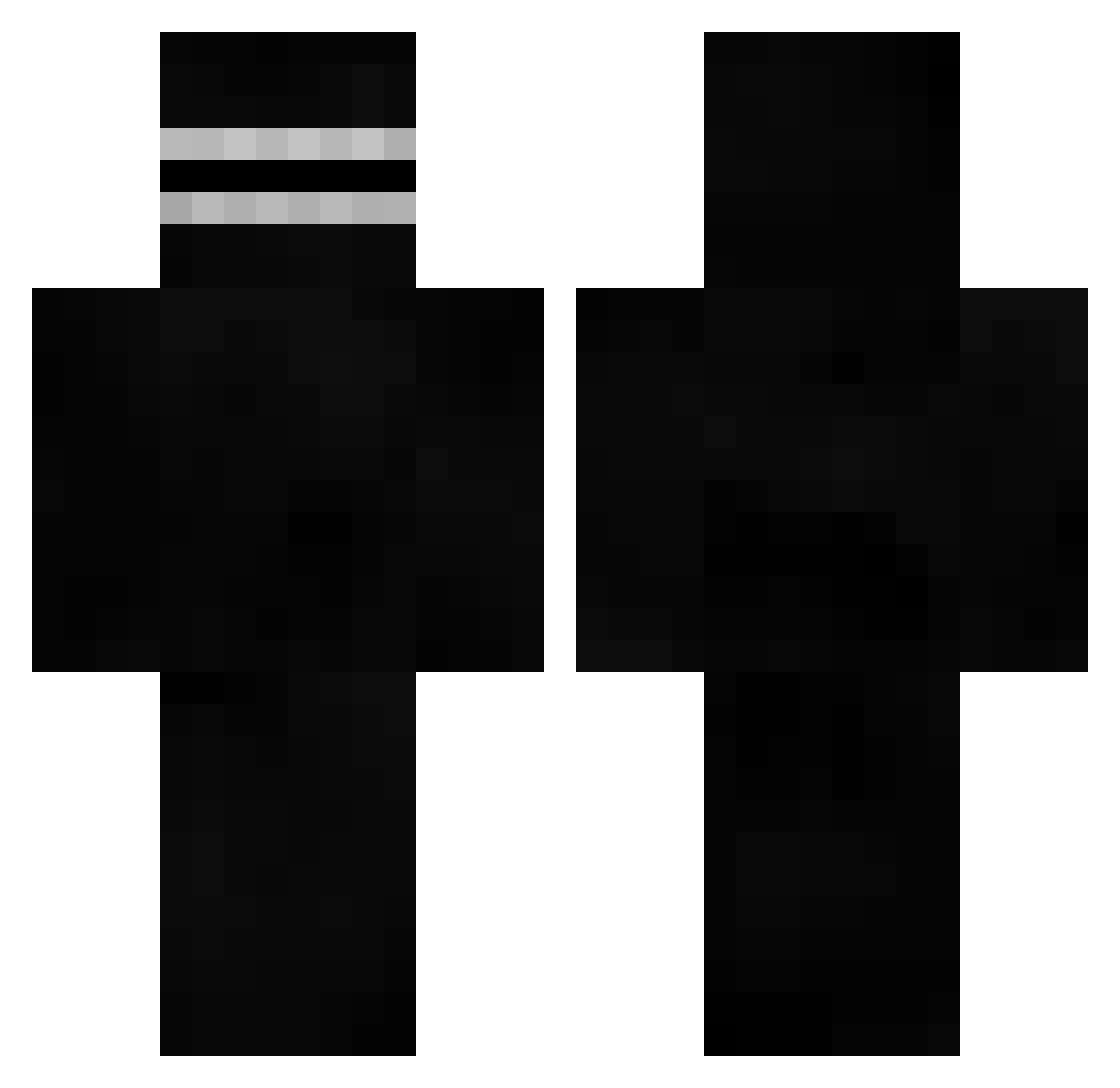
Current Minecraft skin of the player salmaan1x, loaded from the official Mojang API. Rotate the 3D model with your mouse or finger, then download the skin as a PNG file and use it in Minecraft: Bedrock Edition or Java Edition for free. When salmaan1x changes their skin, this page updates automatically and the old skin stays in the history below.
Other players with this skin (672)
salmaan1x was the 644th player we have seen with this skin, first spotted on 06.11.2026. The same skin was seen on these players. Open a nickname to see their current skin and skin history.
 TheMuffinMom TheJvfs Vizma Dewmino musataaaa Bunicle90 T0nyHawk froztifn j_j_josiah 718_edgelord_805 aifedespaix crazedpoop shinyboy12 ZankoPR MixableGoat OnDinde Grhh Moejoejoejo Gaara481 OmqiiFade ClothingBrands Grozny_Epstein67 Frost4554 TheQuitter YoungZedPlayer22 69chromosomes bO_Oa kowany Gh_ost BlouSa Zigizig akira1616 fureg AjsBF Watcher0001 2ez4_SpicyOfive kuroneko1525 Aoi_Todo Wanis93 btonksy turbopajero MoroN_desu nsTapatio ndeso 6O___O9 Escan0r D0nt_Stare Munchpotatos rxva DAN_who_can DeaconfrostPlayX kevinsitoh Titirider13 Deathkilleryeet sh4d0wd4ark ScoobyDoobyJoo zCaioBr_ M3tjuu yonginKing Zryez
More Visor Minecraft skins
How to install the salmaan1x skin
- Press the Download button above to save the skin as a PNG file.
- Minecraft: Bedrock Edition (PE): open the Dressing Room from the main menu (or tap your character → Edit Character), go to Classic Skins → Owned, press the + (new skin) button, choose the downloaded PNG and pick the Classic (Steve) model. Works on PC and mobile; consoles cannot import custom skins.
- Minecraft: Java Edition: open the Minecraft Launcher, go to the Skins tab, click New Skin, load the PNG, pick the Classic (Steve) model and press Save & Use. You can also upload it at minecraft.net → Profile → Change Skin.
The skin does not show up after import - what should I do?
Restart Minecraft and open the Dressing Room again - imported skins sometimes appear only after a restart. Also make sure you selected the imported skin and picked the Classic (Steve) model.
Which model should I choose, Classic or Slim?
This skin is designed for the Classic (Steve) model. If you pick the wrong model, the arms of the skin will look stretched or squeezed.
Is the skin of salmaan1x free to download?
Yes. Press Download, save the PNG file and use it in Minecraft: Bedrock Edition or Java Edition - no payment or registration needed. The skin also works on multiplayer servers and Realms.
More skins
Looking for more? Go back to all Minecraft skins and check the top skins of the week, month and all time, or find any player's skin by nickname.