
Ender_Man_135 - Minecraft Skins & Skin History
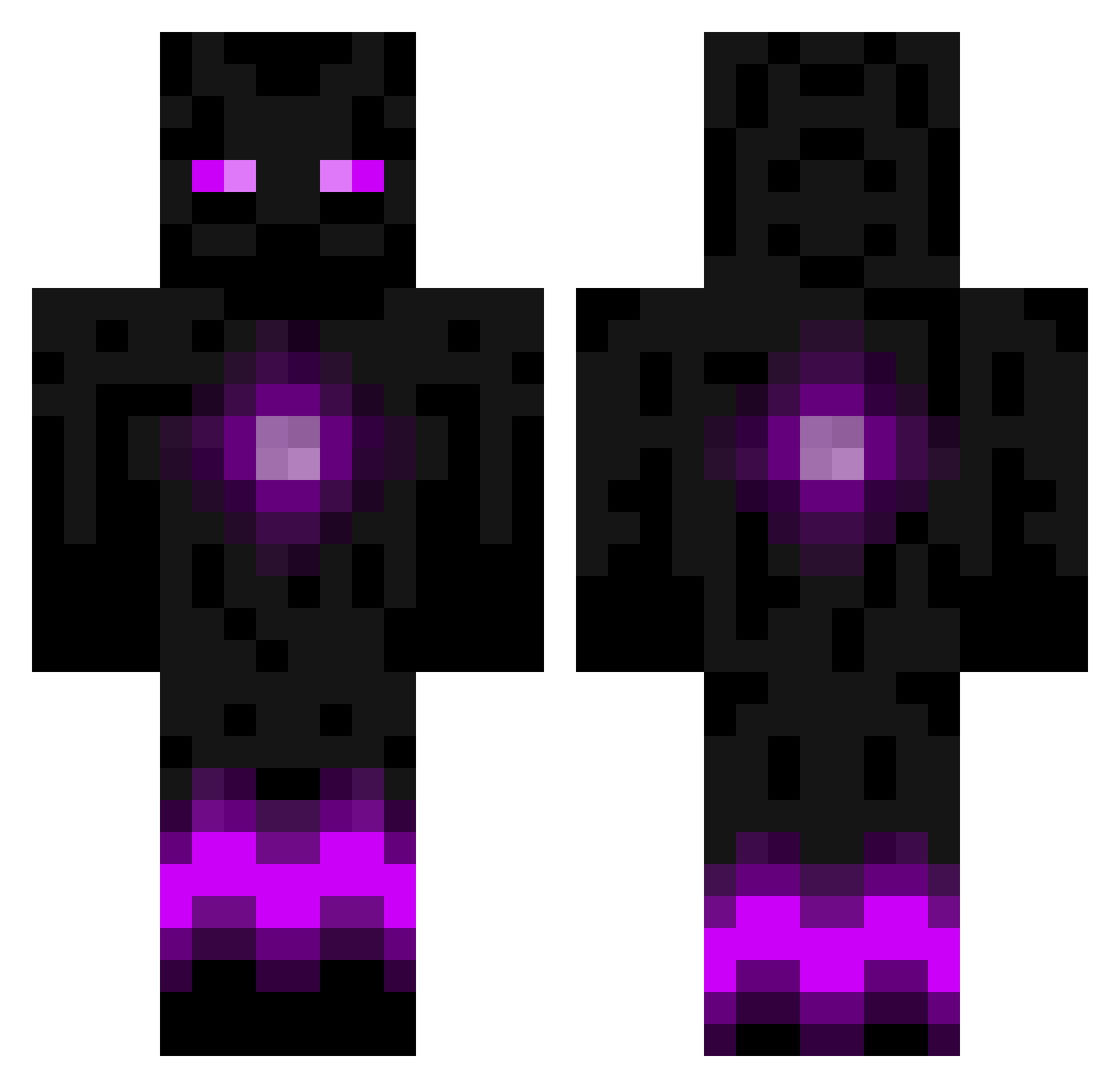
Current Minecraft skin of the player Ender_Man_135, loaded from the official Mojang API. Rotate the 3D model with your mouse or finger, then download the skin as a PNG file and use it in Minecraft: Bedrock Edition or Java Edition for free. When Ender_Man_135 changes their skin, this page updates automatically and the old skin stays in the history below.
Other players with this skin (788)
Ender_Man_135 was the 506th player we have seen with this skin, first spotted on 02.10.2026. The same skin was seen on these players. Open a nickname to see their current skin and skin history.
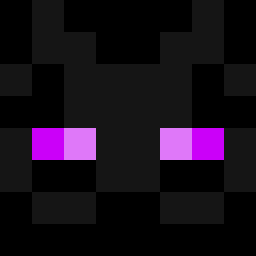 MattB423 trisfire harrthepirate Vikimon tonyzore keundwa68 Kit_Cat0016 jackywinter Endereyes214 romey64 Wrecker9000 bentheminer11 Enderfree nateking1999 Swagblazer2k16 SKRILLEXB0SS CZiegenfuss MRDRAGON270 maxvv02 jry2004 handydan2000 Kevinlam87 augeydogie Best_Majkel cyberdunk Cool_Weez DeadlyPizzaSlice nck162 KaiptainKai GoyoWarrior Orphan6 AjA313 cheezyfingers __sponge__ OoBUBBYoO yomom101101101 Grayskull98 Neoice4u pal503 Makai00 beackles123 CaptainGumbo fyfyfyf ExiledCookie xanus09 Nico8890 Shockerquade TobyBlaster12 fnorthover Darkcloud74 Bruitist Creeper_OLH Ark2803 stefan50 Katami Dubstep4Ever kalmakoura PhiLiepe FUIceman jorgenborge
More Enderman Minecraft skins
How to install the Ender_Man_135 skin
- Press the Download button above to save the skin as a PNG file.
- Minecraft: Bedrock Edition (PE): open the Dressing Room from the main menu (or tap your character → Edit Character), go to Classic Skins → Owned, press the + (new skin) button, choose the downloaded PNG and pick the Classic (Steve) model. Works on PC and mobile; consoles cannot import custom skins.
- Minecraft: Java Edition: open the Minecraft Launcher, go to the Skins tab, click New Skin, load the PNG, pick the Classic (Steve) model and press Save & Use. You can also upload it at minecraft.net → Profile → Change Skin.
The skin does not show up after import - what should I do?
Restart Minecraft and open the Dressing Room again - imported skins sometimes appear only after a restart. Also make sure you selected the imported skin and picked the Classic (Steve) model.
Which model should I choose, Classic or Slim?
This skin is designed for the Classic (Steve) model. If you pick the wrong model, the arms of the skin will look stretched or squeezed.
Is the skin of Ender_Man_135 free to download?
Yes. Press Download, save the PNG file and use it in Minecraft: Bedrock Edition or Java Edition - no payment or registration needed. The skin also works on multiplayer servers and Realms.
More skins
Looking for more? Go back to all Minecraft skins and check the top skins of the week, month and all time, or find any player's skin by nickname.