
Eduhernandez - Minecraft Skins & Skin History
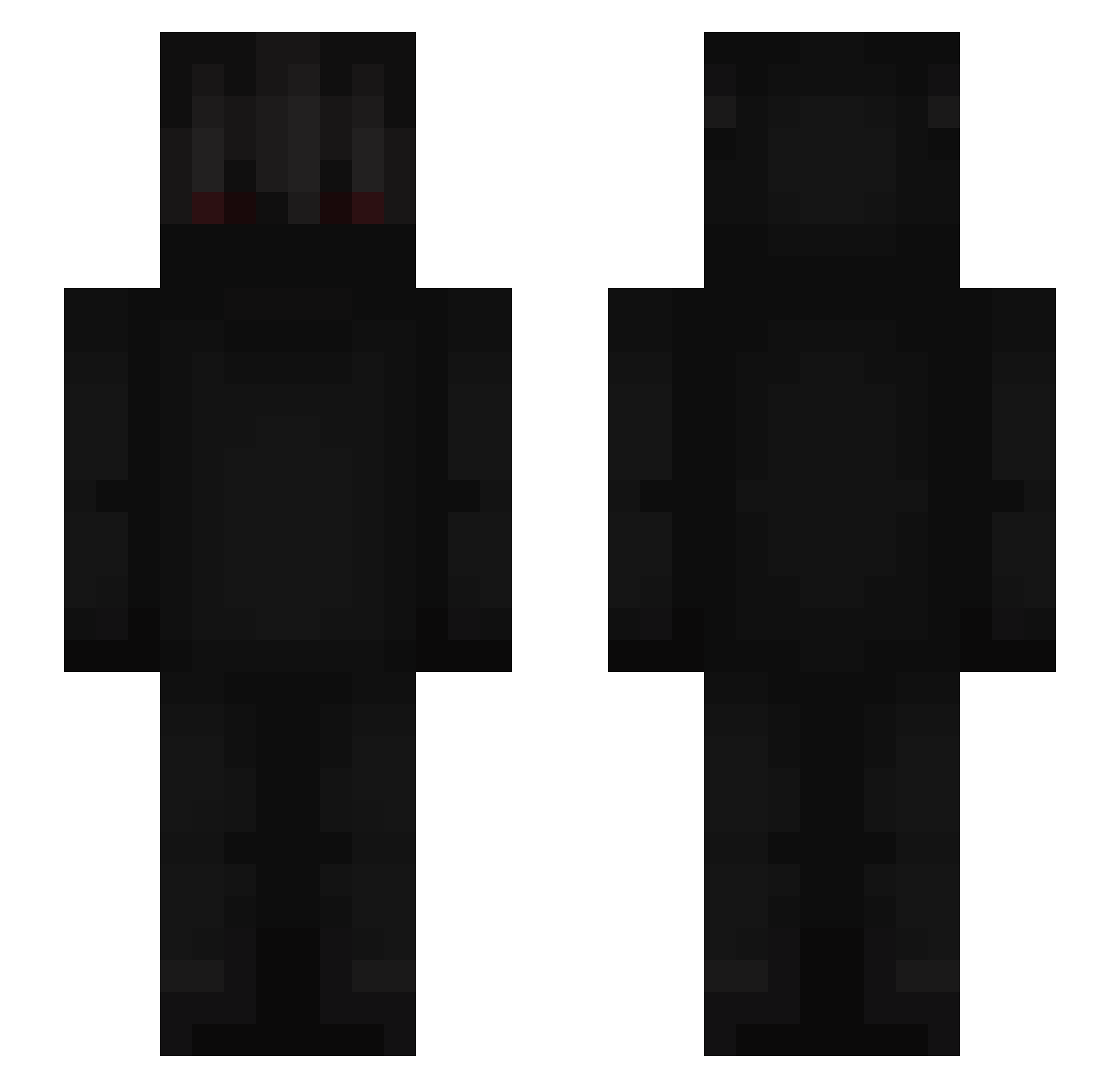
Current Minecraft skin of the player Eduhernandez, loaded from the official Mojang API. Rotate the 3D model with your mouse or finger, then download the skin as a PNG file and use it in Minecraft: Bedrock Edition or Java Edition for free. When Eduhernandez changes their skin, this page updates automatically and the old skin stays in the history below.
Other players with this skin (675)
Eduhernandez was the 612th player we have seen with this skin, first spotted on 29.10.2026. The same skin was seen on these players. Open a nickname to see their current skin and skin history.
 ParsaasdX DezaiFeyan Sm33x Sgt_Moist iTiness123 Oni_Dizzy ChawroN Charly_2111 epox12 SanchOo974 handylive MSK_Da7llawi777 slowfood12 HeyRick Maldeth IDontGiveAFxxk Frietjemayosate_ juk552 charcoal57 _KATAKUARI_ GravyDaveee fithy Mal_TIukTT KingKaese05 _Samke_ lasse797 NorbeeG Mr901Burger MyNameIsNoYou Furubotten4our51 cosmologysk8 rNy69 matoscope MenmxInfectado _Nihilux_ WINGWING2 Panter_3 MiNSMan synix_69 zerolove123 whelplol _Xenon97_ yagokcx DEMOLISHH Veinglor pixlot ahahahaahaha Zerko_XVI Torald Plureph Makzn ABOM7MD4 asuraoxo_ DEadDynasTY10 Alex10wner noodle_head_ass Drianpa77 Zolt444 Yomy34 Scoopatumanaaa
More Shadow Minecraft skins
How to install the Eduhernandez skin
- Press the Download button above to save the skin as a PNG file.
- Minecraft: Bedrock Edition (PE): open the Dressing Room from the main menu (or tap your character → Edit Character), go to Classic Skins → Owned, press the + (new skin) button, choose the downloaded PNG and pick the Slim (Alex) model. Works on PC and mobile; consoles cannot import custom skins.
- Minecraft: Java Edition: open the Minecraft Launcher, go to the Skins tab, click New Skin, load the PNG, pick the Slim (Alex) model and press Save & Use. You can also upload it at minecraft.net → Profile → Change Skin.
The skin does not show up after import - what should I do?
Restart Minecraft and open the Dressing Room again - imported skins sometimes appear only after a restart. Also make sure you selected the imported skin and picked the Slim (Alex) model.
Which model should I choose, Classic or Slim?
This skin is designed for the Slim (Alex) model. If you pick the wrong model, the arms of the skin will look stretched or squeezed.
Is the skin of Eduhernandez free to download?
Yes. Press Download, save the PNG file and use it in Minecraft: Bedrock Edition or Java Edition - no payment or registration needed. The skin also works on multiplayer servers and Realms.
More skins
Looking for more? Go back to all Minecraft skins and check the top skins of the week, month and all time, or find any player's skin by nickname.