
Dwink - Minecraft Skins & Skin History
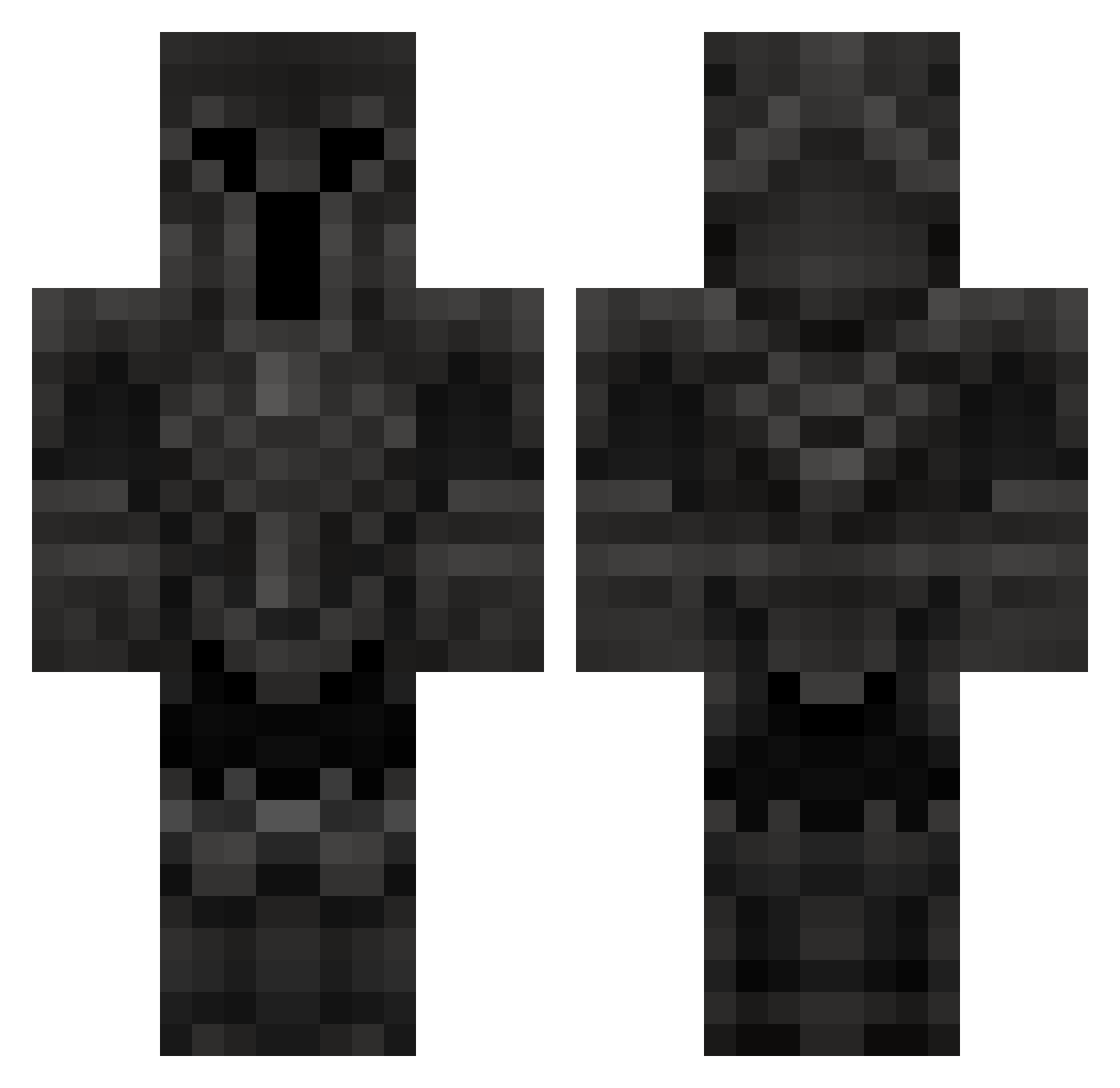
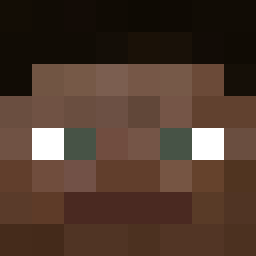
Current Minecraft skin of the player Dwink, loaded from the official Mojang API. Rotate the 3D model with your mouse or finger, then download the skin as a PNG file and use it in Minecraft: Bedrock Edition or Java Edition for free. When Dwink changes their skin, this page updates automatically and the old skin stays in the history below.
Other players with this skin (49)
Dwink was the 39th player we have seen with this skin, first spotted on 16.10.2026. The same skin was seen on these players. Open a nickname to see their current skin and skin history.
 Raijin00 CXSMIC_end _JustKarma_ Herbstdonner Matteony2004 Monkeyy115 V971Champ DARKSOULS_III Stedpan Birb333 tusssyy Kyokamii monkouto1 MotaVok Insanity69420 _K4czka vivacial NovaPog kkingdavo JBayer18 Lat0s Heisenbergeer Kepskey MasterJeev Lu1s_M3j1a rainles napalonydzony BizarreHype13 Notty_4618 BatsuX Yorukou _Kdog__ Orthox4 kokoro_ DemonHunter022 ItsComplicated22
 Thor_GOW5 Unhinged_Noodle Guilhermew7 FrofNostril SlopeyJug xRevOOOx DunoMC44 Shiiguya
 GuthFTW Triqzel
 Cappachinos wormilation
 Milvipl
More Warrior Minecraft skins
How to install the Dwink skin
- Press the Download button above to save the skin as a PNG file.
- Minecraft: Bedrock Edition (PE): open the Dressing Room from the main menu (or tap your character → Edit Character), go to Classic Skins → Owned, press the + (new skin) button, choose the downloaded PNG and pick the Classic (Steve) model. Works on PC and mobile; consoles cannot import custom skins.
- Minecraft: Java Edition: open the Minecraft Launcher, go to the Skins tab, click New Skin, load the PNG, pick the Classic (Steve) model and press Save & Use. You can also upload it at minecraft.net → Profile → Change Skin.
The skin does not show up after import - what should I do?
Restart Minecraft and open the Dressing Room again - imported skins sometimes appear only after a restart. Also make sure you selected the imported skin and picked the Classic (Steve) model.
Which model should I choose, Classic or Slim?
This skin is designed for the Classic (Steve) model. If you pick the wrong model, the arms of the skin will look stretched or squeezed.
Is the skin of Dwink free to download?
Yes. Press Download, save the PNG file and use it in Minecraft: Bedrock Edition or Java Edition - no payment or registration needed. The skin also works on multiplayer servers and Realms.
More skins
Looking for more? Go back to all Minecraft skins and check the top skins of the week, month and all time, or find any player's skin by nickname.