
Durv420 - Minecraft Skins & Skin History
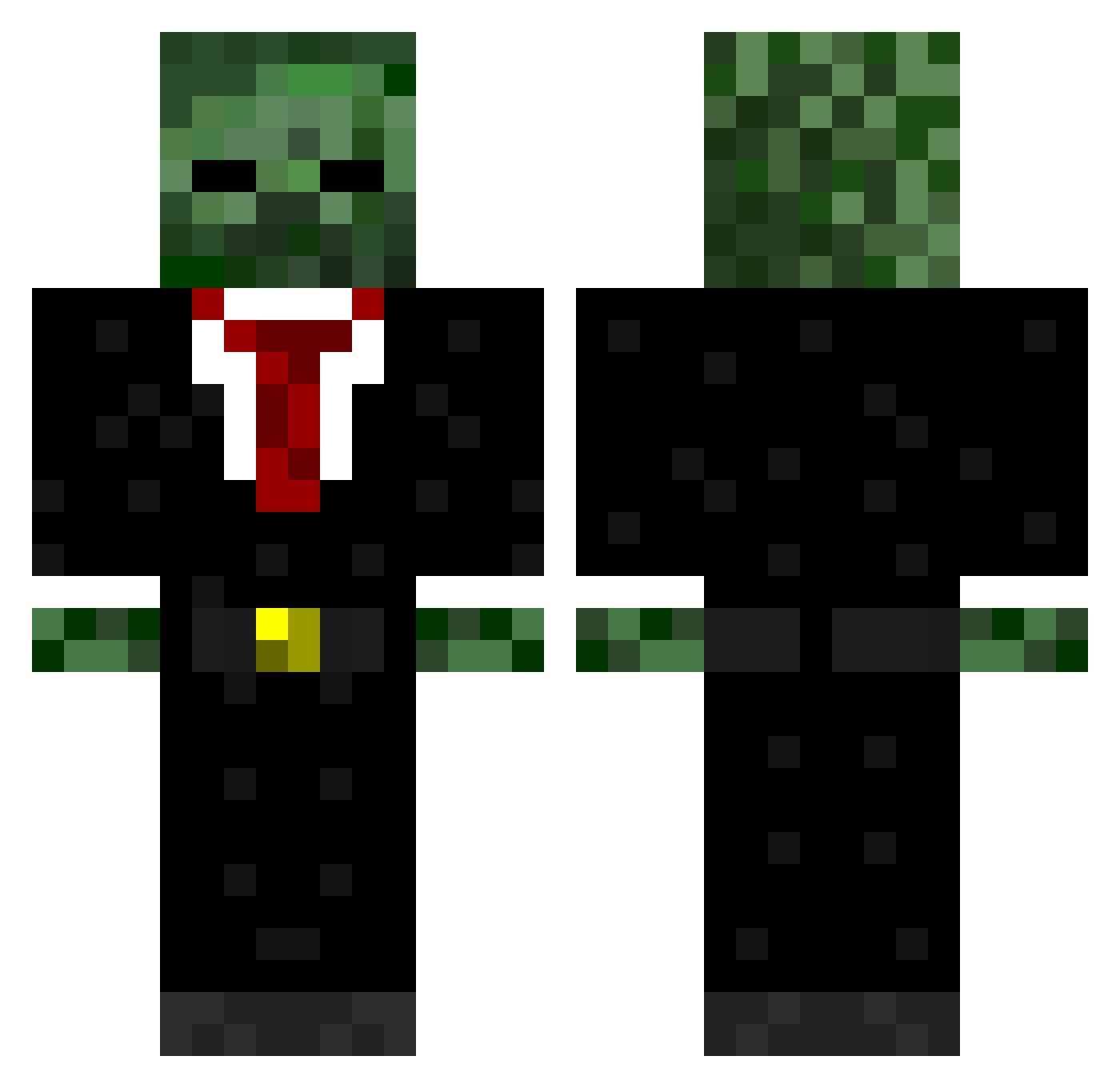
Current Minecraft skin of the player Durv420, loaded from the official Mojang API. Rotate the 3D model with your mouse or finger, then download the skin as a PNG file and use it in Minecraft: Bedrock Edition or Java Edition for free. When Durv420 changes their skin, this page updates automatically and the old skin stays in the history below.
Other players with this skin (723)
Durv420 was the 639th player we have seen with this skin, first spotted on 08.11.2026. The same skin was seen on these players. Open a nickname to see their current skin and skin history.
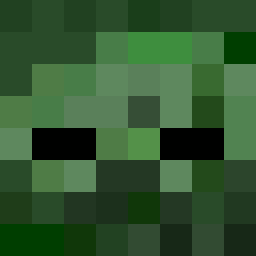 ReemKing Sigma121 BlankCardz 130205 shimmypuff ByranHD WhatTheFindMuck GiraffeFunny OMGitsEliteDropz THEOKE12 andyk99 AsianJigsaww ReeziMckeano darksonic9021 BestBrah98 supergrover620 psapp matteri99 deanow1 CatsOnCrack7 Ginurashi AWaveOfBabies TwistedFate_Na Blackys_00 RedXmas jmoney0028 rohit_123 JoshuaGaming John_9461 thefrogstu ArbitrageAdam JKay_ tommywobbles daltonjonez MrEvanW01 yoyoyoman3 zomboy12345 lilbrodo xXFadeXGhostsXx XxxcraftminerxxX nickrock06 BestCity that_1_guyy Cut_up_king R3ynoldW JusitceCraft Generaloff SouthwickHD zehrr Dmansponge01 Maverick2367 Skyswifter11 OrangeFoxwoods Graverin sarcasm_sensei FuzzaMuzza11 MJS252 ryejohnson22 marinedevilpup silentjamal62
More Zombie Minecraft skins
How to install the Durv420 skin
- Press the Download button above to save the skin as a PNG file.
- Minecraft: Bedrock Edition (PE): open the Dressing Room from the main menu (or tap your character → Edit Character), go to Classic Skins → Owned, press the + (new skin) button, choose the downloaded PNG and pick the Classic (Steve) model. Works on PC and mobile; consoles cannot import custom skins.
- Minecraft: Java Edition: open the Minecraft Launcher, go to the Skins tab, click New Skin, load the PNG, pick the Classic (Steve) model and press Save & Use. You can also upload it at minecraft.net → Profile → Change Skin.
The skin does not show up after import - what should I do?
Restart Minecraft and open the Dressing Room again - imported skins sometimes appear only after a restart. Also make sure you selected the imported skin and picked the Classic (Steve) model.
Which model should I choose, Classic or Slim?
This skin is designed for the Classic (Steve) model. If you pick the wrong model, the arms of the skin will look stretched or squeezed.
Is the skin of Durv420 free to download?
Yes. Press Download, save the PNG file and use it in Minecraft: Bedrock Edition or Java Edition - no payment or registration needed. The skin also works on multiplayer servers and Realms.
More skins
Looking for more? Go back to all Minecraft skins and check the top skins of the week, month and all time, or find any player's skin by nickname.