
DucePerun - Minecraft Skins & Skin History
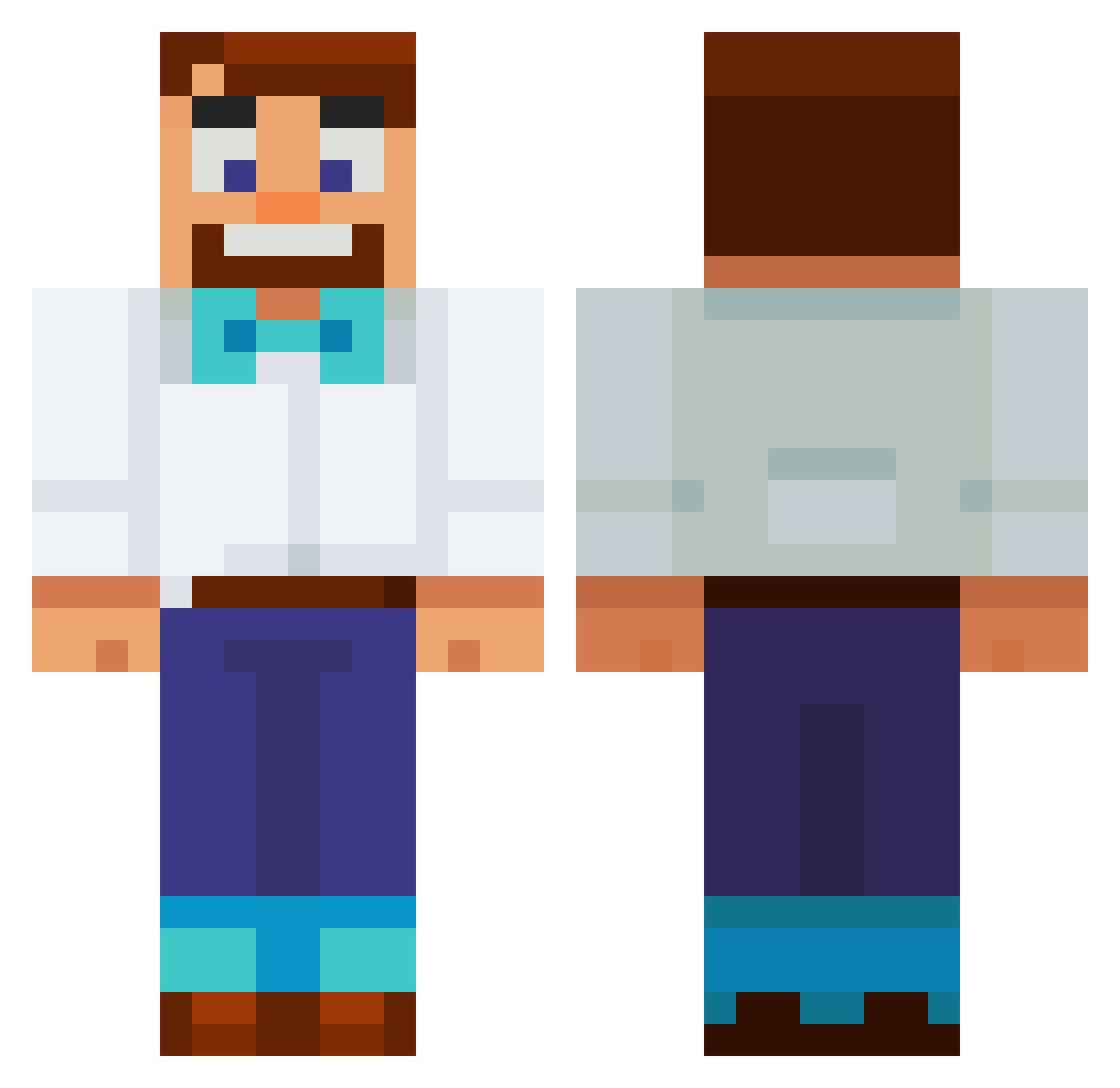
Current Minecraft skin of the player DucePerun, loaded from the official Mojang API. Rotate the 3D model with your mouse or finger, then download the skin as a PNG file and use it in Minecraft: Bedrock Edition or Java Edition for free. When DucePerun changes their skin, this page updates automatically and the old skin stays in the history below.
Other players with this skin (661)
DucePerun was the 522nd player we have seen with this skin, first spotted on 16.10.2026. The same skin was seen on these players. Open a nickname to see their current skin and skin history.
 SPID3R1337 Jeaky_ SvenSvensson92 Kiz190 kkjs12 Paulinho_123 vSpok conzzqx MrBunny2821 llmz kamikagee Gosurf50 CaroKunn DEWCRAFTz DrowningFish_0 JoeG4t0r mkdog141 Lenkski BubbaJ456 vankamlor harddom Liam505df gssurs Kevyox14 Maharba_12 SomeDumbGinger M4v3R dossin4 jjwb123 Ramuzero XRisenAssassinX Hawk_Tuah_ Sweeeet_Dreams Thoorstein EY109 Tutuzim_ SlickeBlade RussellJCM Deltacks sangheon i8bluefrog EinradLuchs Citywanderer4 DrYouKnowWho7 lumierenoire Dragnak Ttv_dutchbros weareleeds66 0muffin_ VegaGaming adakaplanseks Lscsevin Velte_ Michielosss Griffski500 G3RTRAX Firebrand2024 IlyaLeon laralngn22 V1t3k14
More Bowtie Minecraft skins
How to install the DucePerun skin
- Press the Download button above to save the skin as a PNG file.
- Minecraft: Bedrock Edition (PE): open the Dressing Room from the main menu (or tap your character → Edit Character), go to Classic Skins → Owned, press the + (new skin) button, choose the downloaded PNG and pick the Classic (Steve) model. Works on PC and mobile; consoles cannot import custom skins.
- Minecraft: Java Edition: open the Minecraft Launcher, go to the Skins tab, click New Skin, load the PNG, pick the Classic (Steve) model and press Save & Use. You can also upload it at minecraft.net → Profile → Change Skin.
The skin does not show up after import - what should I do?
Restart Minecraft and open the Dressing Room again - imported skins sometimes appear only after a restart. Also make sure you selected the imported skin and picked the Classic (Steve) model.
Which model should I choose, Classic or Slim?
This skin is designed for the Classic (Steve) model. If you pick the wrong model, the arms of the skin will look stretched or squeezed.
Is the skin of DucePerun free to download?
Yes. Press Download, save the PNG file and use it in Minecraft: Bedrock Edition or Java Edition - no payment or registration needed. The skin also works on multiplayer servers and Realms.
More skins
Looking for more? Go back to all Minecraft skins and check the top skins of the week, month and all time, or find any player's skin by nickname.