
DontGotAGoodName - Minecraft Skins & Skin History
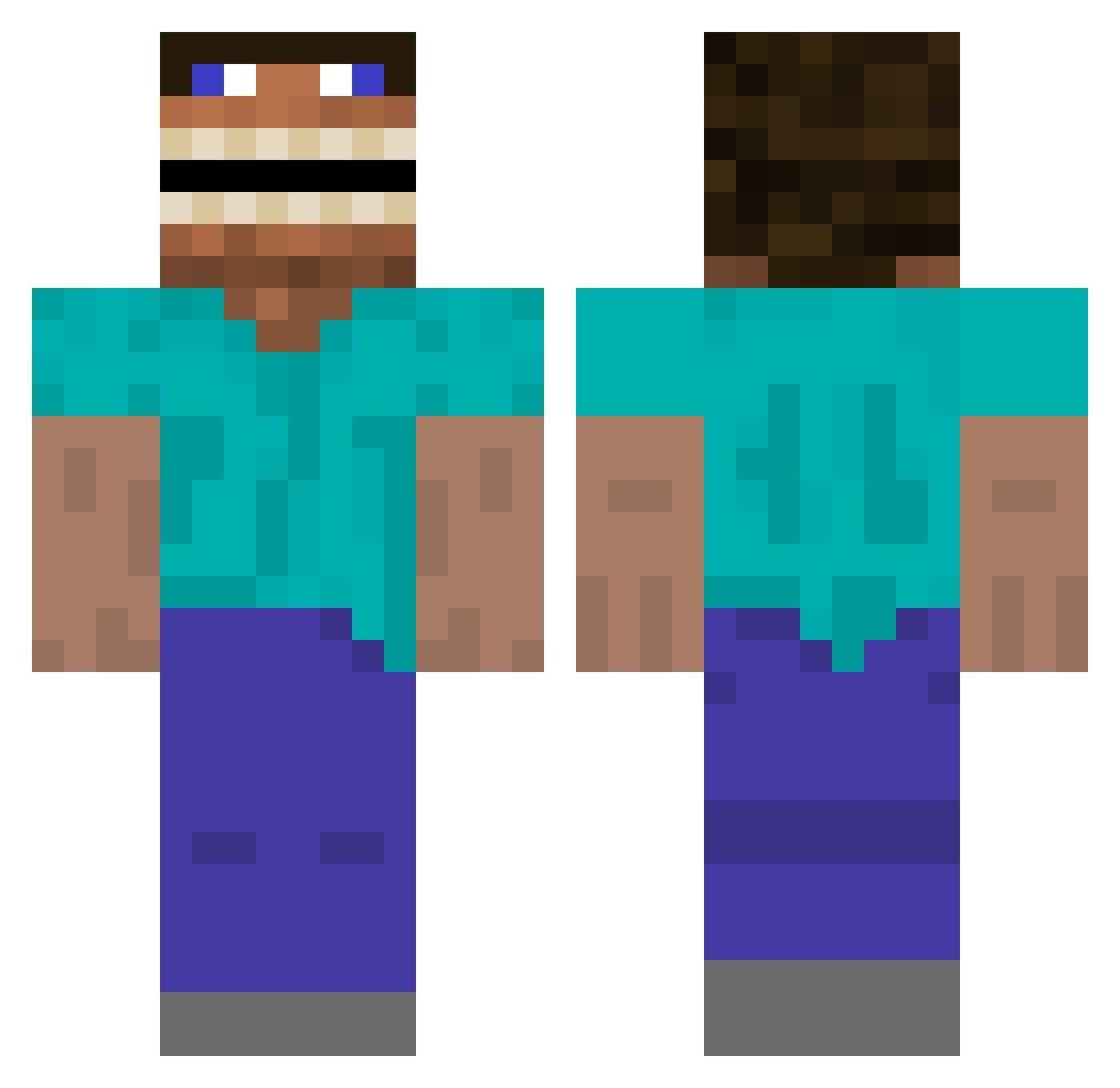
Current Minecraft skin of the player DontGotAGoodName, loaded from the official Mojang API. Rotate the 3D model with your mouse or finger, then download the skin as a PNG file and use it in Minecraft: Bedrock Edition or Java Edition for free. When DontGotAGoodName changes their skin, this page updates automatically and the old skin stays in the history below.
Other players with this skin (392)
DontGotAGoodName was the 63rd player we have seen with this skin, first spotted on 13.08.2026. The same skin was seen on these players. Open a nickname to see their current skin and skin history.
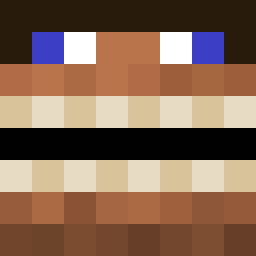 Draczin BlueBottle2017 enleve xXz_nXx EpicGamerKid06 CrashPhenomena MrCrabs383 bbradford29 JyoMamas maxiM__1 HoogahBoogah Bruhboy420 thearabhommie Redeadgta DebbieGatewood SZequinox georgeTorres xXrollandXx MrCannonPl _INTI_ p00kiebear_69 BillyyB0b123 Klutch2tg WenoXcz Jay_Sun99 osiiiiii legin_emo Berk_6116 Rokjo Fazeoutlook Jarbeefus76 Markiblart X0D3TH Wals bandzyexclusive bughamleG342 2005Chris2005 MarloMomo MrShush1237
 IceyVIII jaxsonestes okayoo The_Wicked_Ween MattOhmz Blueray007 MrHovland27 SteelPunch2017 Jesuispapalevrai Teimo42 ryaneric333 soloplayer1859 ItsEpicBoss mattmcc6 Zanman808 Anxito224 ByeFelicia8976 Boltroixx Gabe_2224 GlassSlidingDoor peterko22
More Funny Minecraft skins
How to install the DontGotAGoodName skin
- Press the Download button above to save the skin as a PNG file.
- Minecraft: Bedrock Edition (PE): open the Dressing Room from the main menu (or tap your character → Edit Character), go to Classic Skins → Owned, press the + (new skin) button, choose the downloaded PNG and pick the Classic (Steve) model. Works on PC and mobile; consoles cannot import custom skins.
- Minecraft: Java Edition: open the Minecraft Launcher, go to the Skins tab, click New Skin, load the PNG, pick the Classic (Steve) model and press Save & Use. You can also upload it at minecraft.net → Profile → Change Skin.
The skin does not show up after import - what should I do?
Restart Minecraft and open the Dressing Room again - imported skins sometimes appear only after a restart. Also make sure you selected the imported skin and picked the Classic (Steve) model.
Which model should I choose, Classic or Slim?
This skin is designed for the Classic (Steve) model. If you pick the wrong model, the arms of the skin will look stretched or squeezed.
Is the skin of DontGotAGoodName free to download?
Yes. Press Download, save the PNG file and use it in Minecraft: Bedrock Edition or Java Edition - no payment or registration needed. The skin also works on multiplayer servers and Realms.
More skins
Looking for more? Go back to all Minecraft skins and check the top skins of the week, month and all time, or find any player's skin by nickname.