
Donny96 - Minecraft Skins & Skin History
Current Minecraft skin of the player Donny96, loaded from the official Mojang API. Rotate the 3D model with your mouse or finger, then download the skin as a PNG file and use it in Minecraft: Bedrock Edition or Java Edition for free. When Donny96 changes their skin, this page updates automatically and the old skin stays in the history below.
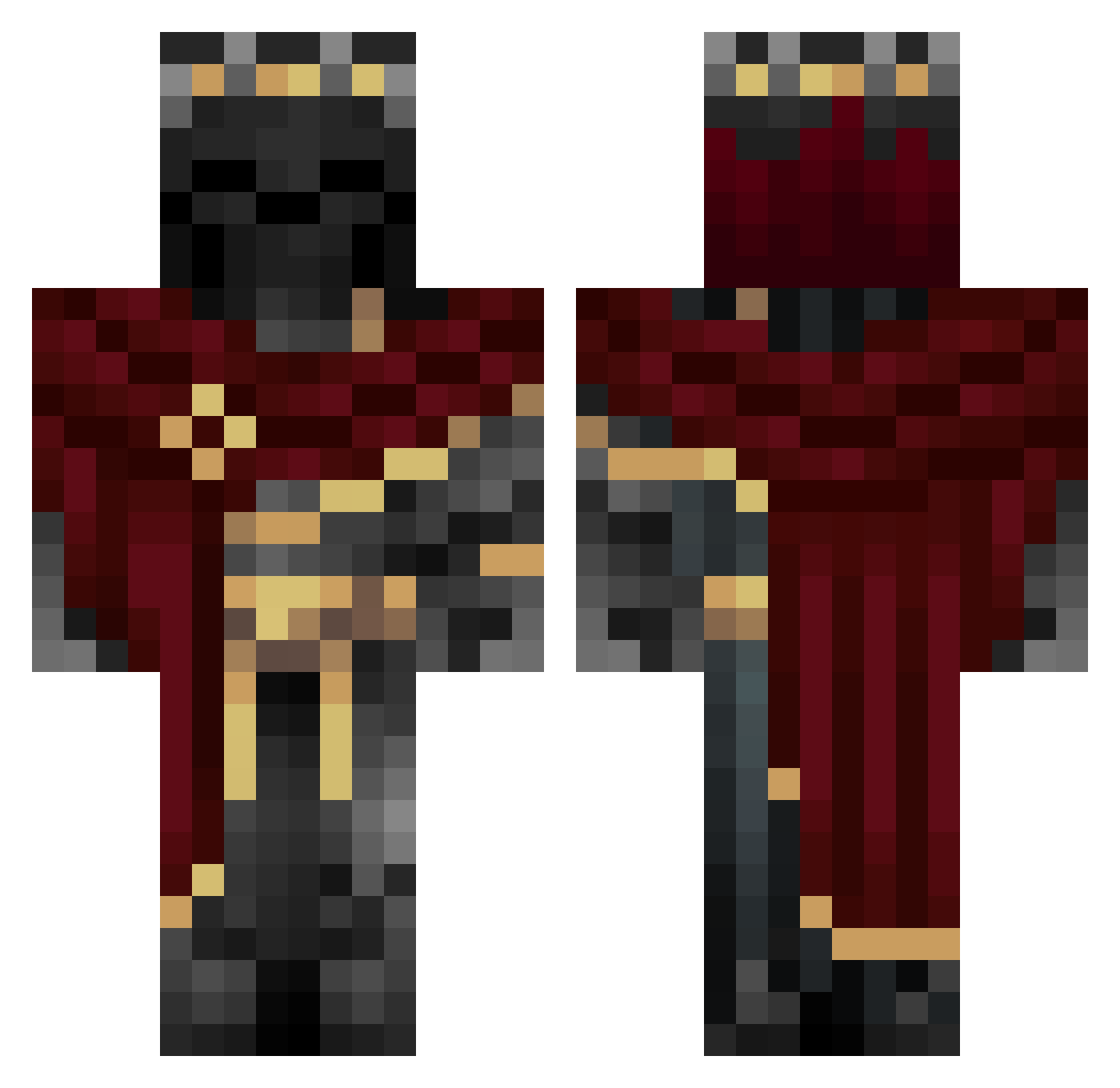
Other players with this skin (1117)
Donny96 was the 750th player we have seen with this skin, first spotted on 11.10.2026. The same skin was seen on these players. Open a nickname to see their current skin and skin history.
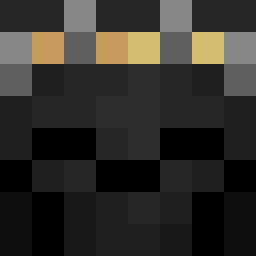 TCCB MrG20008 Keshik66 VoidexMC_ QualityJava qwerty1231312312 Emperatorrr Sharbos TheChildSteale1 RokuroRose Nirogre Stay_Quiet CS1337 im_hydrated Shadow_Knight888 Noctarex Gravesro66er Swagmassiah69 roobikahun Maeth3r salsaman2300 DrGaster_ Camperskon Lanko007 Fluffy10_11 Drjukich OUTFORB100D sedateprod Decayy_ samur4is tomscho Zuplez_43 OniTengu20 Ruined_Knight RockerFan Sk0rGe10 zketen RawisPunk J0s1ph AndyLogic 1Miistery KlNG_BREAK F_Legend123 Giorgi1530 Darklizard2005 C4RL0S_28 Smuncer Kazisita deltafrost009 1920523514 kadrkays Fakos09 KaShX244 Tomino_eu DaBookGuru S0UL_l9 Azraels_Shadow MasterCrazyTaco Precurzr Hopefullbadger
More King Minecraft skins
How to install the Donny96 skin
- Press the Download button above to save the skin as a PNG file.
- Minecraft: Bedrock Edition (PE): open the Dressing Room from the main menu (or tap your character → Edit Character), go to Classic Skins → Owned, press the + (new skin) button, choose the downloaded PNG and pick the Classic (Steve) model. Works on PC and mobile; consoles cannot import custom skins.
- Minecraft: Java Edition: open the Minecraft Launcher, go to the Skins tab, click New Skin, load the PNG, pick the Classic (Steve) model and press Save & Use. You can also upload it at minecraft.net → Profile → Change Skin.
The skin does not show up after import - what should I do?
Restart Minecraft and open the Dressing Room again - imported skins sometimes appear only after a restart. Also make sure you selected the imported skin and picked the Classic (Steve) model.
Which model should I choose, Classic or Slim?
This skin is designed for the Classic (Steve) model. If you pick the wrong model, the arms of the skin will look stretched or squeezed.
Is the skin of Donny96 free to download?
Yes. Press Download, save the PNG file and use it in Minecraft: Bedrock Edition or Java Edition - no payment or registration needed. The skin also works on multiplayer servers and Realms.
More skins
Looking for more? Go back to all Minecraft skins and check the top skins of the week, month and all time, or find any player's skin by nickname.