
Darren8998 - Minecraft Skins & Skin History
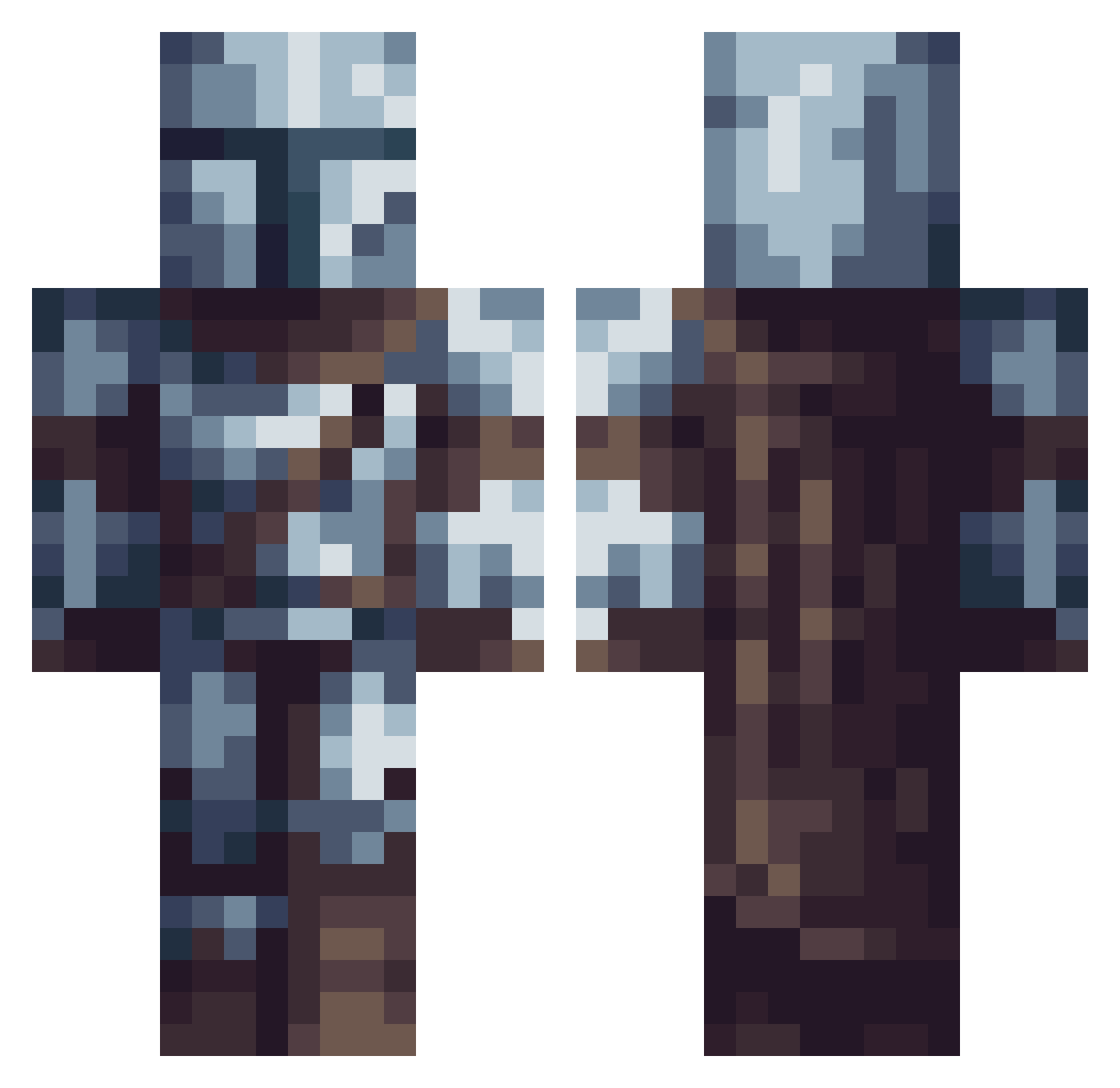
Current Minecraft skin of the player Darren8998, loaded from the official Mojang API. Rotate the 3D model with your mouse or finger, then download the skin as a PNG file and use it in Minecraft: Bedrock Edition or Java Edition for free. When Darren8998 changes their skin, this page updates automatically and the old skin stays in the history below.
Other players with this skin (614)
Darren8998 was the 413th player we have seen with this skin, first spotted on 07.10.2026. The same skin was seen on these players. Open a nickname to see their current skin and skin history.
 Tostivar PeregrineMaxim Maritus69 BRUTE_ACC GasGhostAK hotlo3 xXHuntercrafter Salas90 Rekkuzza Ernie_Sanders Meydrax SK4i_ YBNAKA Pluhk BuzzardyS AeTher97 eksentra ramishow Xanatos20 Fighterfox404 osword Maxdragore Flarecorp Stivenyt14 Th0rrson DominickSlg itfy258 burubo Kazma2495 Benjaaxd Zach_attax_rox xXelitegamer5 GYthorny06 Micy24 BlueKnight20 Cueball374 Sly_Killer Gagush pankeez PieBorg Coiled_dragon itachimodetv Snuffleupagus14 whitetallmf VicJoestar ElBuenJP Ganz151 Gogglefox PanMafefka ROMTS Zernyatko xKaym0r ITALY_25 nosam67 pizuXx Cartecher HarderPlay x1Shadow Digaga mandoluffy
More The Mandalorian Minecraft skins
See all 592 The Mandalorian skins
How to install the Darren8998 skin
- Press the Download button above to save the skin as a PNG file.
- Minecraft: Bedrock Edition (PE): open the Dressing Room from the main menu (or tap your character → Edit Character), go to Classic Skins → Owned, press the + (new skin) button, choose the downloaded PNG and pick the Classic (Steve) model. Works on PC and mobile; consoles cannot import custom skins.
- Minecraft: Java Edition: open the Minecraft Launcher, go to the Skins tab, click New Skin, load the PNG, pick the Classic (Steve) model and press Save & Use. You can also upload it at minecraft.net → Profile → Change Skin.
The skin does not show up after import - what should I do?
Restart Minecraft and open the Dressing Room again - imported skins sometimes appear only after a restart. Also make sure you selected the imported skin and picked the Classic (Steve) model.
Which model should I choose, Classic or Slim?
This skin is designed for the Classic (Steve) model. If you pick the wrong model, the arms of the skin will look stretched or squeezed.
Is the skin of Darren8998 free to download?
Yes. Press Download, save the PNG file and use it in Minecraft: Bedrock Edition or Java Edition - no payment or registration needed. The skin also works on multiplayer servers and Realms.
More skins
Looking for more? Go back to all Minecraft skins and check the top skins of the week, month and all time, or find any player's skin by nickname.