
DaReallyBest - Minecraft Skins & Skin History
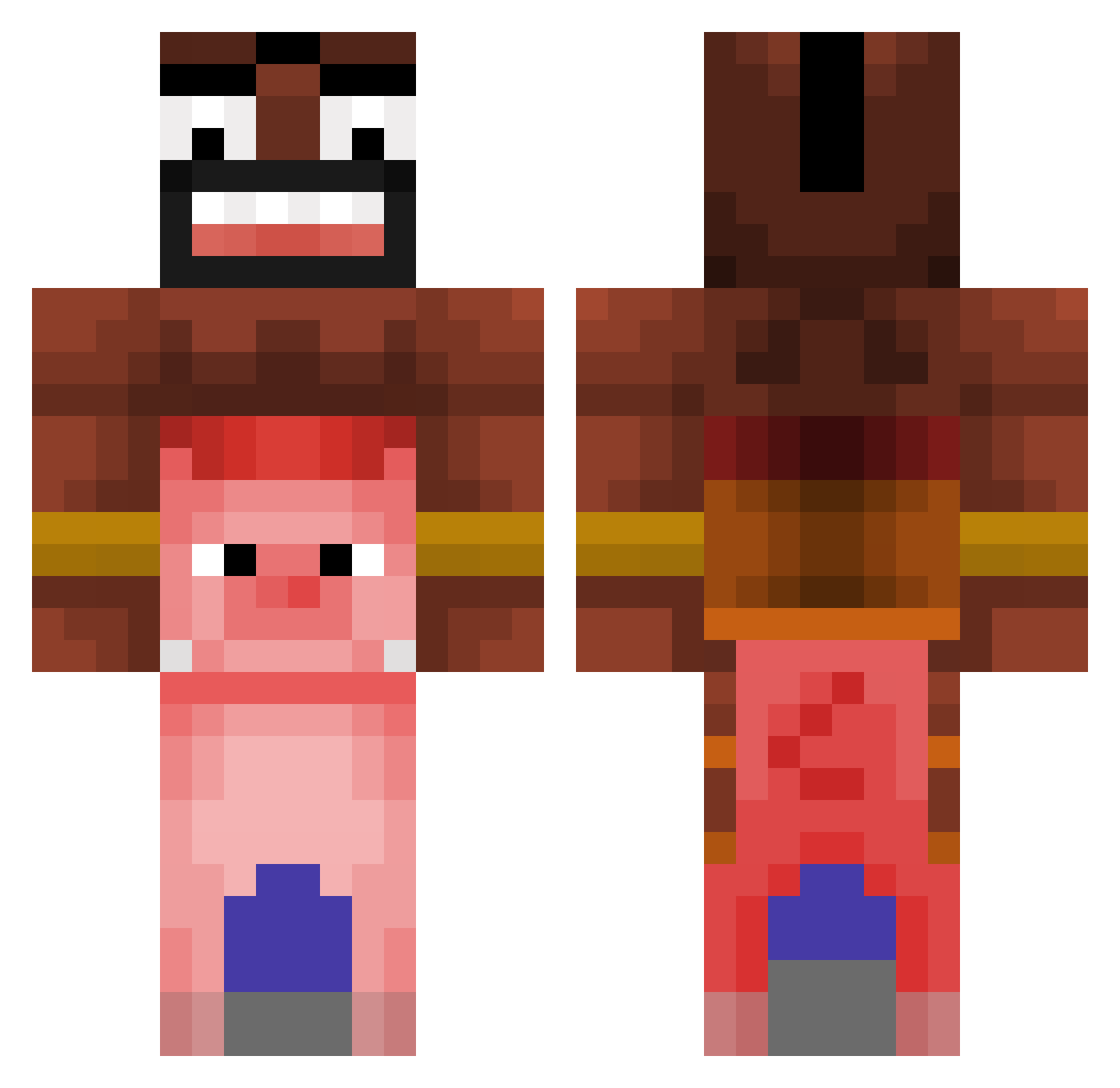
Current Minecraft skin of the player DaReallyBest, loaded from the official Mojang API. Rotate the 3D model with your mouse or finger, then download the skin as a PNG file and use it in Minecraft: Bedrock Edition or Java Edition for free. When DaReallyBest changes their skin, this page updates automatically and the old skin stays in the history below.
Other players with this skin (366)
DaReallyBest was the 200th player we have seen with this skin, first spotted on 27.09.2026. The same skin was seen on these players. Open a nickname to see their current skin and skin history.
 guest_babybel RainerZufall211 19999999 Niko123_PL SWIMMONKE godnofear Puds__ SovanaX Pandillo2005 Dannyzii SourBeefBro Adam613 HYUNWO10 tuban zmrzlinar Luqyx ArdaEgeAras aayekit seemoolook1 _kelper_ Astin2007 LaterBrown ScHsboy1 SpieJokey leandro0105 2w32 mnukan ojc1316 OtttoVonBismarck GregorioFake Dario0o1 0FABLE lmbfao bangings HYKSabueso Psjco XIABRAL Floetist88 QueasyBirb HogRaider_456 P1lm cucumberderechte iTzEd_dy teyapi hadlehd Lost_miner0 Giulytetonalinda uwusenpaikitten3 Quackeded Restarter_ WaxPotPourri Scobbydoo3 lampa223 Zlati_Dim Mraco7169 Pmoney134 lllai RyderRocks12 Succucms Hattrick33210
More Piggyback Minecraft skins
How to install the DaReallyBest skin
- Press the Download button above to save the skin as a PNG file.
- Minecraft: Bedrock Edition (PE): open the Dressing Room from the main menu (or tap your character → Edit Character), go to Classic Skins → Owned, press the + (new skin) button, choose the downloaded PNG and pick the Classic (Steve) model. Works on PC and mobile; consoles cannot import custom skins.
- Minecraft: Java Edition: open the Minecraft Launcher, go to the Skins tab, click New Skin, load the PNG, pick the Classic (Steve) model and press Save & Use. You can also upload it at minecraft.net → Profile → Change Skin.
The skin does not show up after import - what should I do?
Restart Minecraft and open the Dressing Room again - imported skins sometimes appear only after a restart. Also make sure you selected the imported skin and picked the Classic (Steve) model.
Which model should I choose, Classic or Slim?
This skin is designed for the Classic (Steve) model. If you pick the wrong model, the arms of the skin will look stretched or squeezed.
Is the skin of DaReallyBest free to download?
Yes. Press Download, save the PNG file and use it in Minecraft: Bedrock Edition or Java Edition - no payment or registration needed. The skin also works on multiplayer servers and Realms.
More skins
Looking for more? Go back to all Minecraft skins and check the top skins of the week, month and all time, or find any player's skin by nickname.