
D_Dokkan - Minecraft Skins & Skin History
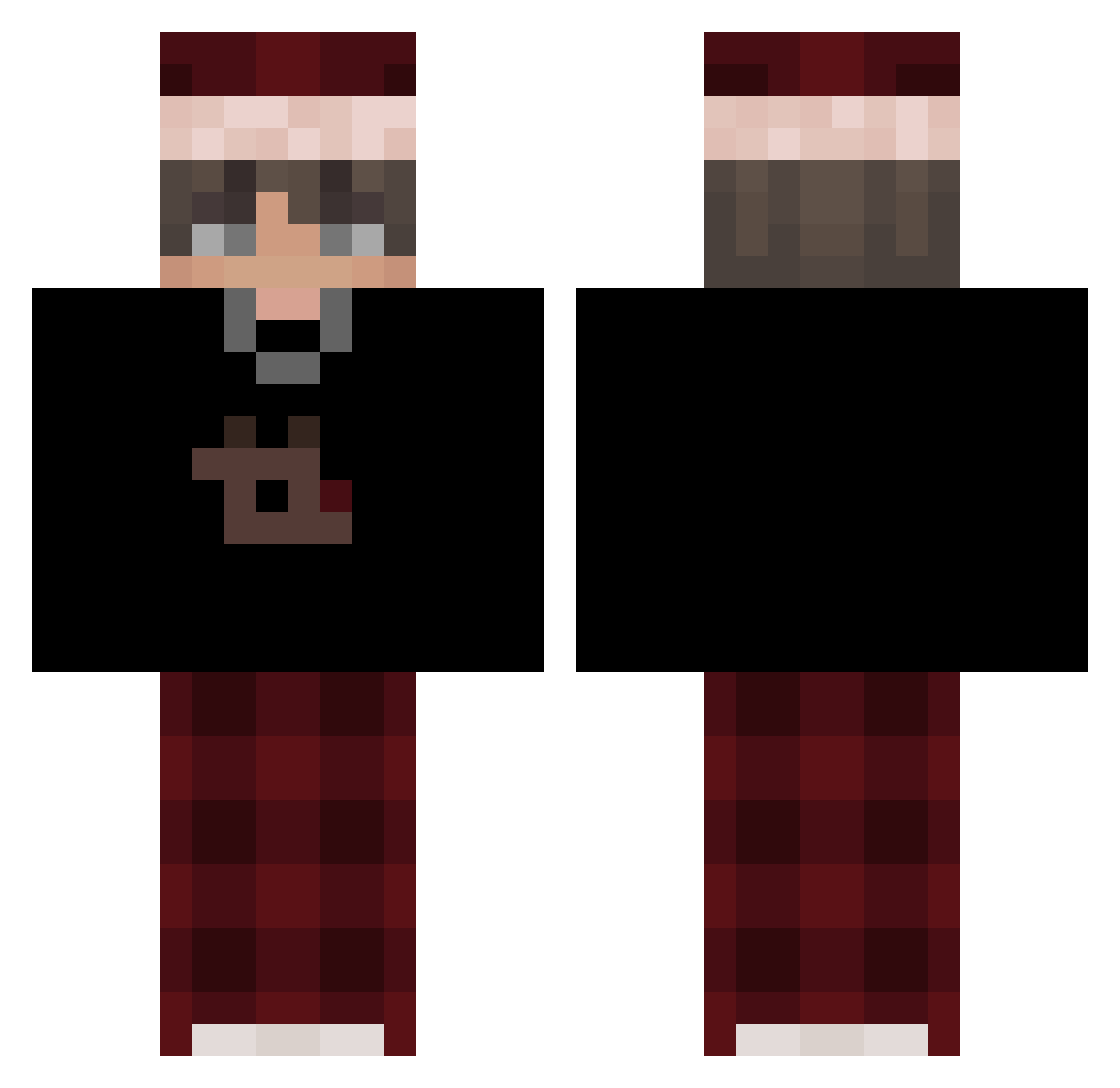
Current Minecraft skin of the player D_Dokkan, loaded from the official Mojang API. Rotate the 3D model with your mouse or finger, then download the skin as a PNG file and use it in Minecraft: Bedrock Edition or Java Edition for free. When D_Dokkan changes their skin, this page updates automatically and the old skin stays in the history below.
Other players with this skin (684)
D_Dokkan was the 662nd player we have seen with this skin, first spotted on 15.11.2026. The same skin was seen on these players. Open a nickname to see their current skin and skin history.
 ITZ_not_Me1234 chilisaus Skartloka MrXMax ccatfish69 NotMizuu Tryxc LASKDU Shido_FLA 3yeee Danilo61 Jeffx19 SilentCrits_ Fablox12 denzuwu StefanRANK2 Lonely_Sailor Dragon82022 Gwiazdaaa 69DrakeSnake69 Entyty22 Rix_3d Jakub0608 Sandrikka monitor123456789 N0tLie DroppedByArabu clapii_ blo312 zxxrc kelvin32 LEKCIA_POKORY12 Yash_007 JASAMDOKTOR olenyator2000 Matt1989 Zx_jan75 nilaysslayyy Bre_Anto Kevo999 Lumrynn Skyo4724 B3dnarek arrowpufs deadfox341 paleontologists ritxnn_ lakshu437 Umxr_24 Lasteen_ 27rxdu INeedYouuu Rqw3rtt SavageKatan Aenvar MrRags82 isenpisu47 PrinceKub3k Ancient_King143 zTaaro
More Santa Hat Minecraft skins
How to install the D_Dokkan skin
- Press the Download button above to save the skin as a PNG file.
- Minecraft: Bedrock Edition (PE): open the Dressing Room from the main menu (or tap your character → Edit Character), go to Classic Skins → Owned, press the + (new skin) button, choose the downloaded PNG and pick the Classic (Steve) model. Works on PC and mobile; consoles cannot import custom skins.
- Minecraft: Java Edition: open the Minecraft Launcher, go to the Skins tab, click New Skin, load the PNG, pick the Classic (Steve) model and press Save & Use. You can also upload it at minecraft.net → Profile → Change Skin.
The skin does not show up after import - what should I do?
Restart Minecraft and open the Dressing Room again - imported skins sometimes appear only after a restart. Also make sure you selected the imported skin and picked the Classic (Steve) model.
Which model should I choose, Classic or Slim?
This skin is designed for the Classic (Steve) model. If you pick the wrong model, the arms of the skin will look stretched or squeezed.
Is the skin of D_Dokkan free to download?
Yes. Press Download, save the PNG file and use it in Minecraft: Bedrock Edition or Java Edition - no payment or registration needed. The skin also works on multiplayer servers and Realms.
More skins
Looking for more? Go back to all Minecraft skins and check the top skins of the week, month and all time, or find any player's skin by nickname.