
DUKE999999 - Minecraft Skins & Skin History
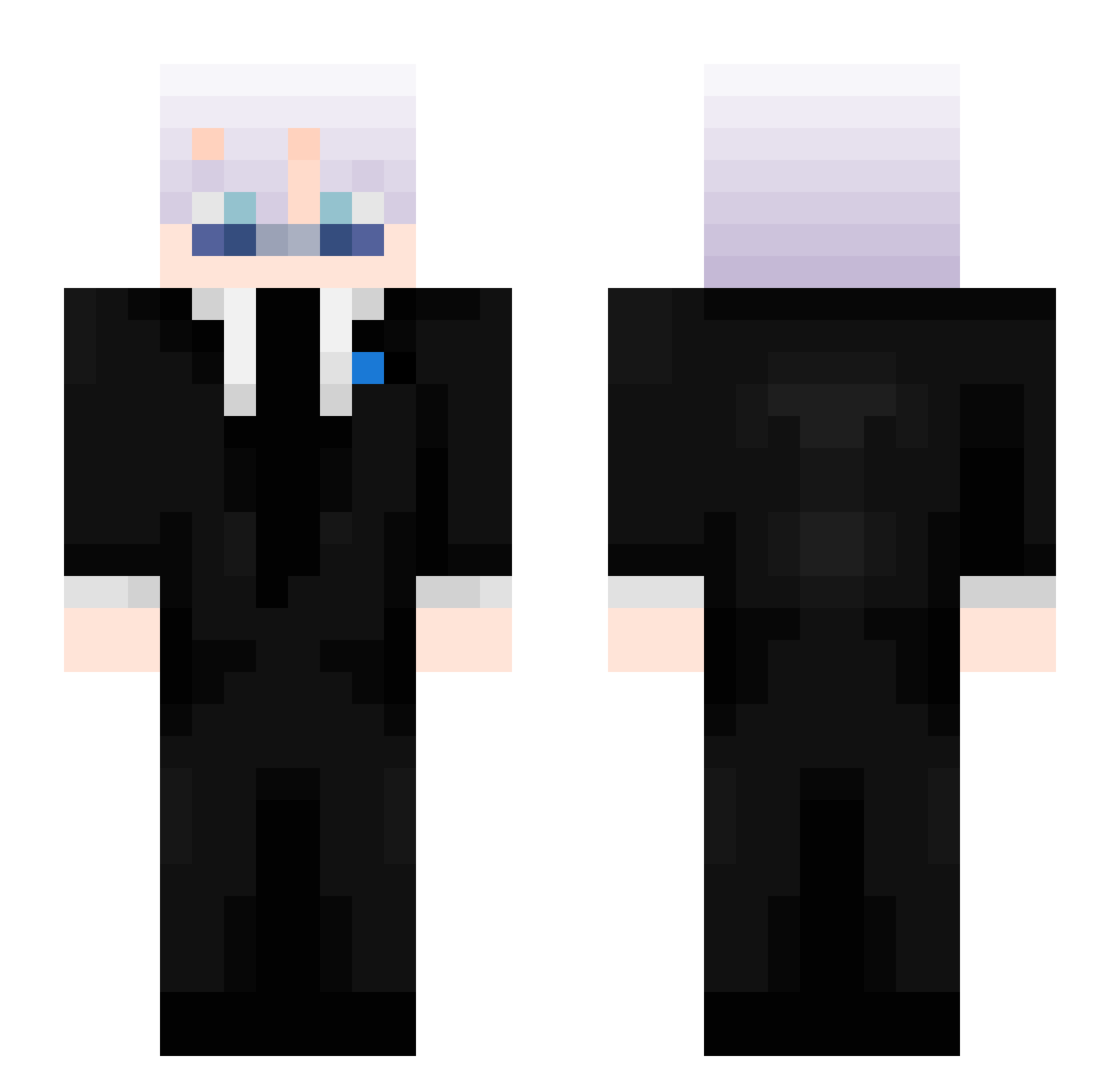
Current Minecraft skin of the player DUKE999999, loaded from the official Mojang API. Rotate the 3D model with your mouse or finger, then download the skin as a PNG file and use it in Minecraft: Bedrock Edition or Java Edition for free. When DUKE999999 changes their skin, this page updates automatically and the old skin stays in the history below.
Other players with this skin (449)
DUKE999999 was the 423rd player we have seen with this skin, first spotted on 24.10.2026. The same skin was seen on these players. Open a nickname to see their current skin and skin history.
 thommi8123 Gxostyx Errakie Freckleedboooy _FLAME_MASTER_ Raff281 i_SO_l og_adrian puika570 kenngorou Tastydenver Jcm__ Maliko685 gou_msmc_33f rain6812 Damsa24 syl____ Adonis_0702 _b0e _Mi1Y Leewalkyy YoBoyHimmy XxswankyfinnxX n779 Todesdrache Hayden0110 Smitty28 Am3thistt owkziii Ch0musukeh TWIST_BAD Piterson2020 Azeeleo Astrothespaceman Lepazzz Rainbow9918 TypicalSpooky17 TwistedVs_ ItsRealM3 aKa_Ruffy charlieandmilmo 5might Dalzraa kingdan747 Swiftness_3 The_M4STERM1ND ZoeyMC SwightyMiner arturoobtw KAM1XE Thakur_9 raseerd69 emmahoyle07 windiws_exp BranBran9614 ItzSwoxer NOOBX7 Astramac12 Oskar221112 s0l0_k1ll_
More Satoru Gojo Minecraft skins
See all 1318 Satoru Gojo skins
How to install the DUKE999999 skin
- Press the Download button above to save the skin as a PNG file.
- Minecraft: Bedrock Edition (PE): open the Dressing Room from the main menu (or tap your character → Edit Character), go to Classic Skins → Owned, press the + (new skin) button, choose the downloaded PNG and pick the Slim (Alex) model. Works on PC and mobile; consoles cannot import custom skins.
- Minecraft: Java Edition: open the Minecraft Launcher, go to the Skins tab, click New Skin, load the PNG, pick the Slim (Alex) model and press Save & Use. You can also upload it at minecraft.net → Profile → Change Skin.
The skin does not show up after import - what should I do?
Restart Minecraft and open the Dressing Room again - imported skins sometimes appear only after a restart. Also make sure you selected the imported skin and picked the Slim (Alex) model.
Which model should I choose, Classic or Slim?
This skin is designed for the Slim (Alex) model. If you pick the wrong model, the arms of the skin will look stretched or squeezed.
Is the skin of DUKE999999 free to download?
Yes. Press Download, save the PNG file and use it in Minecraft: Bedrock Edition or Java Edition - no payment or registration needed. The skin also works on multiplayer servers and Realms.
More skins
Looking for more? Go back to all Minecraft skins and check the top skins of the week, month and all time, or find any player's skin by nickname.