
DOTMouse - Minecraft Skins & Skin History
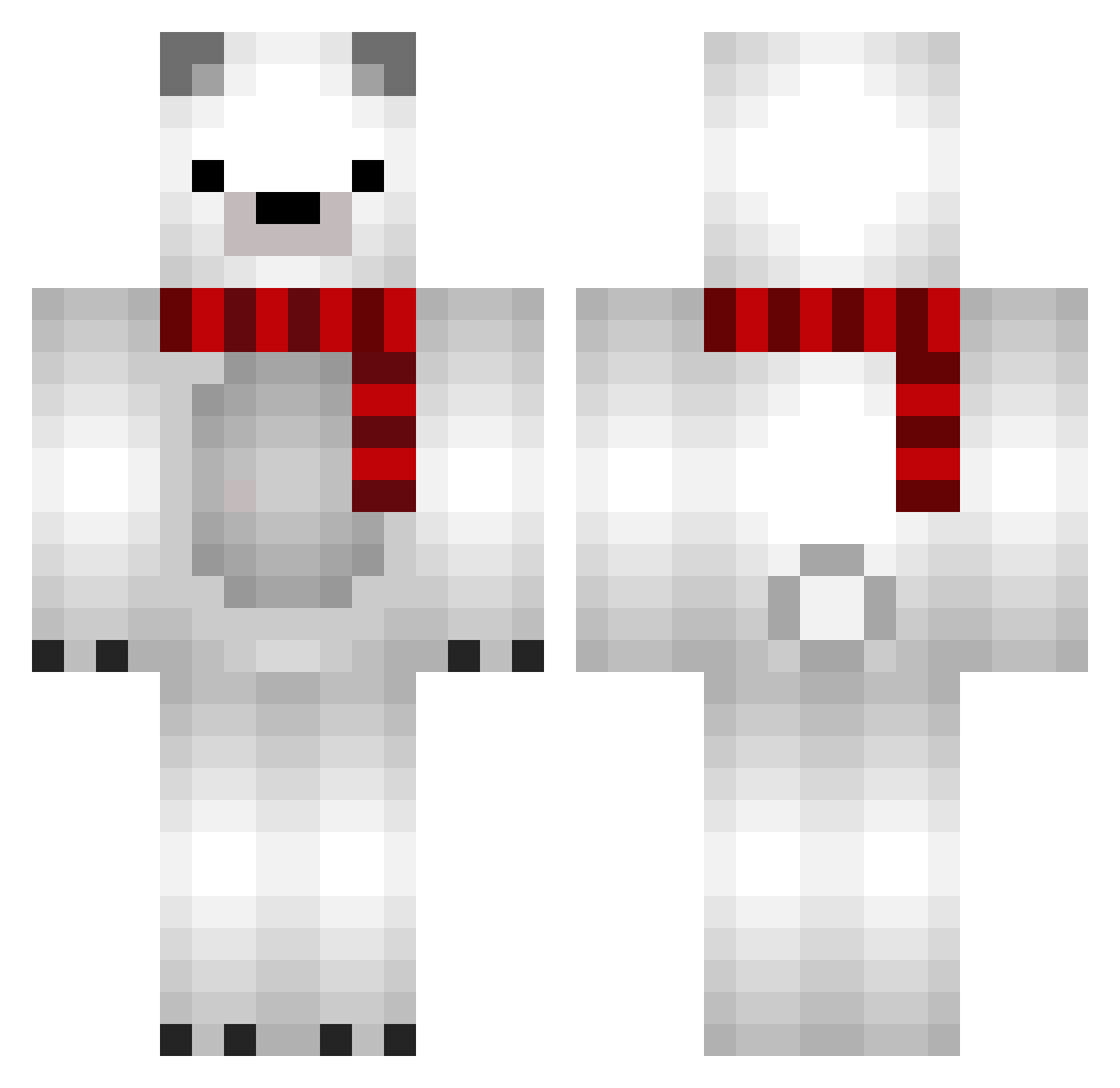
Current Minecraft skin of the player DOTMouse, loaded from the official Mojang API. Rotate the 3D model with your mouse or finger, then download the skin as a PNG file and use it in Minecraft: Bedrock Edition or Java Edition for free. When DOTMouse changes their skin, this page updates automatically and the old skin stays in the history below.
Other players with this skin (682)
DOTMouse was the 541st player we have seen with this skin, first spotted on 05.10.2026. The same skin was seen on these players. Open a nickname to see their current skin and skin history.
 ChuN0430 cmlsa ZhuTaRan hxxd22 kutonski_bot Wonsick garaku85 toshikokun Ben_Cheng kioskero yoona417 CHOLONG22 OKIJOE cyakaneko Mr_junooo Airtokuya snailtimee asinomas sho5252 WhiteBear1337 junhyeok99 Snowball000 sean737 TheFoolsDog Jyc12 T4mk1 Youngjun0328 DOBI9412 DoHyun0515 JuninhoL Jayteenz tana629 _rjsl_ nurungji7 Eusebiony Pappii001 Zendigass niko0w0 ctates Accuwacs i72awr zSecond YJ_19 9viibes SirTapu Daydream_cat_ Tyxa_ BeratBaban66 CrownCorruptor Lealeventre molla14 Uzabii HotDaddy182 oooKUROMIooo Lapinoux LazyBan Remakeeeee H22P0 WhitexxTiger CuteGeunI
More Polar Bear Minecraft skins
How to install the DOTMouse skin
- Press the Download button above to save the skin as a PNG file.
- Minecraft: Bedrock Edition (PE): open the Dressing Room from the main menu (or tap your character → Edit Character), go to Classic Skins → Owned, press the + (new skin) button, choose the downloaded PNG and pick the Classic (Steve) model. Works on PC and mobile; consoles cannot import custom skins.
- Minecraft: Java Edition: open the Minecraft Launcher, go to the Skins tab, click New Skin, load the PNG, pick the Classic (Steve) model and press Save & Use. You can also upload it at minecraft.net → Profile → Change Skin.
The skin does not show up after import - what should I do?
Restart Minecraft and open the Dressing Room again - imported skins sometimes appear only after a restart. Also make sure you selected the imported skin and picked the Classic (Steve) model.
Which model should I choose, Classic or Slim?
This skin is designed for the Classic (Steve) model. If you pick the wrong model, the arms of the skin will look stretched or squeezed.
Is the skin of DOTMouse free to download?
Yes. Press Download, save the PNG file and use it in Minecraft: Bedrock Edition or Java Edition - no payment or registration needed. The skin also works on multiplayer servers and Realms.
More skins
Looking for more? Go back to all Minecraft skins and check the top skins of the week, month and all time, or find any player's skin by nickname.