
DGSDaan - Minecraft Skins & Skin History
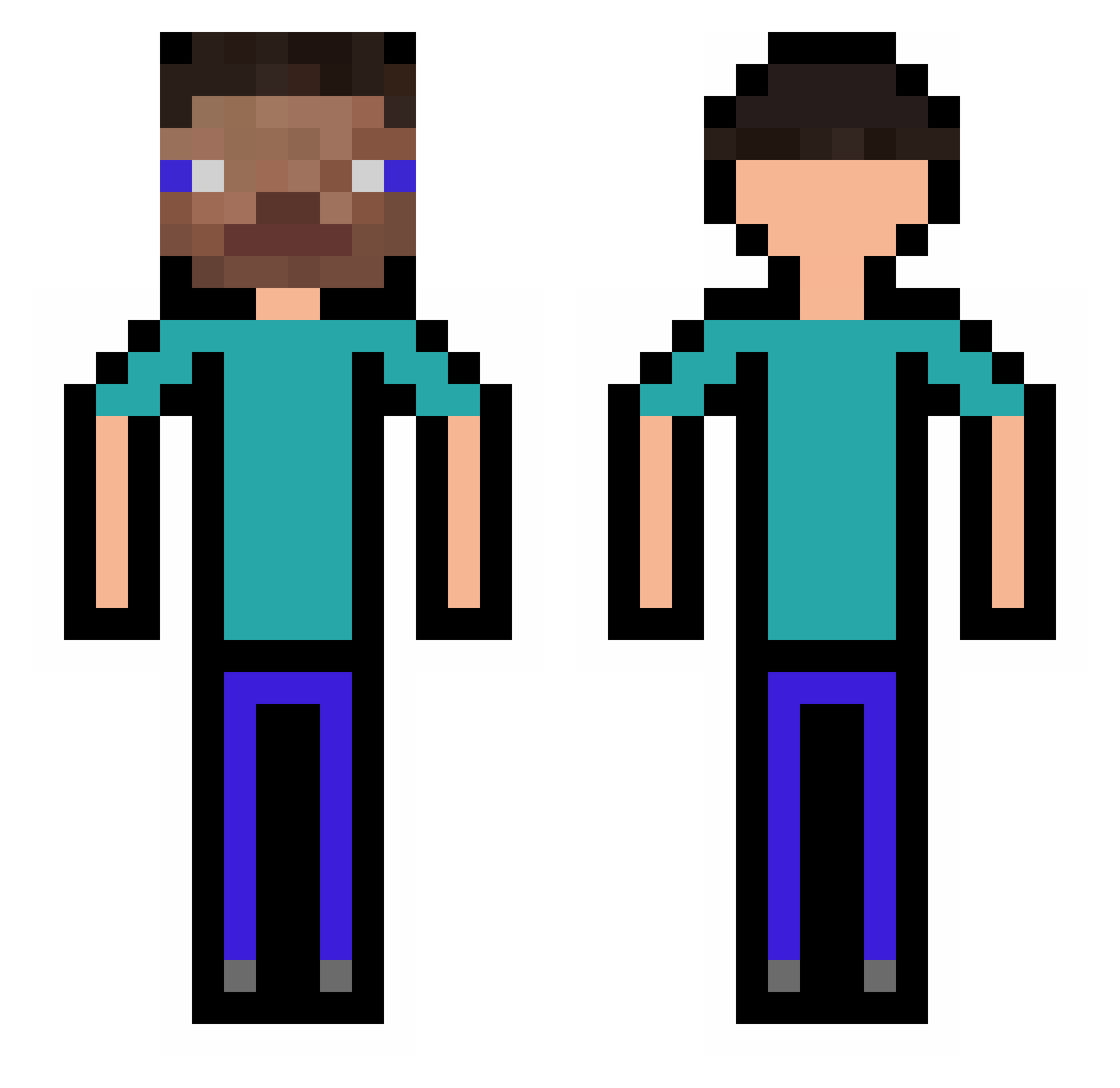
Current Minecraft skin of the player DGSDaan, loaded from the official Mojang API. Rotate the 3D model with your mouse or finger, then download the skin as a PNG file and use it in Minecraft: Bedrock Edition or Java Edition for free. When DGSDaan changes their skin, this page updates automatically and the old skin stays in the history below.
Other players with this skin (318)
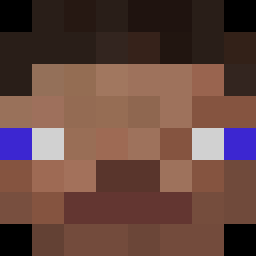
DGSDaan was the 139th player we have seen with this skin, first spotted on 16.09.2026. The same skin was seen on these players. Open a nickname to see their current skin and skin history.
 Obamasterobama tuska3006 ZakolakK1 Kabutomushi_924 MightyNep Corremon eXilieaon Bebronos _LeoLeZigoto IzumiSagiri1314 lg_4113 D_Alembertian Kfwfk GuuhKl AndySalchicha mgxel09 ragak Cxukun LuckyGameENG Blackcatjack DoUBelieveInLove
 NotIbuprofenox MultiKano HappyCactus9476 Sodu12350 lc1204 Ray_mice6666 OkemJoe Brumzee Skullduggery0608 Eleezer Chambleque cy1031 3loke taistomati CaptainObvious12 ZacharyVR AtmBanker dindin090 tyrelol yxcb Anabeell ViKTin__ MilETis jordaco symbolx18 Colerb musg3lm racism00000 tonypeperony jinhyenzz bublx_x Pujdo22 Big_liu faluke22 h1muraa RodrigoKN mimyeon Cukierki2006 ieai_ieai
How to install the DGSDaan skin
- Press the Download button above to save the skin as a PNG file.
- Minecraft: Bedrock Edition (PE): open the Dressing Room from the main menu (or tap your character → Edit Character), go to Classic Skins → Owned, press the + (new skin) button, choose the downloaded PNG and pick the Classic (Steve) model. Works on PC and mobile; consoles cannot import custom skins.
- Minecraft: Java Edition: open the Minecraft Launcher, go to the Skins tab, click New Skin, load the PNG, pick the Classic (Steve) model and press Save & Use. You can also upload it at minecraft.net → Profile → Change Skin.
The skin does not show up after import - what should I do?
Restart Minecraft and open the Dressing Room again - imported skins sometimes appear only after a restart. Also make sure you selected the imported skin and picked the Classic (Steve) model.
Which model should I choose, Classic or Slim?
This skin is designed for the Classic (Steve) model. If you pick the wrong model, the arms of the skin will look stretched or squeezed.
Is the skin of DGSDaan free to download?
Yes. Press Download, save the PNG file and use it in Minecraft: Bedrock Edition or Java Edition - no payment or registration needed. The skin also works on multiplayer servers and Realms.
More skins
Looking for more? Go back to all Minecraft skins and check the top skins of the week, month and all time, or find any player's skin by nickname.