
Cswag22 - Minecraft Skins & Skin History
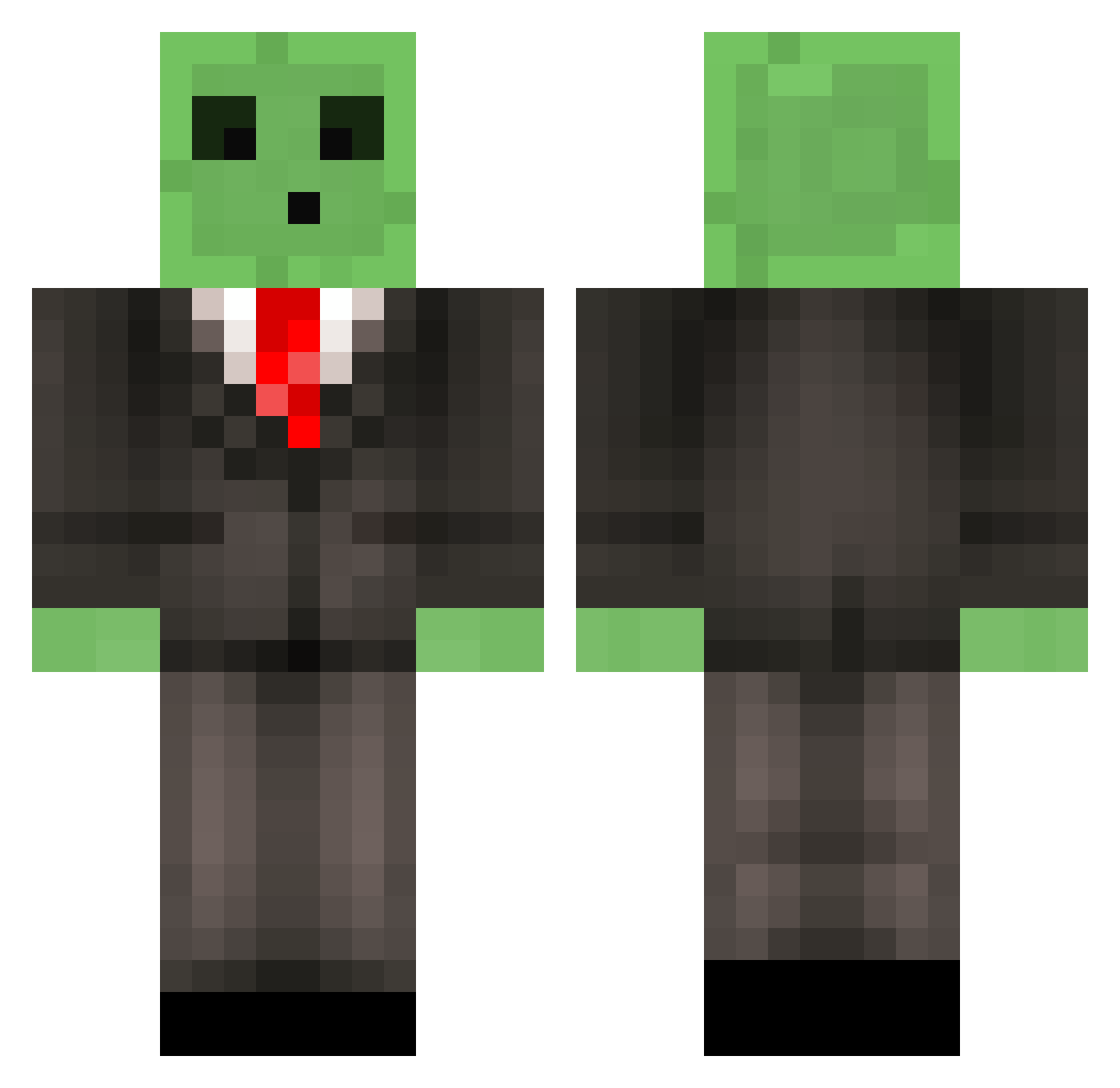
Current Minecraft skin of the player Cswag22, loaded from the official Mojang API. Rotate the 3D model with your mouse or finger, then download the skin as a PNG file and use it in Minecraft: Bedrock Edition or Java Edition for free. When Cswag22 changes their skin, this page updates automatically and the old skin stays in the history below.
Other players with this skin (519)
Cswag22 was the 302nd player we have seen with this skin, first spotted on 02.10.2026. The same skin was seen on these players. Open a nickname to see their current skin and skin history.
 cvincent7 ElTurtle_ xavierfeliz54 ZombiesKiller19 zippeq Nica1970 Himotep_ FranticGaijin zantankist RXCAs NFS2025 Yikolemon Bodjiy Aran3 maxthemitch ImTechRed Fidelium_ ImGuffi moonlighthh PRC1949 drduck235 marlon_goon DermoDavis Takusabot2 AutumnSlime_404 Panoramix KA4D CosmoTortoise21 XanderRabbit awdwqfreqf ILCHIMICO18 mongsil3757 VenusaurChill Plebixlolek Rodycalis Petuuur IshGamish1 Kirazure bac8434 Good4663 Animeweebb4070 Leaflys TSUJINO0927 Snipezilla Midway445 GLGemini MastaWhang JellOJag Coomber_ sleevi Json010 Tspace3824 Sideshwar01 JustSomeDonkus ElN3g0ci0S0C10 DominictheDonkey luktree GewapAlt8 TIAM_1209 Grimace_I
More Slime Minecraft skins
How to install the Cswag22 skin
- Press the Download button above to save the skin as a PNG file.
- Minecraft: Bedrock Edition (PE): open the Dressing Room from the main menu (or tap your character → Edit Character), go to Classic Skins → Owned, press the + (new skin) button, choose the downloaded PNG and pick the Classic (Steve) model. Works on PC and mobile; consoles cannot import custom skins.
- Minecraft: Java Edition: open the Minecraft Launcher, go to the Skins tab, click New Skin, load the PNG, pick the Classic (Steve) model and press Save & Use. You can also upload it at minecraft.net → Profile → Change Skin.
The skin does not show up after import - what should I do?
Restart Minecraft and open the Dressing Room again - imported skins sometimes appear only after a restart. Also make sure you selected the imported skin and picked the Classic (Steve) model.
Which model should I choose, Classic or Slim?
This skin is designed for the Classic (Steve) model. If you pick the wrong model, the arms of the skin will look stretched or squeezed.
Is the skin of Cswag22 free to download?
Yes. Press Download, save the PNG file and use it in Minecraft: Bedrock Edition or Java Edition - no payment or registration needed. The skin also works on multiplayer servers and Realms.
More skins
Looking for more? Go back to all Minecraft skins and check the top skins of the week, month and all time, or find any player's skin by nickname.