
Cromozart - Minecraft Skins & Skin History
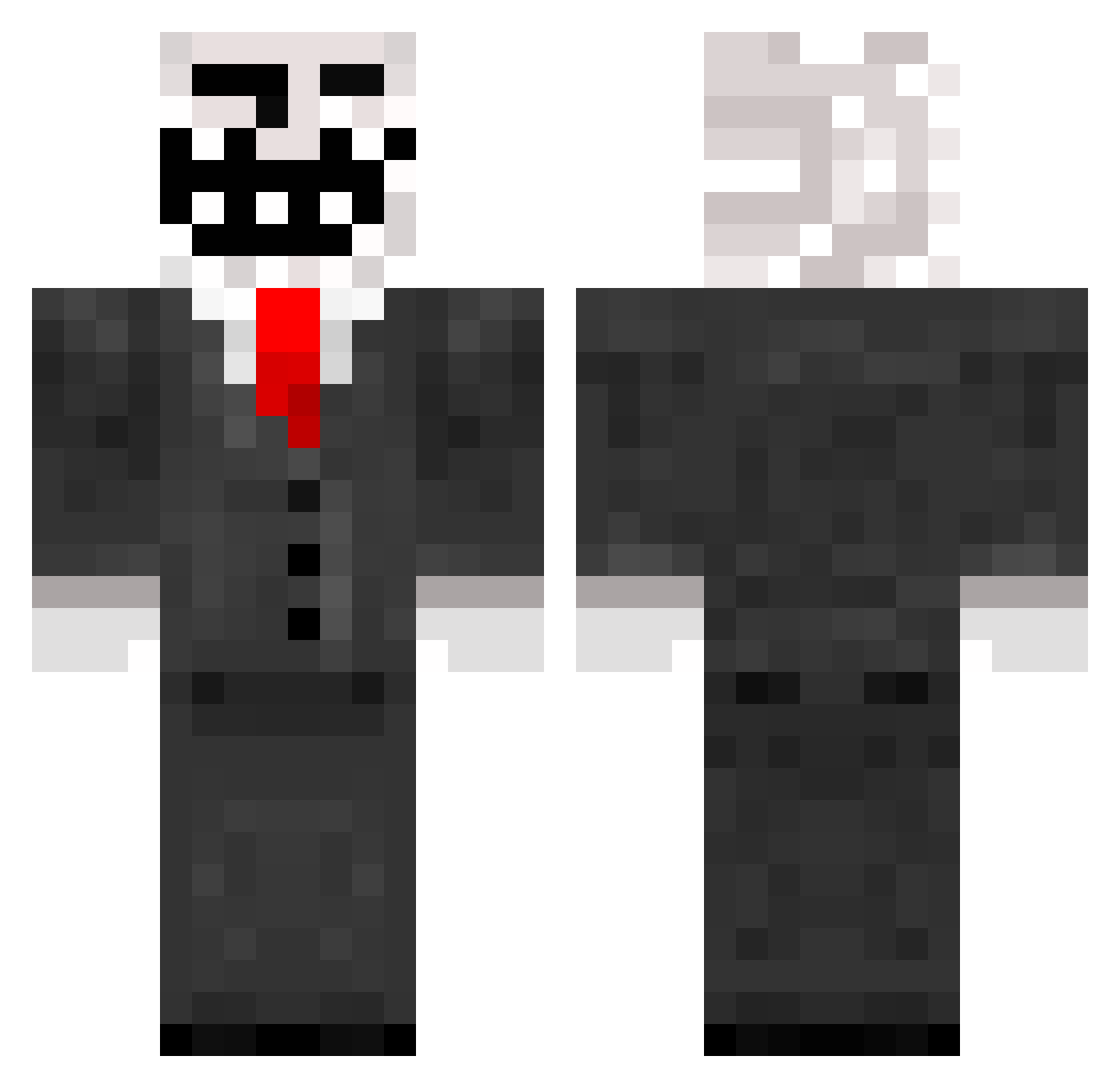
Current Minecraft skin of the player Cromozart, loaded from the official Mojang API. Rotate the 3D model with your mouse or finger, then download the skin as a PNG file and use it in Minecraft: Bedrock Edition or Java Edition for free. When Cromozart changes their skin, this page updates automatically and the old skin stays in the history below.
Other players with this skin (168)
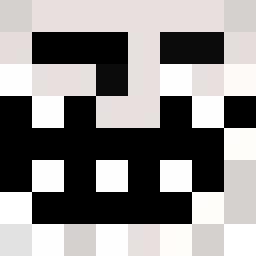
Cromozart was the 76th player we have seen with this skin, first spotted on 04.09.2026. The same skin was seen on these players. Open a nickname to see their current skin and skin history.
 _TEEMO_LA_DEVUL_ Lqrts Oskar1234 StaffaN1 skyfallTitan1209 DerHorsti3040 NoHaxJustA7A Nikolaj468 Bukex DB9 cleadus_fetus REDDEATH_7 Speialized E5B HellsKitchen89 Noelchiller1 Jburger123 Margeil xX_ItsUdhay_xx BJStansfield110 DerDave2003 Tom5389 wiging01 Fabix_7 Tj43 SilentMorki Alphagamer2k ItzGalaxyPlayz PDanChannel DAT3XASR3AP3R Kabom2010 Hilla13 Lyzope foreverblackwolf Callof007 nikopasta runtoo jansenstar Ren_1987 WUW XxRed_NeckxX ChrisSnoek Graaphics Magicfazer ioris4n Possukari Gamer97 Conner2000 Gronga MrHexen mortar97 eXtrEm3z BekirBerk Trollfacer85 UrhoOo jandes8 SarKsm superluk2807 SchlauchTitte SmallGenius007
More Trollface Minecraft skins
How to install the Cromozart skin
- Press the Download button above to save the skin as a PNG file.
- Minecraft: Bedrock Edition (PE): open the Dressing Room from the main menu (or tap your character → Edit Character), go to Classic Skins → Owned, press the + (new skin) button, choose the downloaded PNG and pick the Classic (Steve) model. Works on PC and mobile; consoles cannot import custom skins.
- Minecraft: Java Edition: open the Minecraft Launcher, go to the Skins tab, click New Skin, load the PNG, pick the Classic (Steve) model and press Save & Use. You can also upload it at minecraft.net → Profile → Change Skin.
The skin does not show up after import - what should I do?
Restart Minecraft and open the Dressing Room again - imported skins sometimes appear only after a restart. Also make sure you selected the imported skin and picked the Classic (Steve) model.
Which model should I choose, Classic or Slim?
This skin is designed for the Classic (Steve) model. If you pick the wrong model, the arms of the skin will look stretched or squeezed.
Is the skin of Cromozart free to download?
Yes. Press Download, save the PNG file and use it in Minecraft: Bedrock Edition or Java Edition - no payment or registration needed. The skin also works on multiplayer servers and Realms.
More skins
Looking for more? Go back to all Minecraft skins and check the top skins of the week, month and all time, or find any player's skin by nickname.