
Cosmicpooop - Minecraft Skins & Skin History
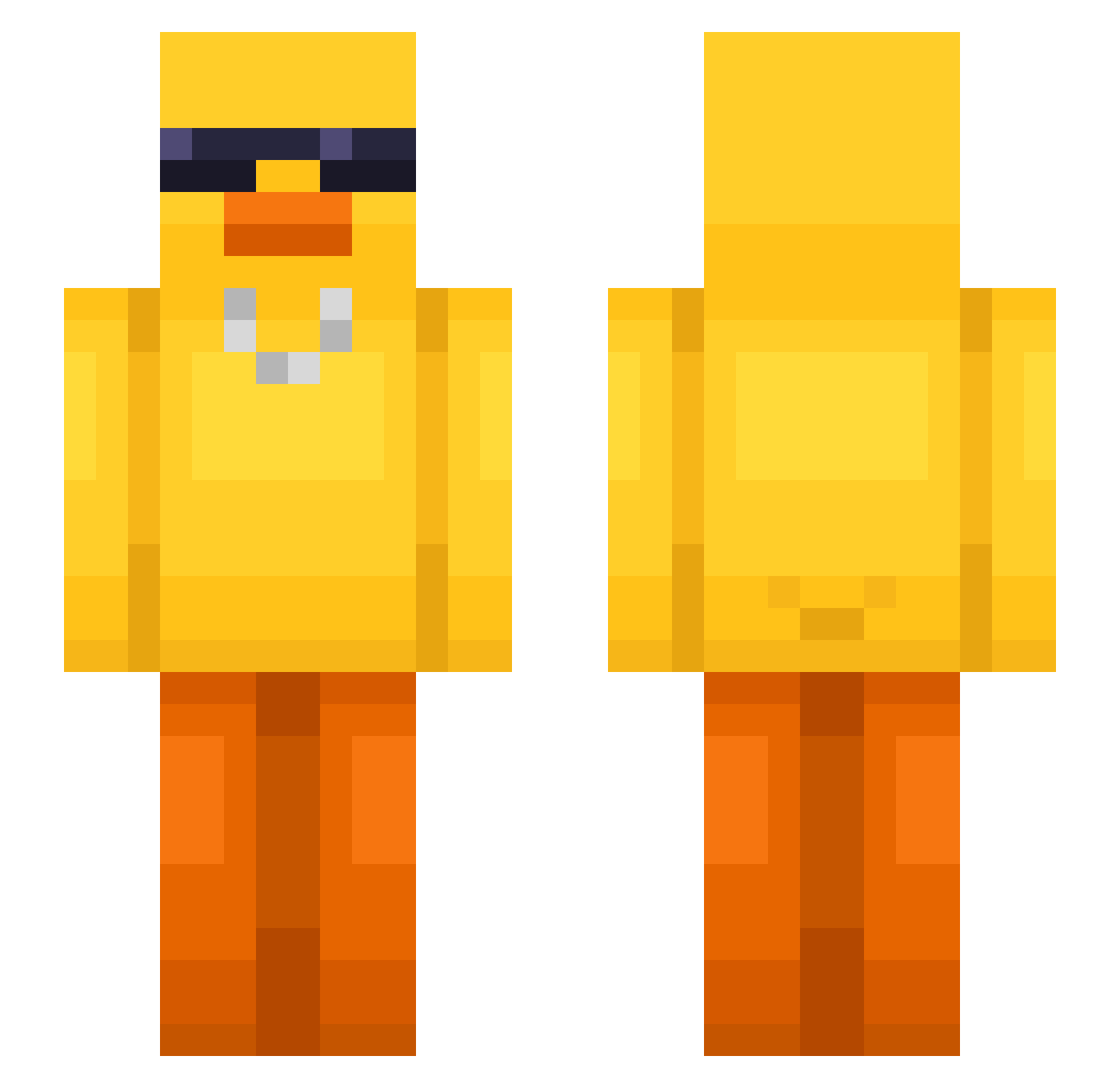
Current Minecraft skin of the player Cosmicpooop, loaded from the official Mojang API. Rotate the 3D model with your mouse or finger, then download the skin as a PNG file and use it in Minecraft: Bedrock Edition or Java Edition for free. When Cosmicpooop changes their skin, this page updates automatically and the old skin stays in the history below.
Other players with this skin (550)
Cosmicpooop was the 168th player we have seen with this skin, first spotted on 24.08.2026. The same skin was seen on these players. Open a nickname to see their current skin and skin history.
 jasonsuper 1NightMare1 AlexKertman H3AKEEN ProCraftHD ri0401 geckor22 lSenn ForsbergFamily ImStev kimguszan0126 jenn420 RAINRTX777 PlaterGames UbyX MikaWavee TSM_AskewChimera Sukito8 begforegg ThatKiddLuis
 Punnkoo wooseong001 1748ja KiShack DarG_9 NoC1ue iamyoong SeratoxMC Selkaaaa suspaige slimBedo LB2kikilegamer lolheyman Pixisko cha_cco Hava2333 yb1ell AkinnaNI Flockish Alexx121 Phenris333 Joaoluck94 Ragnarx224 Manda3 Jammkye theCSAVAGE2 Misumi1779 Alpienweiss duBi_8
 Jankesik1234 Bigsteppa28_420 Whitest_of_Trash Shadoink_ Chalk13 Mortis0 rafinha_3005 pinotankun Qitzr Jongwon_0 hyeon2003
More Chain Minecraft skins
How to install the Cosmicpooop skin
- Press the Download button above to save the skin as a PNG file.
- Minecraft: Bedrock Edition (PE): open the Dressing Room from the main menu (or tap your character → Edit Character), go to Classic Skins → Owned, press the + (new skin) button, choose the downloaded PNG and pick the Slim (Alex) model. Works on PC and mobile; consoles cannot import custom skins.
- Minecraft: Java Edition: open the Minecraft Launcher, go to the Skins tab, click New Skin, load the PNG, pick the Slim (Alex) model and press Save & Use. You can also upload it at minecraft.net → Profile → Change Skin.
The skin does not show up after import - what should I do?
Restart Minecraft and open the Dressing Room again - imported skins sometimes appear only after a restart. Also make sure you selected the imported skin and picked the Slim (Alex) model.
Which model should I choose, Classic or Slim?
This skin is designed for the Slim (Alex) model. If you pick the wrong model, the arms of the skin will look stretched or squeezed.
Is the skin of Cosmicpooop free to download?
Yes. Press Download, save the PNG file and use it in Minecraft: Bedrock Edition or Java Edition - no payment or registration needed. The skin also works on multiplayer servers and Realms.
More skins
Looking for more? Go back to all Minecraft skins and check the top skins of the week, month and all time, or find any player's skin by nickname.