
Conveinience - Minecraft Skins & Skin History
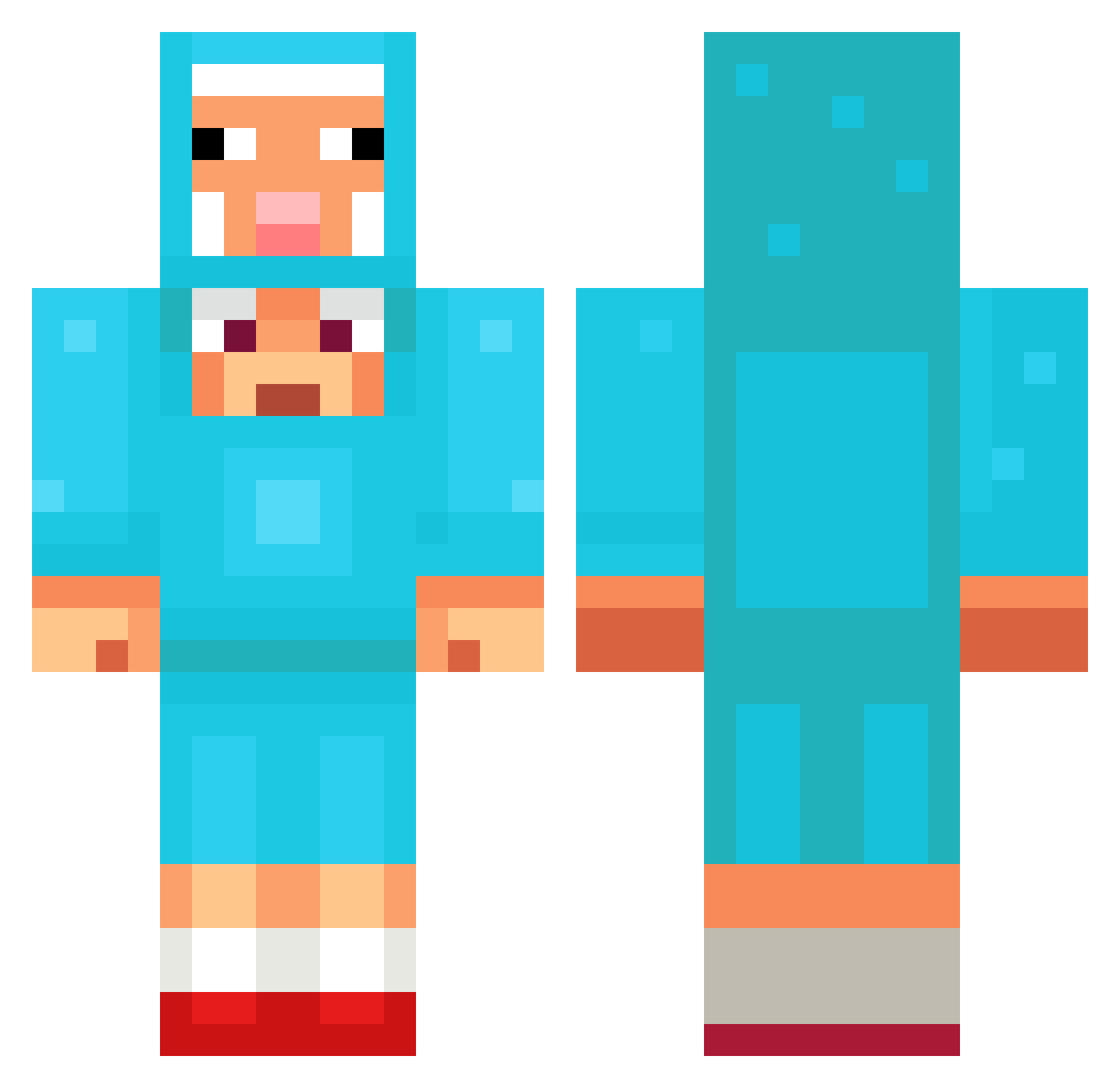
Current Minecraft skin of the player Conveinience, loaded from the official Mojang API. Rotate the 3D model with your mouse or finger, then download the skin as a PNG file and use it in Minecraft: Bedrock Edition or Java Edition for free. When Conveinience changes their skin, this page updates automatically and the old skin stays in the history below.
Other players with this skin (1265)
Conveinience was the 778th player we have seen with this skin, first spotted on 30.09.2026. The same skin was seen on these players. Open a nickname to see their current skin and skin history.
 VigGlut gulaschkommunist TakedownClown Janik687 Papadeda OoYess Scotty_9904 Somekwangg omerc10696 ticklemaballs ranira33 fragrance_man1 iillililo2 SSOONNGG2 NastyJim Eralp_K Texzotics Gary1130 ljf7087 Marv1sss _Areox SarmsF Unfugskekschen Amarito75 Samuel_MC Edwal100PING ThomasHhh Auureel45 SquishyPotato13 dagoat_23 Scruffzard churchesVSkfc Danielarias08 Maksyka q_Jonas_p TheRealQ HunterMYG pihvizd CARL12334 AmongUs123450 Eyesack12345 Cho7171 hongtr2 MikeGavone ApeelaX Maty150218 Pvt_Rileyy Leeloo6 salvijuxas Raisanen16 adriel221 Diego00311 Ba1do jimi_s LunarMoser TakagiYuma GrantDaBEAST8 back_gol Jippy2000 LANEWYATT
More Sheep Minecraft skins
How to install the Conveinience skin
- Press the Download button above to save the skin as a PNG file.
- Minecraft: Bedrock Edition (PE): open the Dressing Room from the main menu (or tap your character → Edit Character), go to Classic Skins → Owned, press the + (new skin) button, choose the downloaded PNG and pick the Classic (Steve) model. Works on PC and mobile; consoles cannot import custom skins.
- Minecraft: Java Edition: open the Minecraft Launcher, go to the Skins tab, click New Skin, load the PNG, pick the Classic (Steve) model and press Save & Use. You can also upload it at minecraft.net → Profile → Change Skin.
The skin does not show up after import - what should I do?
Restart Minecraft and open the Dressing Room again - imported skins sometimes appear only after a restart. Also make sure you selected the imported skin and picked the Classic (Steve) model.
Which model should I choose, Classic or Slim?
This skin is designed for the Classic (Steve) model. If you pick the wrong model, the arms of the skin will look stretched or squeezed.
Is the skin of Conveinience free to download?
Yes. Press Download, save the PNG file and use it in Minecraft: Bedrock Edition or Java Edition - no payment or registration needed. The skin also works on multiplayer servers and Realms.
More skins
Looking for more? Go back to all Minecraft skins and check the top skins of the week, month and all time, or find any player's skin by nickname.