
Cokainaa - Minecraft Skins & Skin History
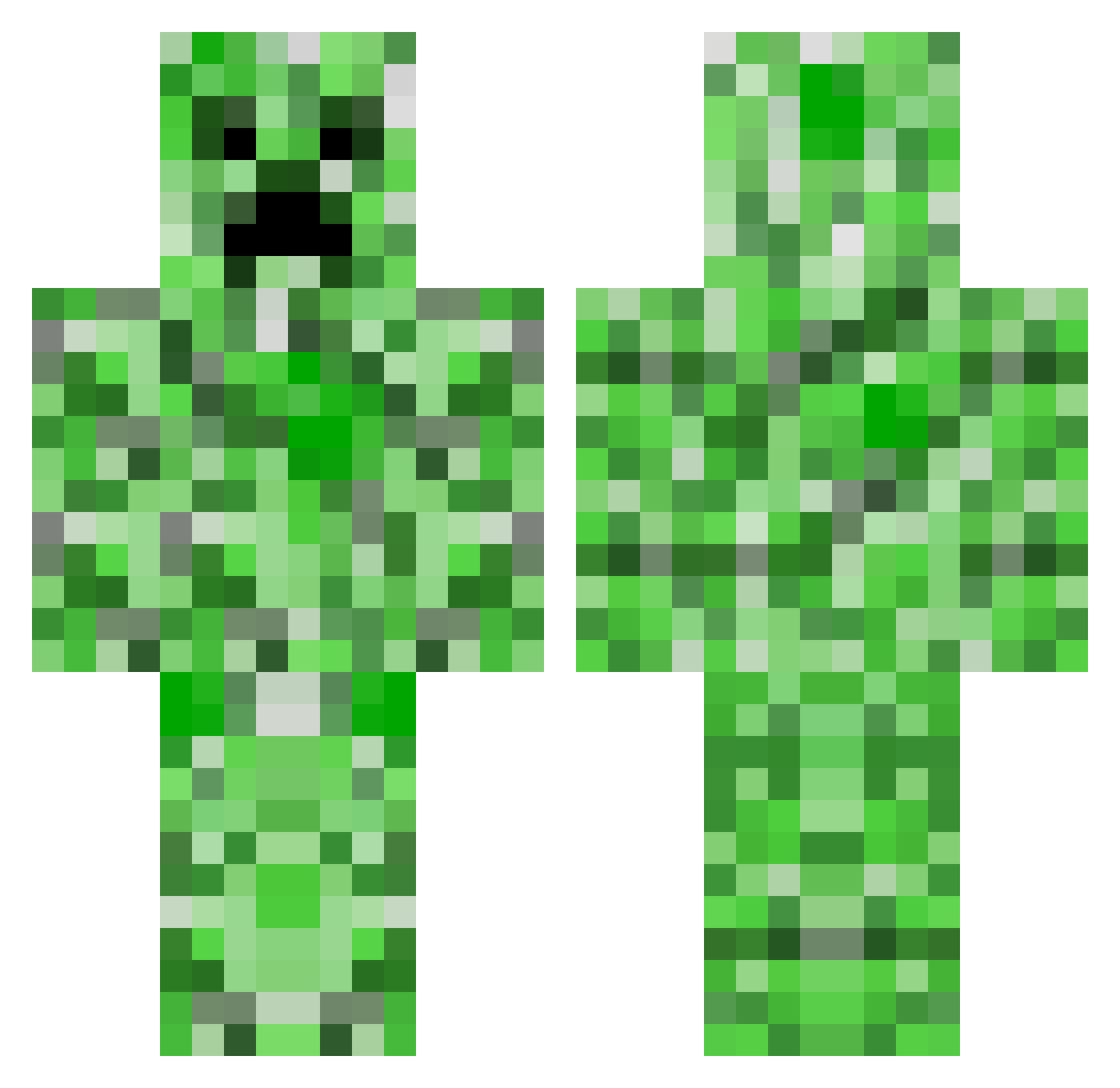
Current Minecraft skin of the player Cokainaa, loaded from the official Mojang API. Rotate the 3D model with your mouse or finger, then download the skin as a PNG file and use it in Minecraft: Bedrock Edition or Java Edition for free. When Cokainaa changes their skin, this page updates automatically and the old skin stays in the history below.
Other players with this skin (52)
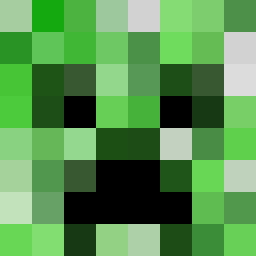
Cokainaa was the 30th player we have seen with this skin, first spotted on 27.09.2026. The same skin was seen on these players. Open a nickname to see their current skin and skin history.
 OscuroRecords gunwook13 mh_zi03 andremaxo B1ellpro 123478556 Haitaoya Creep9 ramuuuuhg Zuril 11O322 Okamixq Bufrost ICETEE0721 incloute NredDed
 haram0204 raptor9550 Iehdoxi griffithgirl TmmYv goalbange a_r_o_n_2007 minusteve hoh1k Lando_Norris1 AFEITW Ajas13 MaxkillsKD6 Robert021 2gay2lift Wemdr FakeEggie ylan031 EastSea5144 Captain_Cartman chachaung Husisi Knowiel NSH666 WaterRising ElMalog 126EHou anth0nym0nac0 Gas_Mask ehdtksdnjswns theeepicface Alan0607 igig97 Tlqkf78 Hunter090030 blabdude
More Creeper Minecraft skins
How to install the Cokainaa skin
- Press the Download button above to save the skin as a PNG file.
- Minecraft: Bedrock Edition (PE): open the Dressing Room from the main menu (or tap your character → Edit Character), go to Classic Skins → Owned, press the + (new skin) button, choose the downloaded PNG and pick the Classic (Steve) model. Works on PC and mobile; consoles cannot import custom skins.
- Minecraft: Java Edition: open the Minecraft Launcher, go to the Skins tab, click New Skin, load the PNG, pick the Classic (Steve) model and press Save & Use. You can also upload it at minecraft.net → Profile → Change Skin.
The skin does not show up after import - what should I do?
Restart Minecraft and open the Dressing Room again - imported skins sometimes appear only after a restart. Also make sure you selected the imported skin and picked the Classic (Steve) model.
Which model should I choose, Classic or Slim?
This skin is designed for the Classic (Steve) model. If you pick the wrong model, the arms of the skin will look stretched or squeezed.
Is the skin of Cokainaa free to download?
Yes. Press Download, save the PNG file and use it in Minecraft: Bedrock Edition or Java Edition - no payment or registration needed. The skin also works on multiplayer servers and Realms.
More skins
Looking for more? Go back to all Minecraft skins and check the top skins of the week, month and all time, or find any player's skin by nickname.