
CodenameCoraline - Minecraft Skins & Skin History
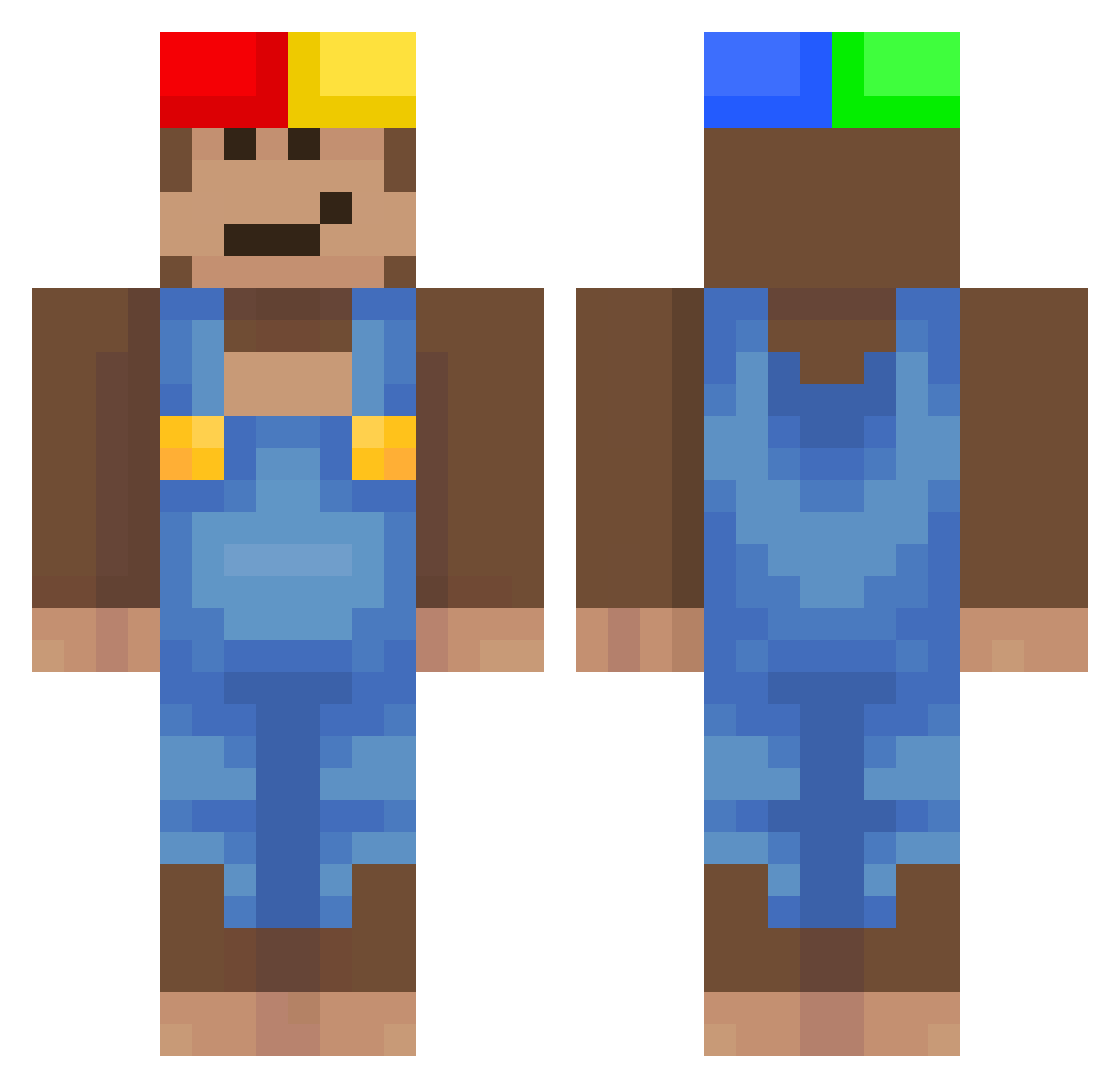
Current Minecraft skin of the player CodenameCoraline, loaded from the official Mojang API. Rotate the 3D model with your mouse or finger, then download the skin as a PNG file and use it in Minecraft: Bedrock Edition or Java Edition for free. When CodenameCoraline changes their skin, this page updates automatically and the old skin stays in the history below.
Other players with this skin (440)
CodenameCoraline was the 185th player we have seen with this skin, first spotted on 31.08.2026. The same skin was seen on these players. Open a nickname to see their current skin and skin history.
 alastairrr Broncii Cloudyyyy_ Aerodinamicas jiner476 m3chyy BURGER861 emopsych skidibi_piciu Mosuree jovave Feltspite01 Strong_Bananana DaEunga Tant0n LilSherzy corndogman12 couto7_
 Piorke 5starz_Gav1nn girataa
 Vlad_65 ARTEK___ marax_14 MeetAnGreet jonjal567 Pitelx AFaraceminho 12h______ xd9990 Limeonade125 AridLeonNo jin_leo1220
 BeanBoyBrisk W68lh cup1ds_ junwuu Jose_calleee goosturr NicooPF a7vr YN8T Angel31033
 wolfW14 Kebin_06 Youre80s szefzbofy K1irei fishymakan APOIAP RenziluxOMG29 yasuwz Pontiffs rangoist Glomping Canastra117 Matt_Magee ciinua JOACOYK lucent_1
More Donkey Kong Minecraft skins
How to install the CodenameCoraline skin
- Press the Download button above to save the skin as a PNG file.
- Minecraft: Bedrock Edition (PE): open the Dressing Room from the main menu (or tap your character → Edit Character), go to Classic Skins → Owned, press the + (new skin) button, choose the downloaded PNG and pick the Classic (Steve) model. Works on PC and mobile; consoles cannot import custom skins.
- Minecraft: Java Edition: open the Minecraft Launcher, go to the Skins tab, click New Skin, load the PNG, pick the Classic (Steve) model and press Save & Use. You can also upload it at minecraft.net → Profile → Change Skin.
The skin does not show up after import - what should I do?
Restart Minecraft and open the Dressing Room again - imported skins sometimes appear only after a restart. Also make sure you selected the imported skin and picked the Classic (Steve) model.
Which model should I choose, Classic or Slim?
This skin is designed for the Classic (Steve) model. If you pick the wrong model, the arms of the skin will look stretched or squeezed.
Is the skin of CodenameCoraline free to download?
Yes. Press Download, save the PNG file and use it in Minecraft: Bedrock Edition or Java Edition - no payment or registration needed. The skin also works on multiplayer servers and Realms.
More skins
Looking for more? Go back to all Minecraft skins and check the top skins of the week, month and all time, or find any player's skin by nickname.