
Cholas_7 - Minecraft Skins & Skin History
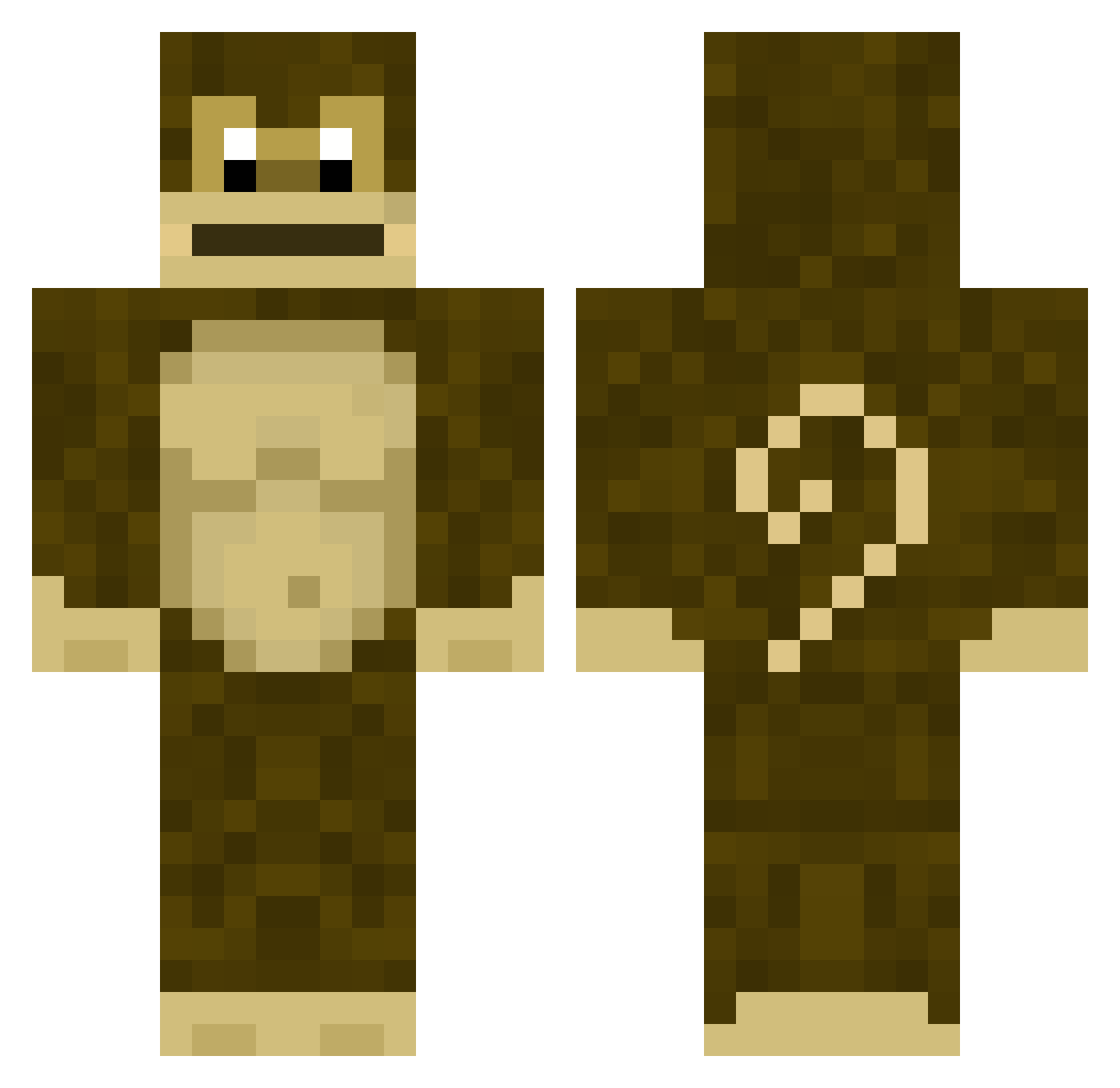
Current Minecraft skin of the player Cholas_7, loaded from the official Mojang API. Rotate the 3D model with your mouse or finger, then download the skin as a PNG file and use it in Minecraft: Bedrock Edition or Java Edition for free. When Cholas_7 changes their skin, this page updates automatically and the old skin stays in the history below.
Other players with this skin (280)
Cholas_7 was the 252nd player we have seen with this skin, first spotted on 16.10.2026. The same skin was seen on these players. Open a nickname to see their current skin and skin history.
 Smif42069 MOSSELMAN326 fodangos1106 CodeConnorP kkkkero destrorg YTApplez123 persov eren5353 vuuvaa lildongy69 T1CT6C crefics Essence17 Leb4 veaga7 Trentkile711 FAZEGA Greedy_Grinner ThatGuyStorm FunkyMonkey9407 JahsPlan SoutoMonkey Chungey OblivionTheKid Dll777666 KaKa_MaKaKa limbooo777 Superlaw kyoushino Muralinha Myg0 daazvzln brandonscasket samummu94 Memelordkek123 Koniah flackson Algo12345 DreamerLow Melurann Tdiasz APP10 MarcusDnz PivkoNajlepsie da1_1hara InnocentRope spankmans gochep RagerOfficial LeSingeDeLimoges xodyn GaloDeKalsa RX_7900_XT HEIWA_TR bananpinnen123 ubnoxious jackfoster2 pookiechris TheMonkeyLad
More Donkey Kong Minecraft skins
How to install the Cholas_7 skin
- Press the Download button above to save the skin as a PNG file.
- Minecraft: Bedrock Edition (PE): open the Dressing Room from the main menu (or tap your character → Edit Character), go to Classic Skins → Owned, press the + (new skin) button, choose the downloaded PNG and pick the Classic (Steve) model. Works on PC and mobile; consoles cannot import custom skins.
- Minecraft: Java Edition: open the Minecraft Launcher, go to the Skins tab, click New Skin, load the PNG, pick the Classic (Steve) model and press Save & Use. You can also upload it at minecraft.net → Profile → Change Skin.
The skin does not show up after import - what should I do?
Restart Minecraft and open the Dressing Room again - imported skins sometimes appear only after a restart. Also make sure you selected the imported skin and picked the Classic (Steve) model.
Which model should I choose, Classic or Slim?
This skin is designed for the Classic (Steve) model. If you pick the wrong model, the arms of the skin will look stretched or squeezed.
Is the skin of Cholas_7 free to download?
Yes. Press Download, save the PNG file and use it in Minecraft: Bedrock Edition or Java Edition - no payment or registration needed. The skin also works on multiplayer servers and Realms.
More skins
Looking for more? Go back to all Minecraft skins and check the top skins of the week, month and all time, or find any player's skin by nickname.