
Chickengull - Minecraft Skins & Skin History
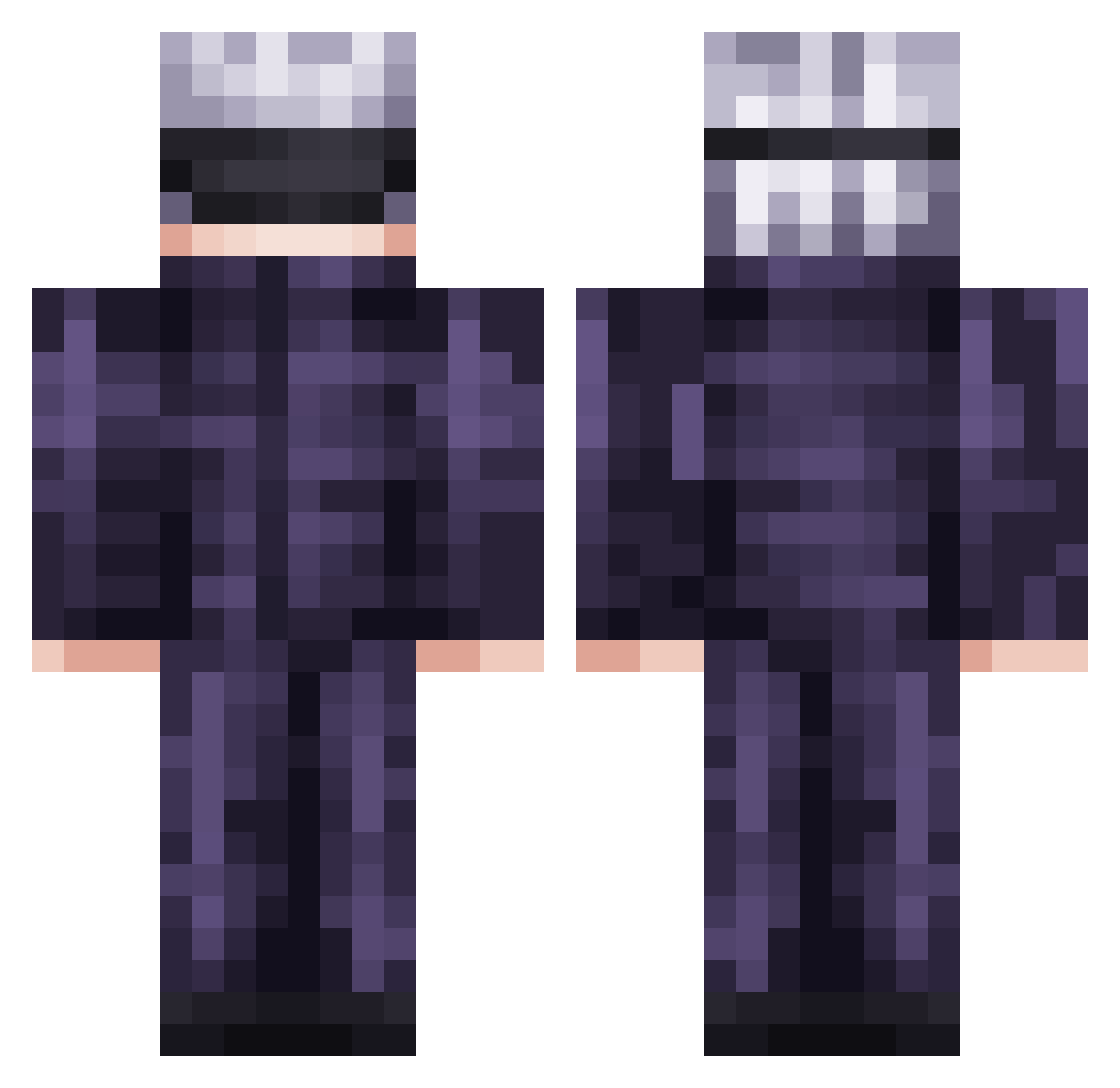
Current Minecraft skin of the player Chickengull, loaded from the official Mojang API. Rotate the 3D model with your mouse or finger, then download the skin as a PNG file and use it in Minecraft: Bedrock Edition or Java Edition for free. When Chickengull changes their skin, this page updates automatically and the old skin stays in the history below.
Other players with this skin (736)
Chickengull was the 514th player we have seen with this skin, first spotted on 07.10.2026. The same skin was seen on these players. Open a nickname to see their current skin and skin history.
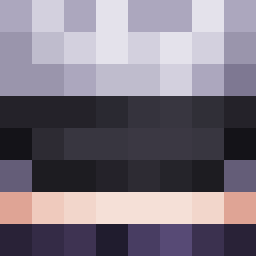 Mira2409 Ramphobia JenVitali Hyr3n Stragglenutz ethab12 SlushBunni1997 HJW2 R4zDor GreenBubble77 wetbuttery jojo31120 WWJSD Jeapex__ IdtMarcos samuelchow Kistamee freakysock SkickyJoe Skyman080131 Tubs420 Kurishiiki RHINOPILL69 SELEP thickseaa hatibunbun Jxrdn301 LeisurePlayz1234 PNutss HomeLikeBadger GodPandaOP NameNot_Found_ malatrasi Shao06 TTvbetah2042 faded_09 BennyRivers yamor_crybaby ryzrek R1am1x xLilJosh Kenmaa_5 jkimsq1 Beocio Gojobherlue lightningshoes isaahy Boooshi Howaitsu Darckiiz HaggisDXB MIRacq its_me_miki_ Managarmrz TrashCan006 Allyynnn HaganeLaw Rockehhhh DeusMorteNZ kouta1826
More Satoru Gojo Minecraft skins
See all 1318 Satoru Gojo skins
How to install the Chickengull skin
- Press the Download button above to save the skin as a PNG file.
- Minecraft: Bedrock Edition (PE): open the Dressing Room from the main menu (or tap your character → Edit Character), go to Classic Skins → Owned, press the + (new skin) button, choose the downloaded PNG and pick the Classic (Steve) model. Works on PC and mobile; consoles cannot import custom skins.
- Minecraft: Java Edition: open the Minecraft Launcher, go to the Skins tab, click New Skin, load the PNG, pick the Classic (Steve) model and press Save & Use. You can also upload it at minecraft.net → Profile → Change Skin.
The skin does not show up after import - what should I do?
Restart Minecraft and open the Dressing Room again - imported skins sometimes appear only after a restart. Also make sure you selected the imported skin and picked the Classic (Steve) model.
Which model should I choose, Classic or Slim?
This skin is designed for the Classic (Steve) model. If you pick the wrong model, the arms of the skin will look stretched or squeezed.
Is the skin of Chickengull free to download?
Yes. Press Download, save the PNG file and use it in Minecraft: Bedrock Edition or Java Edition - no payment or registration needed. The skin also works on multiplayer servers and Realms.
More skins
Looking for more? Go back to all Minecraft skins and check the top skins of the week, month and all time, or find any player's skin by nickname.