
ChewiePunch - Minecraft Skins & Skin History
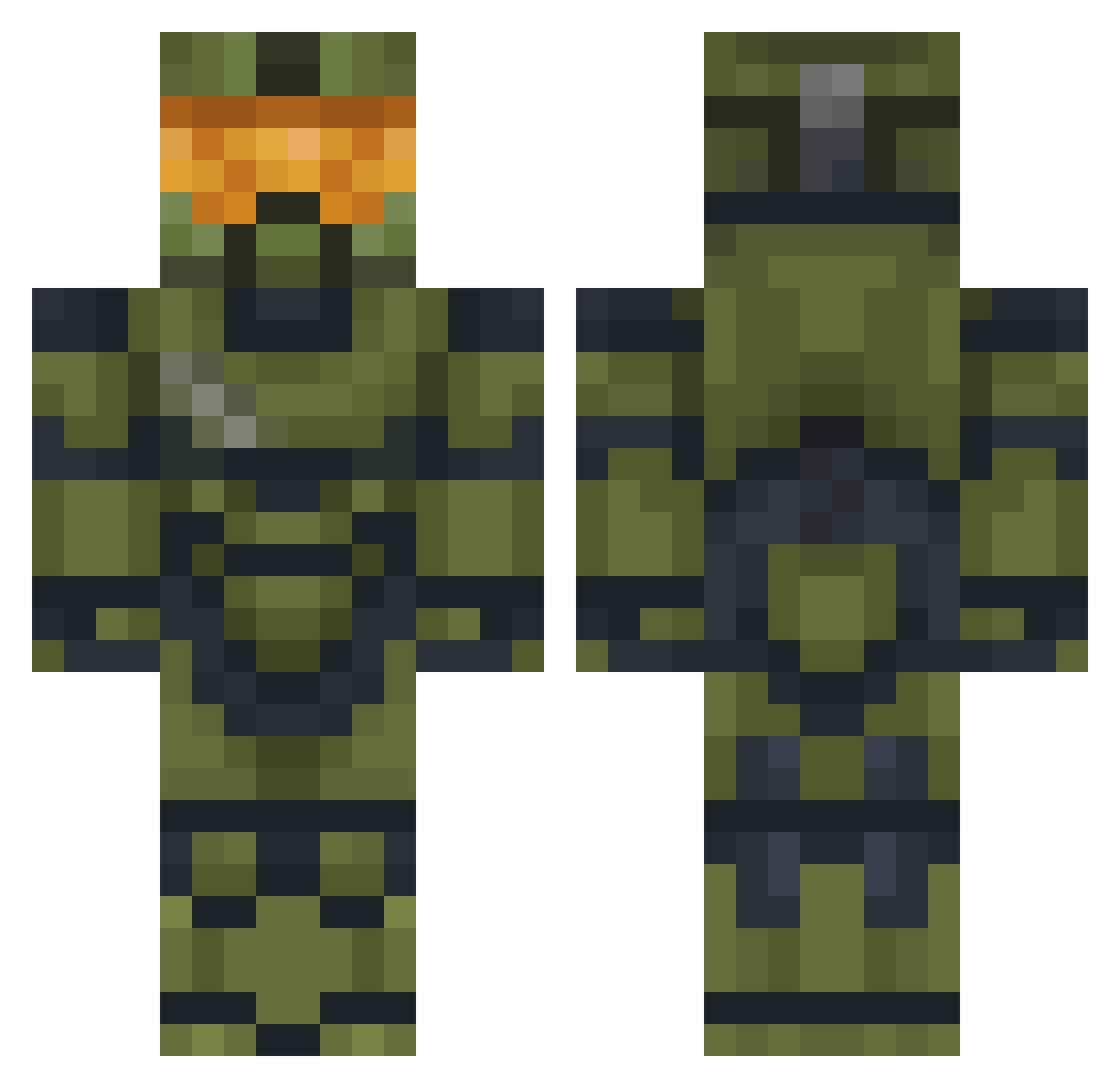
Current Minecraft skin of the player ChewiePunch, loaded from the official Mojang API. Rotate the 3D model with your mouse or finger, then download the skin as a PNG file and use it in Minecraft: Bedrock Edition or Java Edition for free. When ChewiePunch changes their skin, this page updates automatically and the old skin stays in the history below.
Other players with this skin (477)
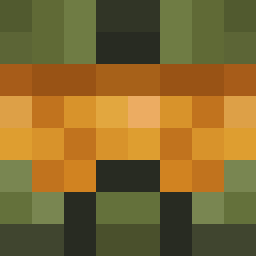
ChewiePunch was the 97th player we have seen with this skin, first spotted on 16.08.2026. The same skin was seen on these players. Open a nickname to see their current skin and skin history.
 FreshFlow93 Creepesoe soysaiks skreczok Menshai DiegoArtificial moistchillydog69 chchbboys1 AphroCoin Mideaan Doryx_XD CaptMcAwesome AutickoBrmBrm ENDRAER xJ3abyx KORU95 Luigistime _0smo_ ImTheManPeterPan Kolaterol Mango_Striker Tosty3000 RDWV_Pearce NocturnalDK BRKNO413 roantheboan VsJose YYeisky SlimeySeahawk Hallugeni porgman102 kingoftheafk000 GuardedDuke396 EASYthrii grabaloot Wizza_NC pitasse RoboGalactik RuberDuckZillla Jared_G59 Challenjour PATO117 Mantequillo1 PigeonPower123 Totenkreuz Teknoze Throston CastleBonner arkk4d Wincentz Animal_Badge Hmoooooood ArtFart43_ITA YTDAndrew MrTickler BUHMANNN catmeowing21 RebornRedPhoenix GSTEREO Sokamion
More Master Chief Minecraft skins
See all 527 Master Chief skins
How to install the ChewiePunch skin
- Press the Download button above to save the skin as a PNG file.
- Minecraft: Bedrock Edition (PE): open the Dressing Room from the main menu (or tap your character → Edit Character), go to Classic Skins → Owned, press the + (new skin) button, choose the downloaded PNG and pick the Classic (Steve) model. Works on PC and mobile; consoles cannot import custom skins.
- Minecraft: Java Edition: open the Minecraft Launcher, go to the Skins tab, click New Skin, load the PNG, pick the Classic (Steve) model and press Save & Use. You can also upload it at minecraft.net → Profile → Change Skin.
The skin does not show up after import - what should I do?
Restart Minecraft and open the Dressing Room again - imported skins sometimes appear only after a restart. Also make sure you selected the imported skin and picked the Classic (Steve) model.
Which model should I choose, Classic or Slim?
This skin is designed for the Classic (Steve) model. If you pick the wrong model, the arms of the skin will look stretched or squeezed.
Is the skin of ChewiePunch free to download?
Yes. Press Download, save the PNG file and use it in Minecraft: Bedrock Edition or Java Edition - no payment or registration needed. The skin also works on multiplayer servers and Realms.
More skins
Looking for more? Go back to all Minecraft skins and check the top skins of the week, month and all time, or find any player's skin by nickname.