
CereaisKillerxD - Minecraft Skins & Skin History
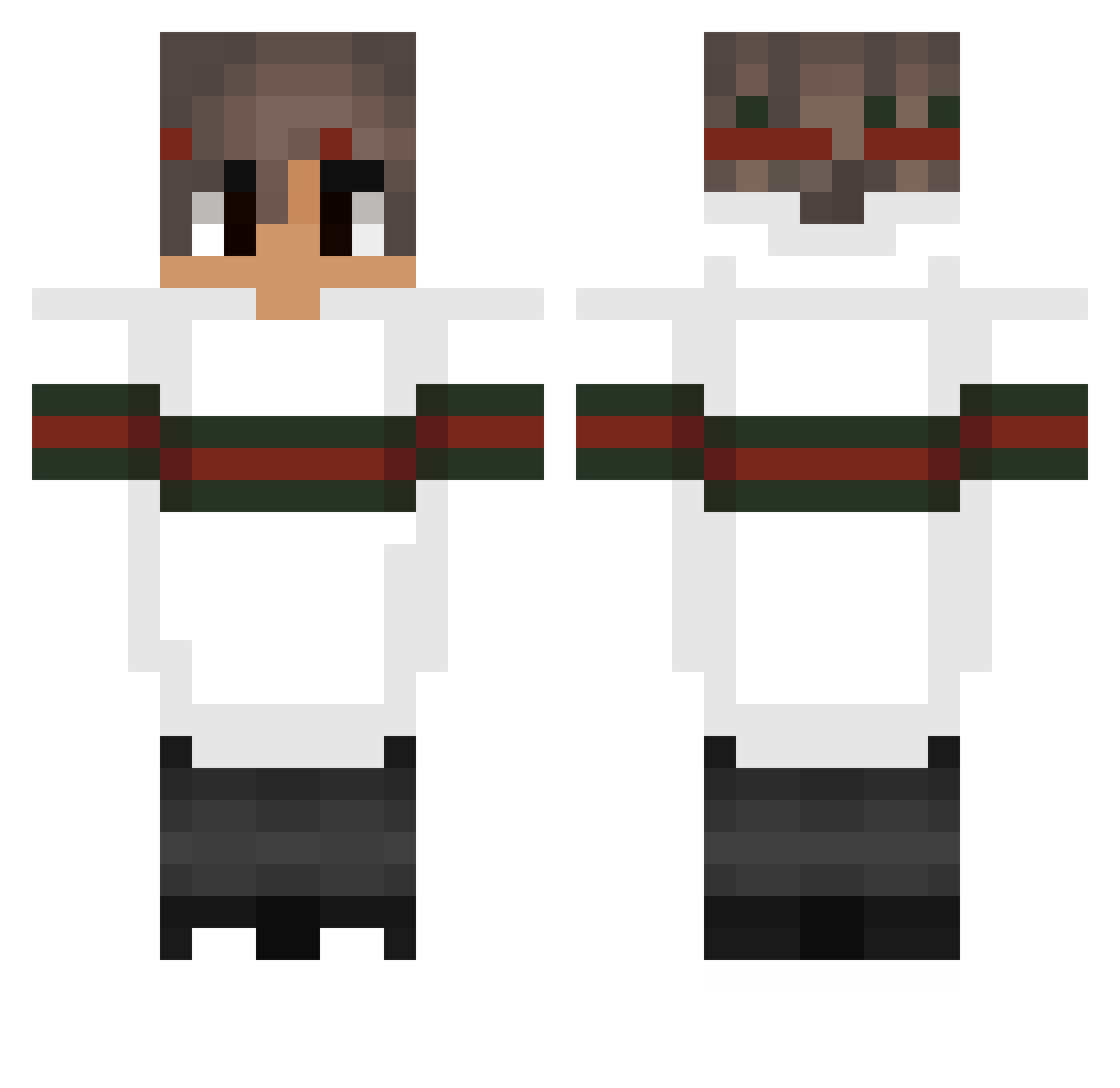
Current Minecraft skin of the player CereaisKillerxD, loaded from the official Mojang API. Rotate the 3D model with your mouse or finger, then download the skin as a PNG file and use it in Minecraft: Bedrock Edition or Java Edition for free. When CereaisKillerxD changes their skin, this page updates automatically and the old skin stays in the history below.
Other players with this skin (59)
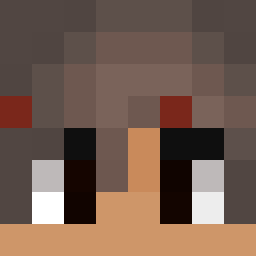
CereaisKillerxD was the 41st player we have seen with this skin, first spotted on 15.10.2026. The same skin was seen on these players. Open a nickname to see their current skin and skin history.
 TrollTheLoser Likelucas007 BambusBen Maarrvinn abgezockter_ Snack_Siu MikyPowa02 Black_Legit iiAli_Gamer kubustenjutuber Fr3aKx Microscopes Rbt_Ricky Glitter_HeartT PapaSavage23 peeekyyy FreshBack alex_caz Chamalo411 Alpha0verAll GetFxcedBySkill ausqeschissen Stefannnnn whisperqueen2137 undulats ViZu90 Djomla_EzZ ryan_rx7 dasbrezeltpisdez OhFinesse Abgehobentrix Turcu Laurie_Is_Player eZduKek GORMON13 KarolisQ ixxLuke Y_MedBed_Games_T AdamIsASpy yungstrafe _OTX_ BonezYAY Xcrafter Almx JoaoPTSV ImMaster_ TheAmazingFlem CartelAlt 01vegard iTsTs _Yousif_ RealPandaPsy freezii61 XxGUCCI_CAPPAxX Deus2006 Confraria28 Xenarthra LiamHeder quickzx
More Striped Sleeves Minecraft skins
See all 1246 Striped Sleeves skins
How to install the CereaisKillerxD skin
- Press the Download button above to save the skin as a PNG file.
- Minecraft: Bedrock Edition (PE): open the Dressing Room from the main menu (or tap your character → Edit Character), go to Classic Skins → Owned, press the + (new skin) button, choose the downloaded PNG and pick the Classic (Steve) model. Works on PC and mobile; consoles cannot import custom skins.
- Minecraft: Java Edition: open the Minecraft Launcher, go to the Skins tab, click New Skin, load the PNG, pick the Classic (Steve) model and press Save & Use. You can also upload it at minecraft.net → Profile → Change Skin.
The skin does not show up after import - what should I do?
Restart Minecraft and open the Dressing Room again - imported skins sometimes appear only after a restart. Also make sure you selected the imported skin and picked the Classic (Steve) model.
Which model should I choose, Classic or Slim?
This skin is designed for the Classic (Steve) model. If you pick the wrong model, the arms of the skin will look stretched or squeezed.
Is the skin of CereaisKillerxD free to download?
Yes. Press Download, save the PNG file and use it in Minecraft: Bedrock Edition or Java Edition - no payment or registration needed. The skin also works on multiplayer servers and Realms.
More skins
Looking for more? Go back to all Minecraft skins and check the top skins of the week, month and all time, or find any player's skin by nickname.