
CavaloFoda - Minecraft Skins & Skin History
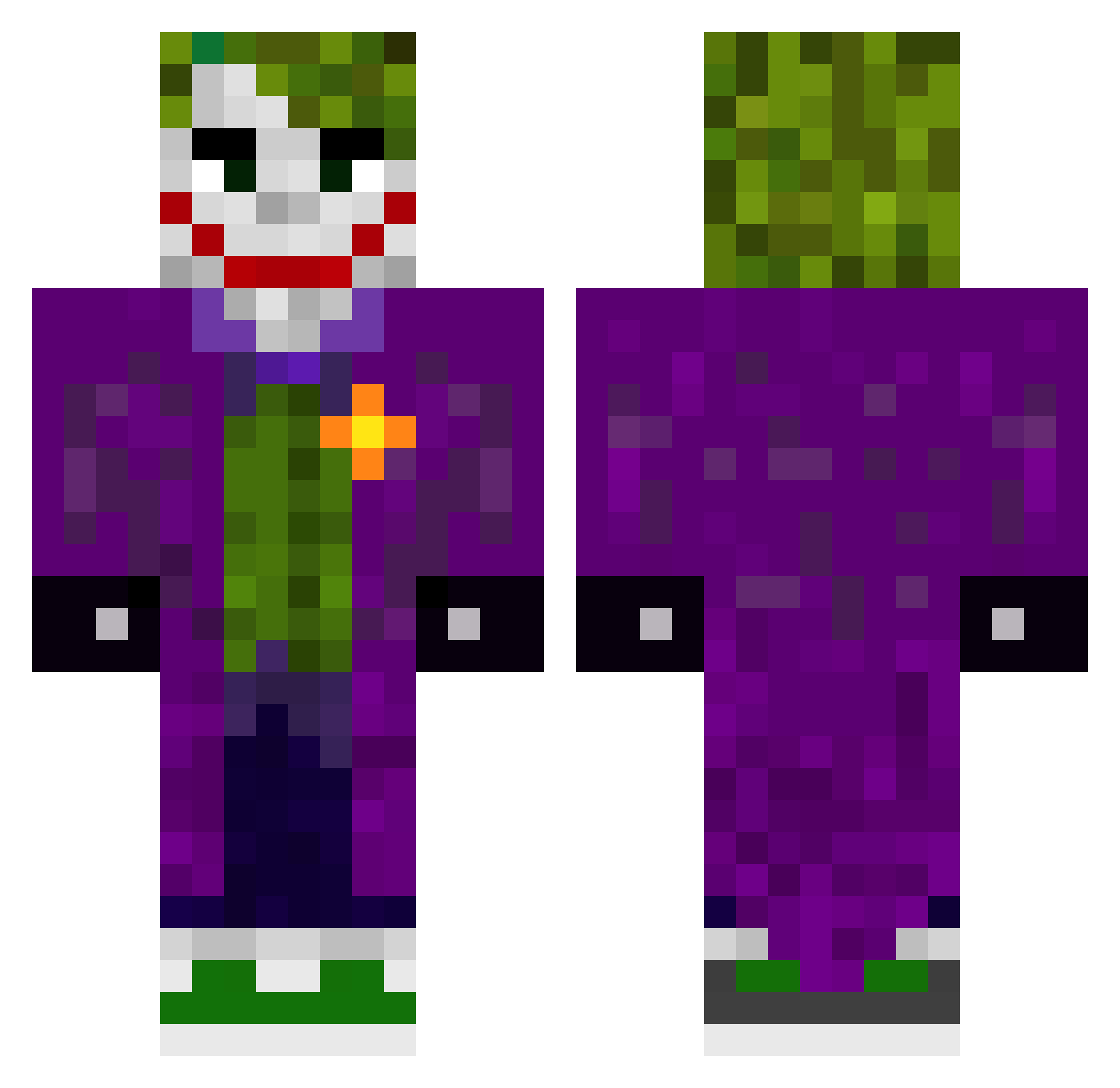
Current Minecraft skin of the player CavaloFoda, loaded from the official Mojang API. Rotate the 3D model with your mouse or finger, then download the skin as a PNG file and use it in Minecraft: Bedrock Edition or Java Edition for free. When CavaloFoda changes their skin, this page updates automatically and the old skin stays in the history below.
Other players with this skin (417)
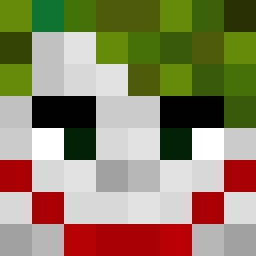
CavaloFoda was the 371st player we have seen with this skin, first spotted on 12.10.2026. The same skin was seen on these players. Open a nickname to see their current skin and skin history.
 JacobLittle wheresmaya HolaSoyMax OMMERR TheFoolish21 ElPapito1718 fabiominetti12 Turjo_O soulkepper123 Chickentrain7 OPCool188 zenti7 XthanYT MerczMC J0K3R6969 HQ4Z_ Lucas01w2 Ale_fala_ Andres54_ Vismann JTPodlas okford iCrimz J0K3R4_ Cristianr53 vencenzoki119 Coin_gen UnlimitedPP mariete_15 Baboo_Cg Dorse223 swedishgun Pant3r4 AlienBook Victoryzone Chucky1128 Ethano2004 andycypress Puffyyy GuiLovato Swifxd DarkJokker NabiBoo iFade17 Anatronix SzymekKierz Lemnok_ PIPI_LOCK Lucho2036 serversupport10 NPlice dean2093 Mordex3099 Kikoo21 FiveTap skullking127 KingJoker4454 Nash0108 lupellark Prometheuxs
More The Joker Minecraft skins
How to install the CavaloFoda skin
- Press the Download button above to save the skin as a PNG file.
- Minecraft: Bedrock Edition (PE): open the Dressing Room from the main menu (or tap your character → Edit Character), go to Classic Skins → Owned, press the + (new skin) button, choose the downloaded PNG and pick the Classic (Steve) model. Works on PC and mobile; consoles cannot import custom skins.
- Minecraft: Java Edition: open the Minecraft Launcher, go to the Skins tab, click New Skin, load the PNG, pick the Classic (Steve) model and press Save & Use. You can also upload it at minecraft.net → Profile → Change Skin.
The skin does not show up after import - what should I do?
Restart Minecraft and open the Dressing Room again - imported skins sometimes appear only after a restart. Also make sure you selected the imported skin and picked the Classic (Steve) model.
Which model should I choose, Classic or Slim?
This skin is designed for the Classic (Steve) model. If you pick the wrong model, the arms of the skin will look stretched or squeezed.
Is the skin of CavaloFoda free to download?
Yes. Press Download, save the PNG file and use it in Minecraft: Bedrock Edition or Java Edition - no payment or registration needed. The skin also works on multiplayer servers and Realms.
More skins
Looking for more? Go back to all Minecraft skins and check the top skins of the week, month and all time, or find any player's skin by nickname.