
 Sanshessone Tikka306 ZxRO_0 Seiyaxt4 jbc2002 PurpleRain3121 the_joker00 TommyBruv ForXel SlayerYT123 keremmll DCR_2003 neekdead BRUNOGUIMA Glassbilar xnoobmaster69_x Mayoshower Leebro1234 G_Gh0sT Manes1911 DaanHeinen justdanny69 roddieO Pencil4313 Nitereaper JuanjoNeira420 Playable_ remix1995 PopSmonkey chaseL M4STERM4XIMUS A4hmedTHEm8nster Chuwe_ Demon_Time666 Tacos119 Thundepants Tjesse78 Pewdroc Drowner21 DetectiveGO TomoBeef pavelyakunkin Endeavour6548 GnusNuy natsuisdope HyperXXD jirka007repic Digosheu Bl4zerMan Ritalinmonster M0nr0u soutaman0318 DieserStifler justdennis19 Jesterexe_07 toxiccratt PunchPyrex Sajmjol denisizno Maxonn001
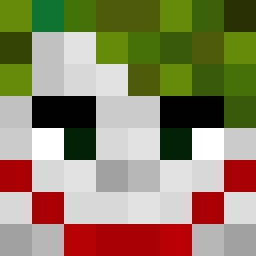
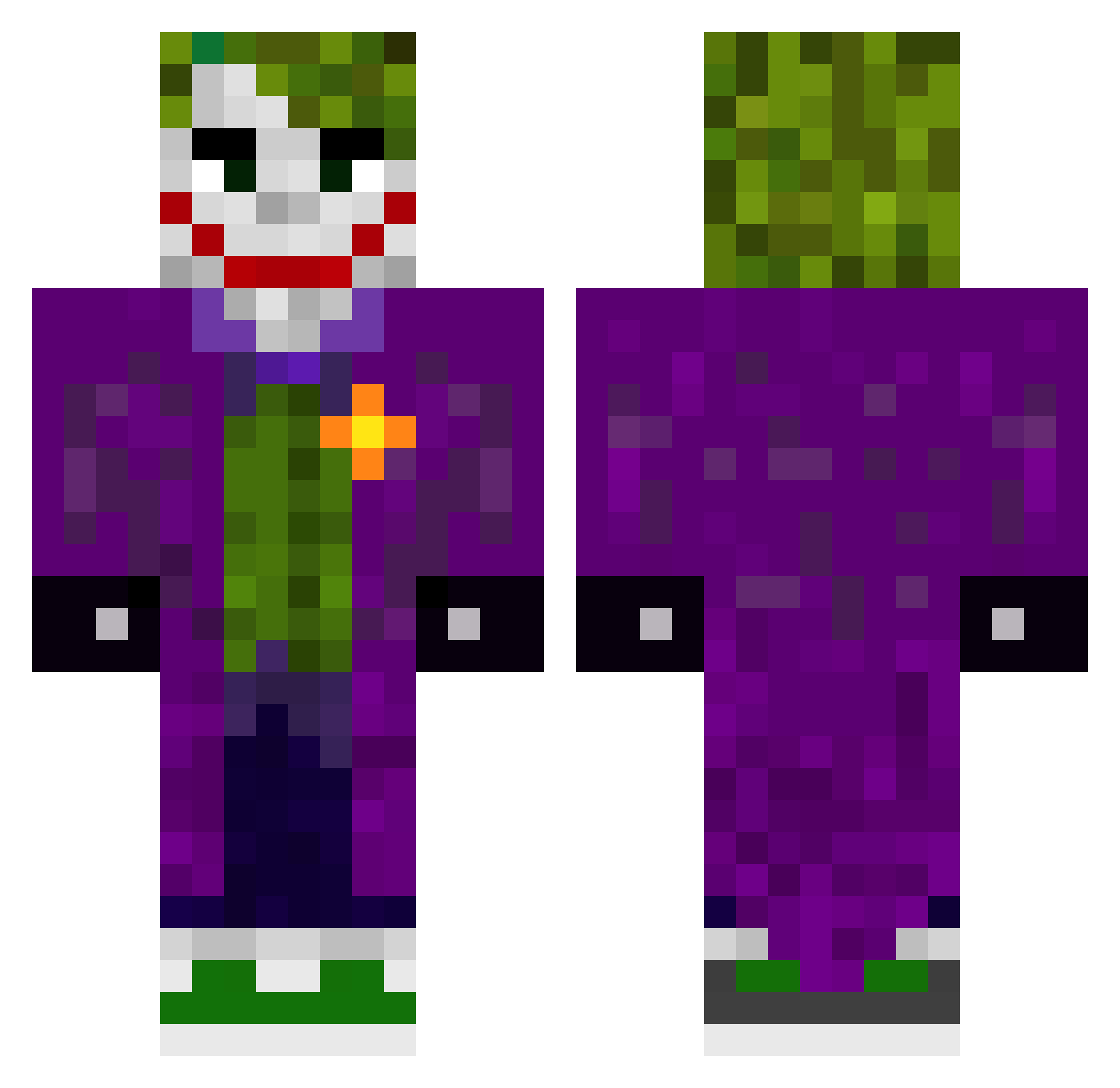
Minecraft skin of MENOR_K. Rotate the 3D model with your mouse or finger to view the skin from every angle, then download it as a PNG file and use it in Minecraft: Bedrock Edition or Java Edition for free. Rate the skin with stars to help other players find the best skins in our collection.
How to install the MENOR_K skin
- Press the Download button above to save the skin as a PNG file.
- Minecraft: Bedrock Edition (PE): open the Dressing Room from the main menu (or tap your character → Edit Character), go to Classic Skins → Owned, press the + (new skin) button, choose the downloaded PNG and pick the Classic (Steve) model. Works on PC and mobile; consoles cannot import custom skins.
- Minecraft: Java Edition: open the Minecraft Launcher, go to the Skins tab, click New Skin, load the PNG, pick the Classic (Steve) model and press Save & Use. You can also upload it at minecraft.net → Profile → Change Skin.
The skin does not show up after import - what should I do?
Restart Minecraft and open the Dressing Room again - imported skins sometimes appear only after a restart. Also make sure you selected the imported skin and picked the Classic (Steve) model.
Which model should I choose, Classic or Slim?
This skin is designed for the Classic (Steve) model. If you pick the wrong model, the arms of the skin will look stretched or squeezed.
Is this skin free to use?
Yes. Press Download, save the PNG file and use it in Minecraft: Bedrock Edition or Java Edition - no payment or registration needed. The skin also works on multiplayer servers and Realms.
More The Joker Minecraft skins
More skins
Looking for more? Go back to all Minecraft skins and check the top skins of the week, month and all time, or find any player's skin by nickname.