
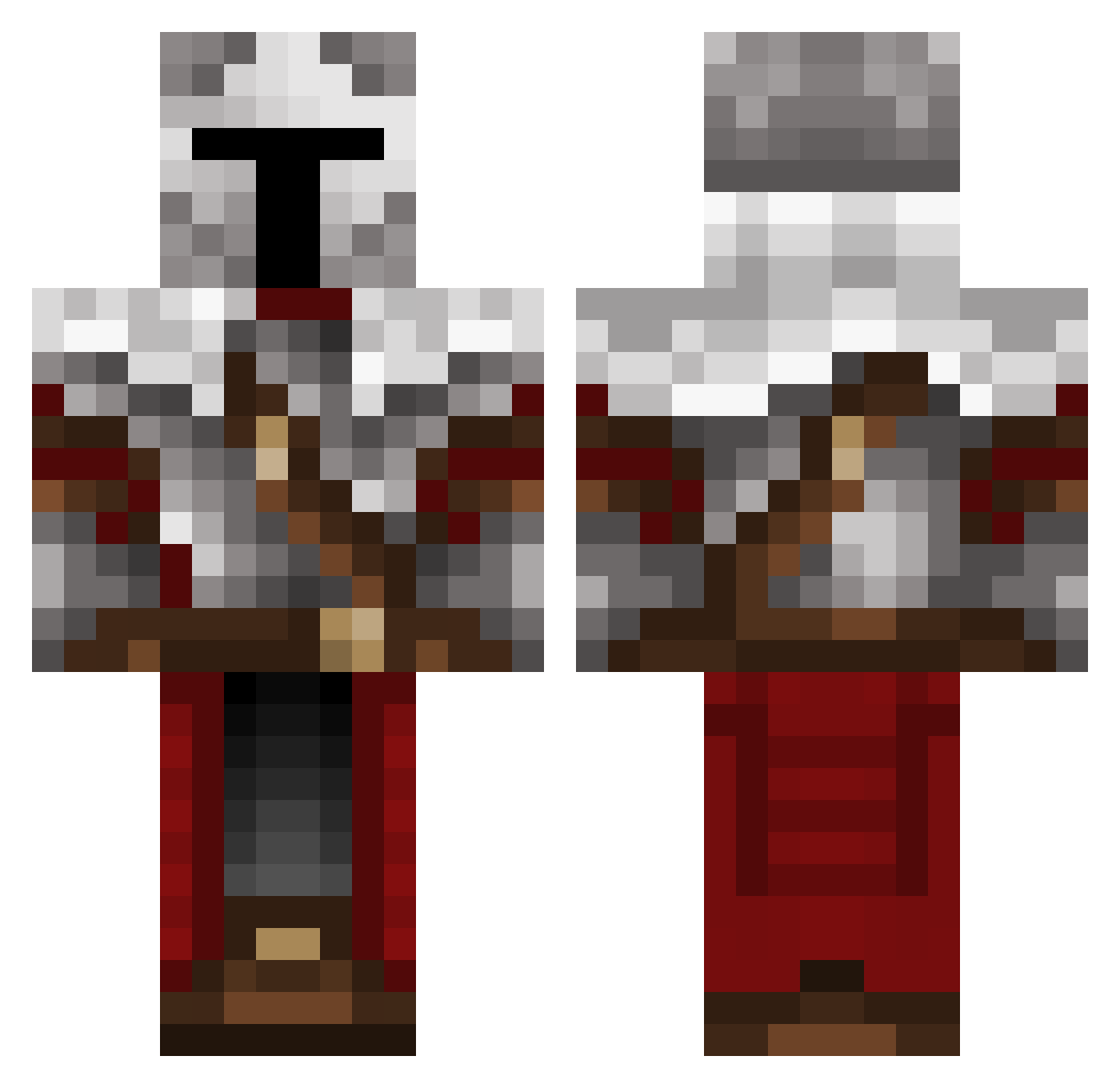
Current Minecraft skin of the player Carminr, loaded from the official Mojang API. Rotate the 3D model with your mouse or finger, then download the skin as a PNG file and use it in Minecraft: Bedrock Edition or Java Edition for free. When Carminr changes their skin, this page updates automatically and the old skin stays in the history below.
Other players with this skin (281)
Carminr was the 231st player we have seen with this skin, first spotted on 04.10.2026. The same skin was seen on these players. Open a nickname to see their current skin and skin history.
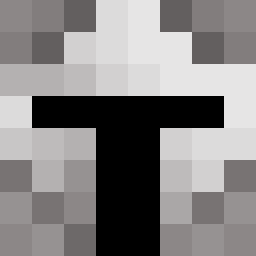 TTLIF SL_Andrew HBRAS Plumebox NatSunder Killgrave77 Cruzado_Arc AmontheVeiled Destroyermuffin FlyingKnight bw64 HollowOfMe Its_Pabloo Ggkill123ae2 Hexparzival King_Caydo P4W1G epicworks barrbossa99 _Nachmani_ EpicKnight04 nico_andrsn Termi8777 LikeTheKiller Larkintarkin Dumbasebr Persaeus1 Wafflebuff IntelRySen Zhoggi __Pershing__ ArisPvP BlasterPrime Trust_Love SunDown2k25 MenfisCJ Grozn2020 palomapro Squidzo19 Vanguard3846 LOAFOFTIGER Kathunk Timbo22999 Thrashertrasher Manwnoname Zeppelin_Gyro stary_123 ChorkiesCz John_Geer Traffic_Cone_16 kefariz Blacknight797 C0nTheC0nd0r Redfive8011 Tarsrdn Gotchell23 cheem_ez Gar1019 xqcvn OptomisPrime
More Crusader Minecraft skins
How to install the Carminr skin
- Press the Download button above to save the skin as a PNG file.
- Minecraft: Bedrock Edition (PE): open the Dressing Room from the main menu (or tap your character → Edit Character), go to Classic Skins → Owned, press the + (new skin) button, choose the downloaded PNG and pick the Classic (Steve) model. Works on PC and mobile; consoles cannot import custom skins.
- Minecraft: Java Edition: open the Minecraft Launcher, go to the Skins tab, click New Skin, load the PNG, pick the Classic (Steve) model and press Save & Use. You can also upload it at minecraft.net → Profile → Change Skin.
The skin does not show up after import - what should I do?
Restart Minecraft and open the Dressing Room again - imported skins sometimes appear only after a restart. Also make sure you selected the imported skin and picked the Classic (Steve) model.
Which model should I choose, Classic or Slim?
This skin is designed for the Classic (Steve) model. If you pick the wrong model, the arms of the skin will look stretched or squeezed.
Is the skin of Carminr free to download?
Yes. Press Download, save the PNG file and use it in Minecraft: Bedrock Edition or Java Edition - no payment or registration needed. The skin also works on multiplayer servers and Realms.
More skins
Looking for more? Go back to all Minecraft skins and check the top skins of the week, month and all time, or find any player's skin by nickname.