
CadetYoda - Minecraft Skins & Skin History
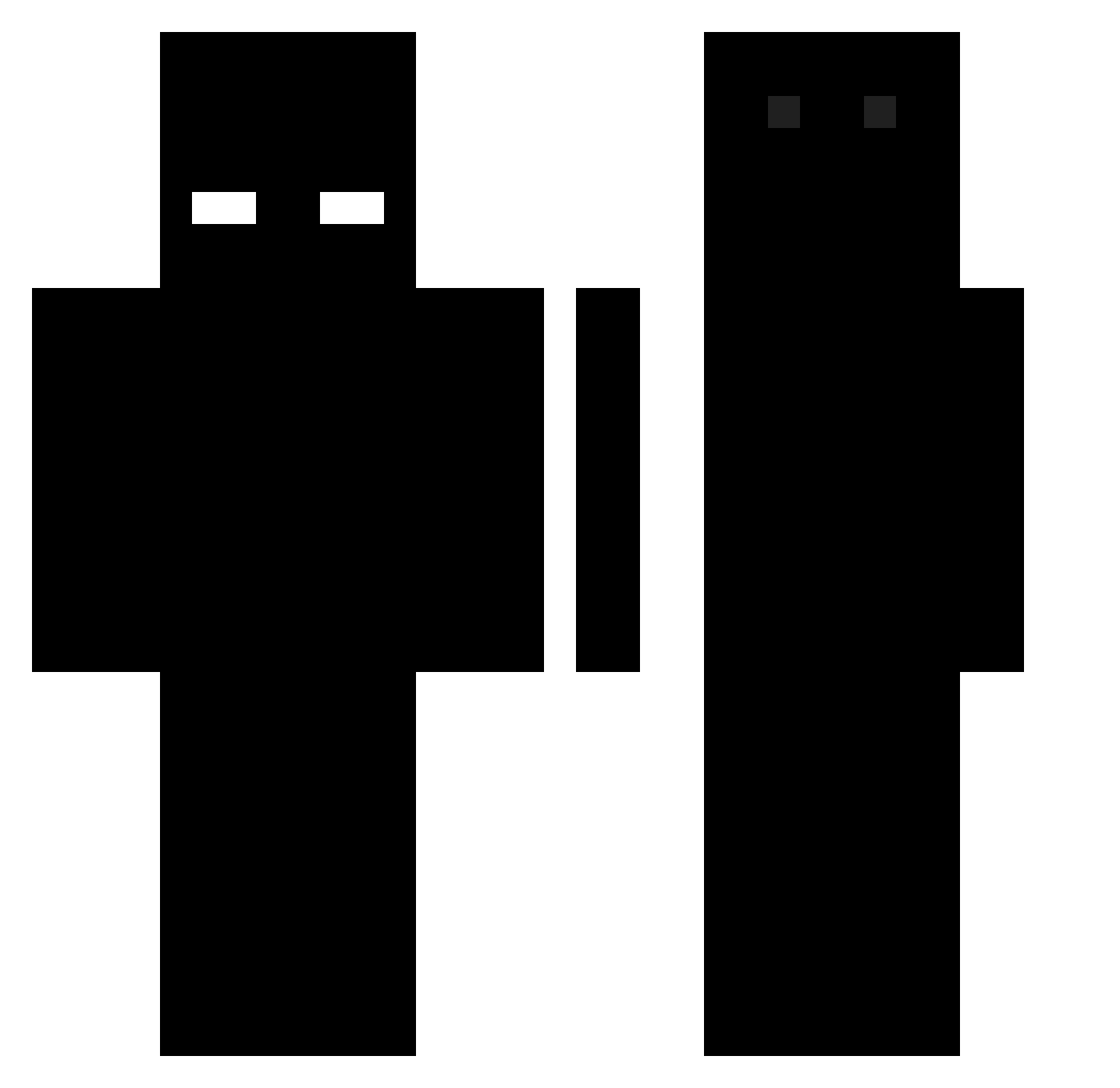
Current Minecraft skin of the player CadetYoda, loaded from the official Mojang API. Rotate the 3D model with your mouse or finger, then download the skin as a PNG file and use it in Minecraft: Bedrock Edition or Java Edition for free. When CadetYoda changes their skin, this page updates automatically and the old skin stays in the history below.
Other players with this skin (496)
CadetYoda was the 73rd player we have seen with this skin, first spotted on 07.08.2026. The same skin was seen on these players. Open a nickname to see their current skin and skin history.
 konior966 telk__ ahmerism choihyunho09 cambrew_00 wolf_hunter12 cookedporkchopp Tzay_jo axzualt victor_yan0108 Tentl1 Xfeet_yui MugiwaraMooster yglzl sho3s KopqaMC _Inio_ ___SUN Ricard02 gazzman1617 DrunkCombo eqxy singuIarities Unknown84210 chaplayne Guigui113 sulyvank Hxb1t xX_GmbH_Matts_Xx MAxy88491 DvstDast y_hwh Snowfall040 LowBryzzx Maks_gaming578 Ghosty_Noob mx1zera sametizm7 reeaazy secondlynx N1xro xoCold JOYTEK Alediablo99 NeedSky The_foxy25 GabrielTG56 Bartosz6589 PiotrMCPL Angus59 HIPOHIPO axolotlzdvpy Alexoclo_YT Dreeeeee NathanNicklaus _BLACK_SHADOW_0 SimulationZ FreeSimpBosse xenokoji airwolf908
How to install the CadetYoda skin
- Press the Download button above to save the skin as a PNG file.
- Minecraft: Bedrock Edition (PE): open the Dressing Room from the main menu (or tap your character → Edit Character), go to Classic Skins → Owned, press the + (new skin) button, choose the downloaded PNG and pick the Classic (Steve) model. Works on PC and mobile; consoles cannot import custom skins.
- Minecraft: Java Edition: open the Minecraft Launcher, go to the Skins tab, click New Skin, load the PNG, pick the Classic (Steve) model and press Save & Use. You can also upload it at minecraft.net → Profile → Change Skin.
The skin does not show up after import - what should I do?
Restart Minecraft and open the Dressing Room again - imported skins sometimes appear only after a restart. Also make sure you selected the imported skin and picked the Classic (Steve) model.
Which model should I choose, Classic or Slim?
This skin is designed for the Classic (Steve) model. If you pick the wrong model, the arms of the skin will look stretched or squeezed.
Is the skin of CadetYoda free to download?
Yes. Press Download, save the PNG file and use it in Minecraft: Bedrock Edition or Java Edition - no payment or registration needed. The skin also works on multiplayer servers and Realms.
More skins
Looking for more? Go back to all Minecraft skins and check the top skins of the week, month and all time, or find any player's skin by nickname.