
CRBJ - Minecraft Skins & Skin History
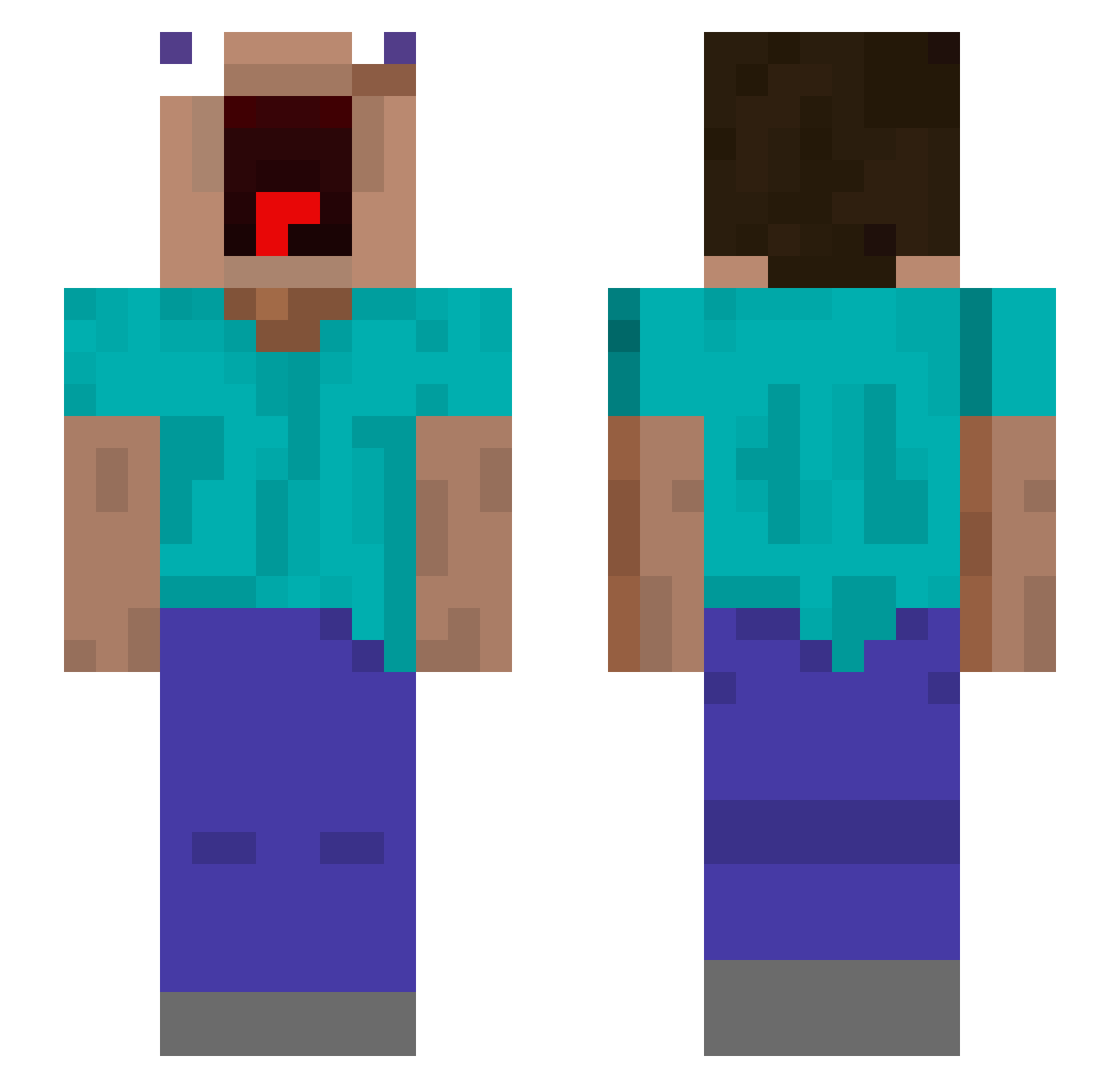
Current Minecraft skin of the player CRBJ, loaded from the official Mojang API. Rotate the 3D model with your mouse or finger, then download the skin as a PNG file and use it in Minecraft: Bedrock Edition or Java Edition for free. When CRBJ changes their skin, this page updates automatically and the old skin stays in the history below.
Other players with this skin (627)
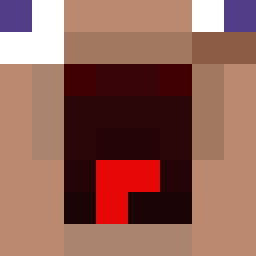
CRBJ was the 262nd player we have seen with this skin, first spotted on 13.09.2026. The same skin was seen on these players. Open a nickname to see their current skin and skin history.
 Michy007 TheFranks56 g3nesis_314 GMLV7 nikolajevi4 Shirotsu Ydddde Kironar koobonjun gorupyy Stipen VLK2i tfTudix Mohammed_bombe_m MR_SAGRENNn_xx spoconyPiecia s1No12345 Zixonn77 Maxxxx19 eddieman24 Zydlover69 DieEneLimburger Icey_Fl7 Cheeseburger4167 GoluHD AndreesSMS AdiVulcanizare Flaurenz IMNOTGOOD2 Malotchee 3arbiTropEnPetar BuNongKong KosmicMC TEAEGGY MrHoward Mxrkza abu3ziz iTzEnzym georgre04 LeKittenJames_ YohBruv _Tinera_ Tylawrr RiceEater52 elgoumero DeusKer Reactivekingz Plaqzm Rui99999 Timbo360 Mercury6996 Laurinschka mchu523 wzs22 Nennooou BlackSam28 lightwater98 JefferyCoconut 121Dmitriy228 troyz_1
More Screaming Minecraft skins
How to install the CRBJ skin
- Press the Download button above to save the skin as a PNG file.
- Minecraft: Bedrock Edition (PE): open the Dressing Room from the main menu (or tap your character → Edit Character), go to Classic Skins → Owned, press the + (new skin) button, choose the downloaded PNG and pick the Slim (Alex) model. Works on PC and mobile; consoles cannot import custom skins.
- Minecraft: Java Edition: open the Minecraft Launcher, go to the Skins tab, click New Skin, load the PNG, pick the Slim (Alex) model and press Save & Use. You can also upload it at minecraft.net → Profile → Change Skin.
The skin does not show up after import - what should I do?
Restart Minecraft and open the Dressing Room again - imported skins sometimes appear only after a restart. Also make sure you selected the imported skin and picked the Slim (Alex) model.
Which model should I choose, Classic or Slim?
This skin is designed for the Slim (Alex) model. If you pick the wrong model, the arms of the skin will look stretched or squeezed.
Is the skin of CRBJ free to download?
Yes. Press Download, save the PNG file and use it in Minecraft: Bedrock Edition or Java Edition - no payment or registration needed. The skin also works on multiplayer servers and Realms.
More skins
Looking for more? Go back to all Minecraft skins and check the top skins of the week, month and all time, or find any player's skin by nickname.