
C3BOYS - Minecraft Skins & Skin History
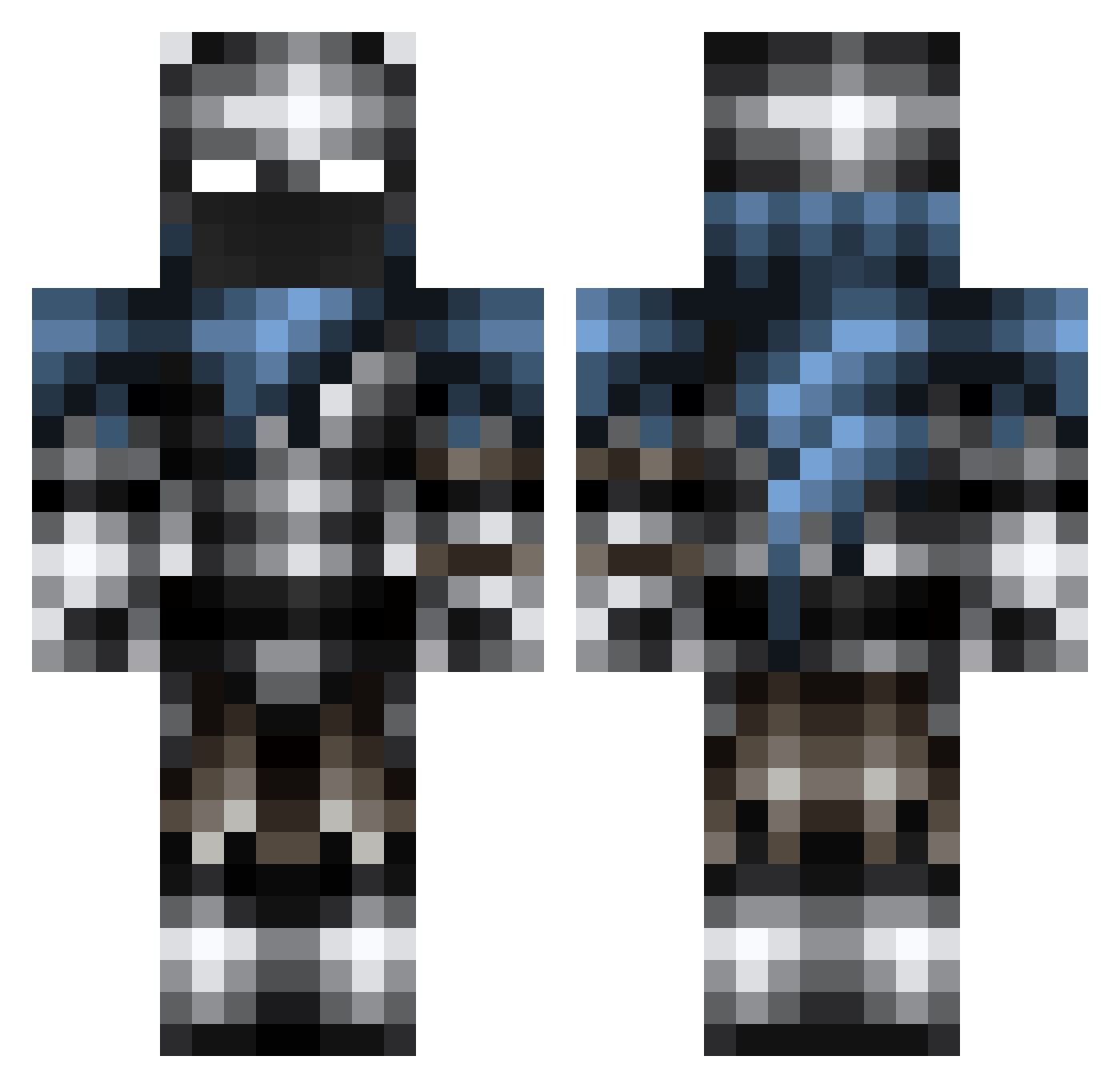
Current Minecraft skin of the player C3BOYS, loaded from the official Mojang API. Rotate the 3D model with your mouse or finger, then download the skin as a PNG file and use it in Minecraft: Bedrock Edition or Java Edition for free. When C3BOYS changes their skin, this page updates automatically and the old skin stays in the history below.
Other players with this skin (277)
C3BOYS was the 31st player we have seen with this skin, first spotted on 07.08.2026. The same skin was seen on these players. Open a nickname to see their current skin and skin history.
 A_Mongoose Butternuts52 joeyanderson2701 GravesYT ADW20041 treecar6 Bakyt ViciousShadow XxpwnyouxX De4thOmen Creeper_Newman _Devilwalk CBH03 D3M0NK1LL3R Arcangel_AzraelX Michaelgun merdash NeoInventeur Shevuaz degroenebaron dani194 Nicknocky F_F Abbe08 ation2 XxEliTeEvOxX Voviknight NTFrost Ajmartin2006 iForbS Snowy0909 Wotenyx KappaSlashSlash Expansive flitzer10000 Bow_master_612 Mattiespower straydogzz Darkside009 Purxps Dr_Shez frowningprince Revivan Dwl290 Xsupergirl08X SkullFusion702 Eldistructojake mojjeknas DynamiteCrab52 c105 angarsk99 Sentenced86 KleanKanteen_ brick44 Dumpling649 Melodically Artix8 buddergolem65 IsThisDys MasterBiulder5
More Warrior Minecraft skins
How to install the C3BOYS skin
- Press the Download button above to save the skin as a PNG file.
- Minecraft: Bedrock Edition (PE): open the Dressing Room from the main menu (or tap your character → Edit Character), go to Classic Skins → Owned, press the + (new skin) button, choose the downloaded PNG and pick the Classic (Steve) model. Works on PC and mobile; consoles cannot import custom skins.
- Minecraft: Java Edition: open the Minecraft Launcher, go to the Skins tab, click New Skin, load the PNG, pick the Classic (Steve) model and press Save & Use. You can also upload it at minecraft.net → Profile → Change Skin.
The skin does not show up after import - what should I do?
Restart Minecraft and open the Dressing Room again - imported skins sometimes appear only after a restart. Also make sure you selected the imported skin and picked the Classic (Steve) model.
Which model should I choose, Classic or Slim?
This skin is designed for the Classic (Steve) model. If you pick the wrong model, the arms of the skin will look stretched or squeezed.
Is the skin of C3BOYS free to download?
Yes. Press Download, save the PNG file and use it in Minecraft: Bedrock Edition or Java Edition - no payment or registration needed. The skin also works on multiplayer servers and Realms.
More skins
Looking for more? Go back to all Minecraft skins and check the top skins of the week, month and all time, or find any player's skin by nickname.