
Byte_Blast - Minecraft Skins & Skin History
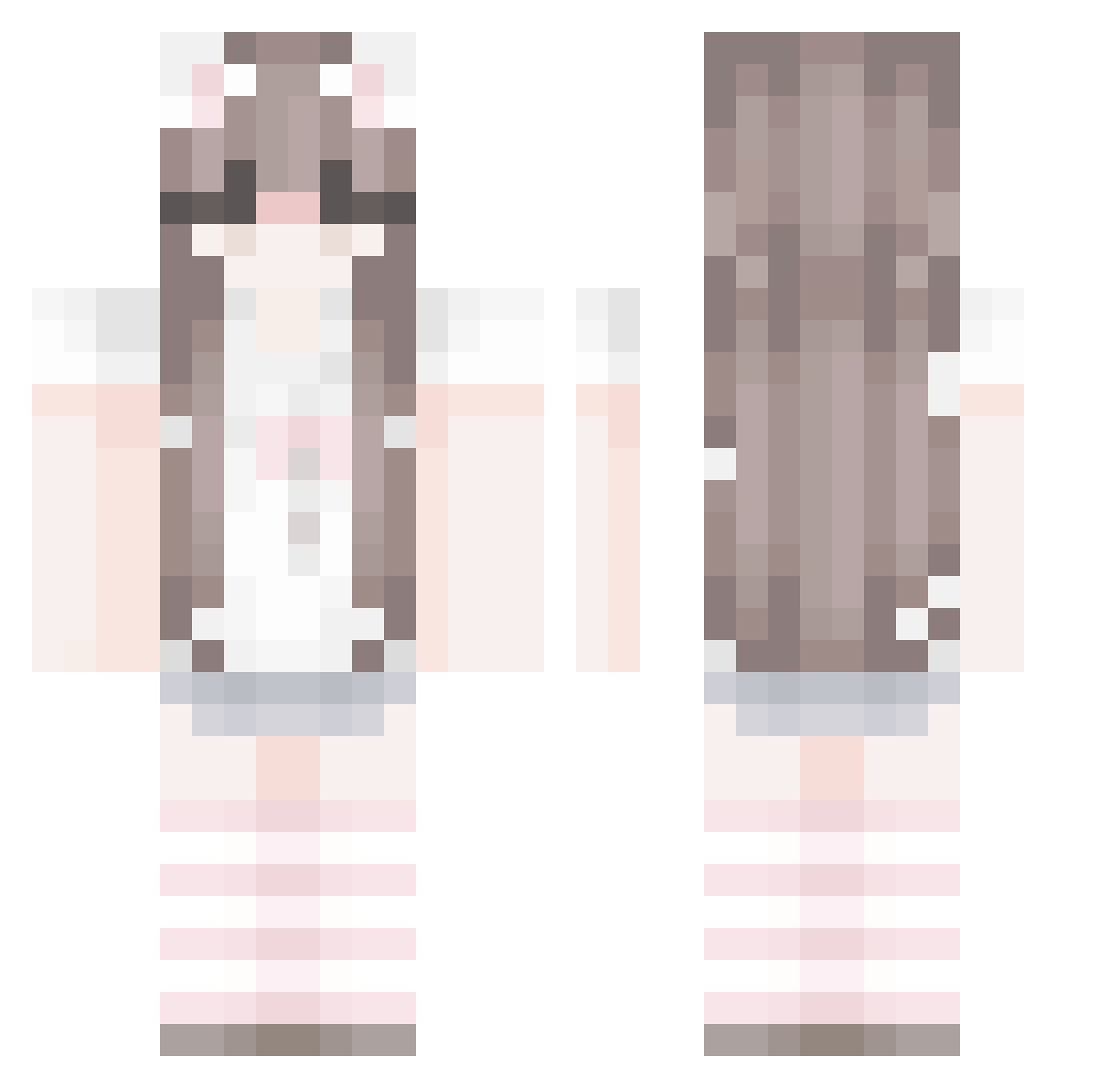
Current Minecraft skin of the player Byte_Blast, loaded from the official Mojang API. Rotate the 3D model with your mouse or finger, then download the skin as a PNG file and use it in Minecraft: Bedrock Edition or Java Edition for free. When Byte_Blast changes their skin, this page updates automatically and the old skin stays in the history below.
Other players with this skin (67)
Byte_Blast was the 17th player we have seen with this skin, first spotted on 16.08.2026. The same skin was seen on these players. Open a nickname to see their current skin and skin history.
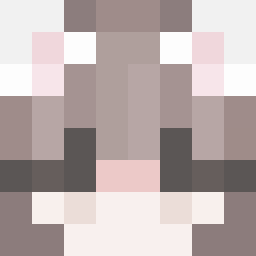 Sweeetpig_feet Drakothedragon23 rrshni
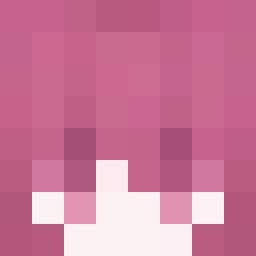 FormlI maw_moe Ranininho strawb3rr1ez
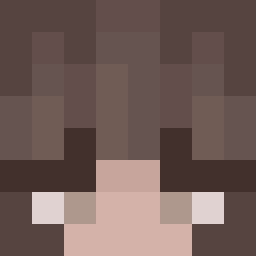 Vivisox remplayztdy EllanaBr MilkieFae hymerine time_dent Khalixx
 BellaKillsGhast Bestom2011 Riz_Souffle Jelsiie
 catboyrustic usufruit
 Laniebug155 ciddisin juxix4 Dxni3llee human_owo
 hearts4mayos tmen71 P1NKPIKMIN
 tarotka strawberrypudge jonathanmgs Wolfy2369 ThatOneGuy_321 Lianqq_ SanjisWyfe NunToCrazy rosahearts Kat_143 katbighit skwya xwbuzzwx chipiuu claraamm aaaise Aleksandraoa11 pahvi_ MommyyJasmine newjini umarvvv Annadpk XiaoLik l00s1a nourahhh xunbao6 DAJAVU_ fullsuni easycrow alciavs ggcgaoxing renyno
More Cat Ears Minecraft skins
How to install the Byte_Blast skin
- Press the Download button above to save the skin as a PNG file.
- Minecraft: Bedrock Edition (PE): open the Dressing Room from the main menu (or tap your character → Edit Character), go to Classic Skins → Owned, press the + (new skin) button, choose the downloaded PNG and pick the Classic (Steve) model. Works on PC and mobile; consoles cannot import custom skins.
- Minecraft: Java Edition: open the Minecraft Launcher, go to the Skins tab, click New Skin, load the PNG, pick the Classic (Steve) model and press Save & Use. You can also upload it at minecraft.net → Profile → Change Skin.
The skin does not show up after import - what should I do?
Restart Minecraft and open the Dressing Room again - imported skins sometimes appear only after a restart. Also make sure you selected the imported skin and picked the Classic (Steve) model.
Which model should I choose, Classic or Slim?
This skin is designed for the Classic (Steve) model. If you pick the wrong model, the arms of the skin will look stretched or squeezed.
Is the skin of Byte_Blast free to download?
Yes. Press Download, save the PNG file and use it in Minecraft: Bedrock Edition or Java Edition - no payment or registration needed. The skin also works on multiplayer servers and Realms.
More skins
Looking for more? Go back to all Minecraft skins and check the top skins of the week, month and all time, or find any player's skin by nickname.