
ButtCavity - Minecraft Skins & Skin History
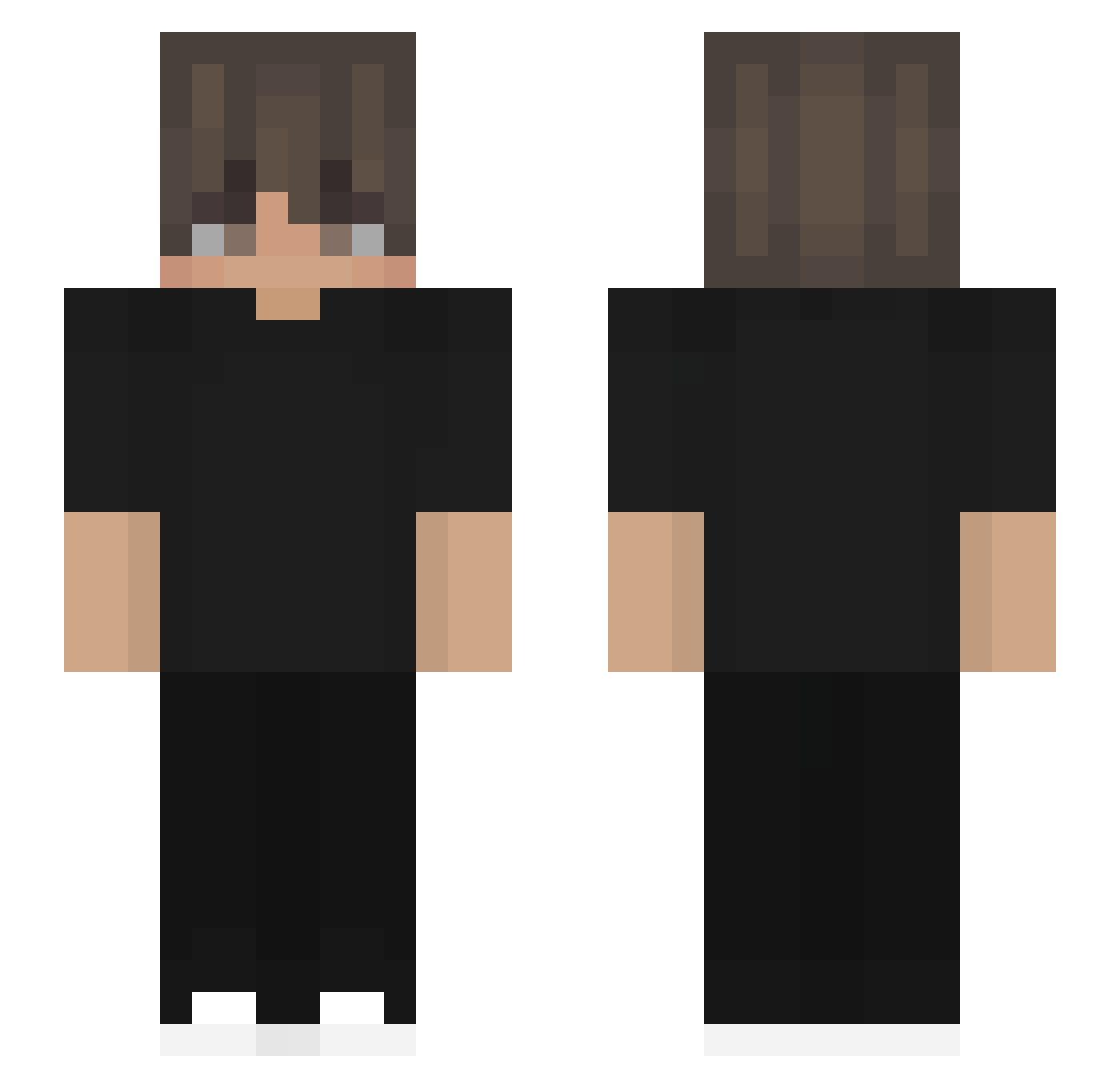
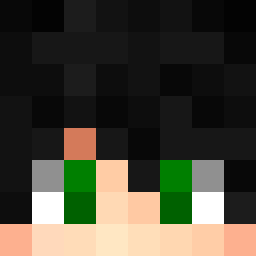
Current Minecraft skin of the player ButtCavity, loaded from the official Mojang API. Rotate the 3D model with your mouse or finger, then download the skin as a PNG file and use it in Minecraft: Bedrock Edition or Java Edition for free. When ButtCavity changes their skin, this page updates automatically and the old skin stays in the history below.
Other players with this skin (532)
ButtCavity was the 194th player we have seen with this skin, first spotted on 02.09.2026. The same skin was seen on these players. Open a nickname to see their current skin and skin history.
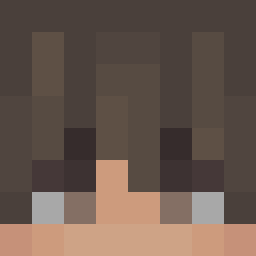 pylery_
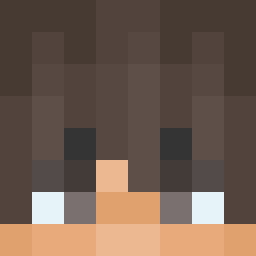 YAMANYT Tronpro zVairx elkye06 Eniss0 mukiii123 xiaosage111 YoungbertNoskill dexpart Kubsonpew cervantesomar180 Slxzzy_L Axel_777 mahadmunaf109 ArabRami Pretander S3rm00 AndreiBara10 FiteQQ kelloumpa
 Vraiqs soukasian Letme23 ImNoa04 xMADENx DaysaAgo Arian14123 FireGame998 Duckman41 TangentClaw6086 G1vralia Valou2 Der_Strackholter Wayzxx Nicolas__8 Oliverpro20111 R15M_0208 whatcanisay820 yagi0302 MarinhoPT27 Oneshot242x parkgunyoung_ Cig1503 OmegaVzla solzzera szoru Joswphcg
 Einfxallslos MooShroom_11 NoahPr1me LaStrix Acha1215 __MDR__ R_konbu Matheus_Melini K_A_S_ JerryRelic Ace2334 warexegzoz
How to install the ButtCavity skin
- Press the Download button above to save the skin as a PNG file.
- Minecraft: Bedrock Edition (PE): open the Dressing Room from the main menu (or tap your character → Edit Character), go to Classic Skins → Owned, press the + (new skin) button, choose the downloaded PNG and pick the Slim (Alex) model. Works on PC and mobile; consoles cannot import custom skins.
- Minecraft: Java Edition: open the Minecraft Launcher, go to the Skins tab, click New Skin, load the PNG, pick the Slim (Alex) model and press Save & Use. You can also upload it at minecraft.net → Profile → Change Skin.
The skin does not show up after import - what should I do?
Restart Minecraft and open the Dressing Room again - imported skins sometimes appear only after a restart. Also make sure you selected the imported skin and picked the Slim (Alex) model.
Which model should I choose, Classic or Slim?
This skin is designed for the Slim (Alex) model. If you pick the wrong model, the arms of the skin will look stretched or squeezed.
Is the skin of ButtCavity free to download?
Yes. Press Download, save the PNG file and use it in Minecraft: Bedrock Edition or Java Edition - no payment or registration needed. The skin also works on multiplayer servers and Realms.
More skins
Looking for more? Go back to all Minecraft skins and check the top skins of the week, month and all time, or find any player's skin by nickname.