
BurialPower - Minecraft Skins & Skin History
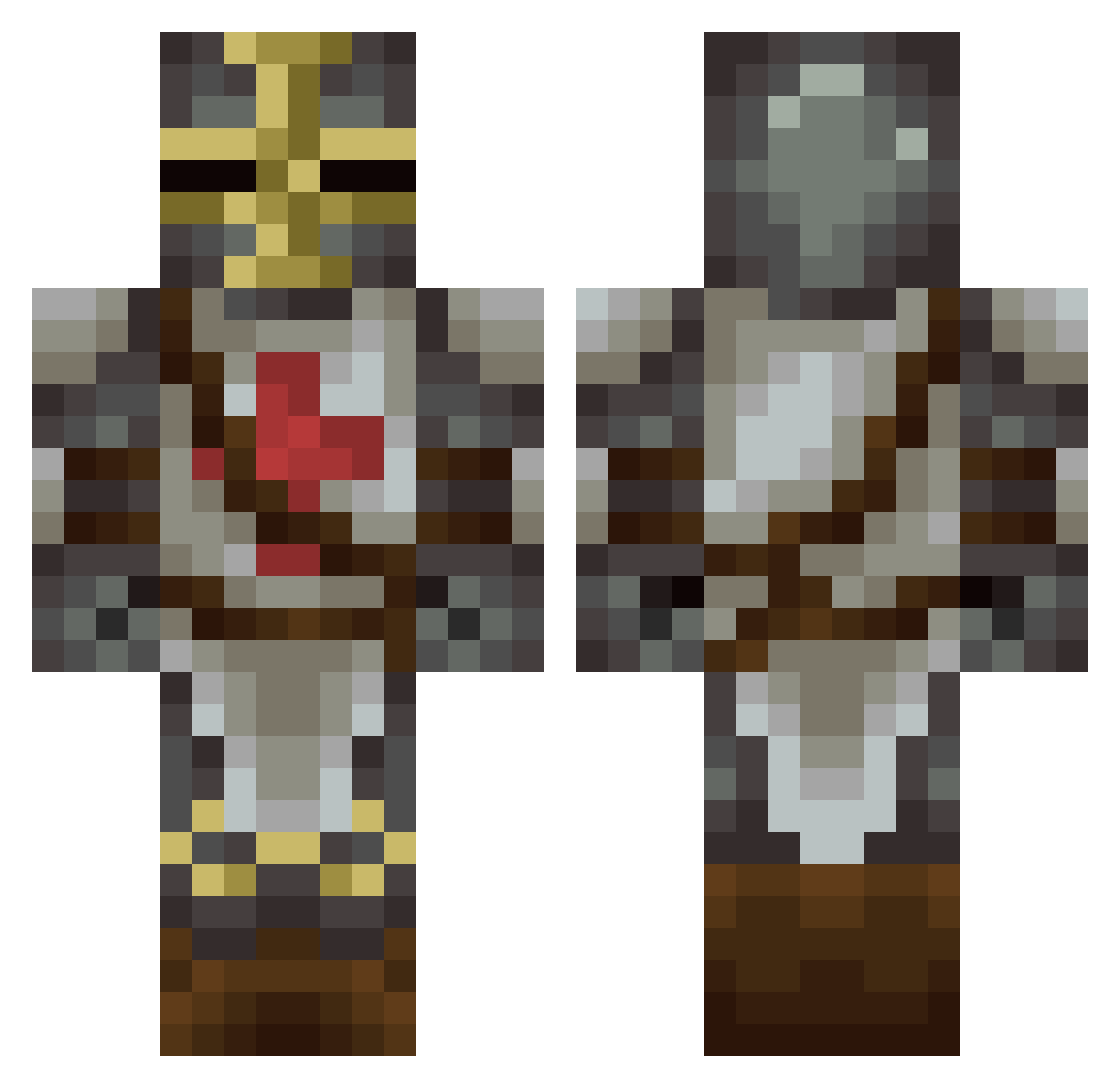
Current Minecraft skin of the player BurialPower, loaded from the official Mojang API. Rotate the 3D model with your mouse or finger, then download the skin as a PNG file and use it in Minecraft: Bedrock Edition or Java Edition for free. When BurialPower changes their skin, this page updates automatically and the old skin stays in the history below.
Other players with this skin (181)
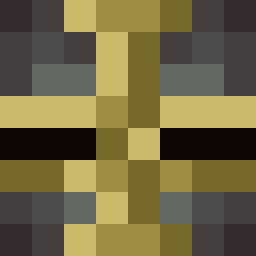
BurialPower was the 26th player we have seen with this skin, first spotted on 12.08.2026. The same skin was seen on these players. Open a nickname to see their current skin and skin history.
 Streamsniper41 stefannp Ruangenm Martellus88 SumskiPero Odrirg Habybyy LaserLight0 PurpleToaster3 Lascivus Gremlinatorr Radnar45 Sephilandia ladytjatja Kaiser475 nukem56 Alexorcism Locust_M22 ratsel_1222 Brave_knight_bro MinerBoenan MrMufinz007 PotatoMan_K Adrakas Midgley82 McPluggen HistoryDweeb OhCollo BioVennom
 123lllll REAPER_CREEPER97 Geronut spitsl EastwardCanuck king_ahri BrockDanielz raveIvwHLp86 Zaucy Nexrever NVSE4827 Alkanderos Dave_Durn AphelionAT Tetanica LordObsidius TheUncertain AdversePossesser Joseph_Senpai Arx316 Tortimer46 BarsAllune NG_DvST KrakenParty Litchi77 RageOdyssey Wymorlon Nightwolf7255 CionicBygorg MajlundXI Hult13337
More Crusader Minecraft skins
How to install the BurialPower skin
- Press the Download button above to save the skin as a PNG file.
- Minecraft: Bedrock Edition (PE): open the Dressing Room from the main menu (or tap your character → Edit Character), go to Classic Skins → Owned, press the + (new skin) button, choose the downloaded PNG and pick the Classic (Steve) model. Works on PC and mobile; consoles cannot import custom skins.
- Minecraft: Java Edition: open the Minecraft Launcher, go to the Skins tab, click New Skin, load the PNG, pick the Classic (Steve) model and press Save & Use. You can also upload it at minecraft.net → Profile → Change Skin.
The skin does not show up after import - what should I do?
Restart Minecraft and open the Dressing Room again - imported skins sometimes appear only after a restart. Also make sure you selected the imported skin and picked the Classic (Steve) model.
Which model should I choose, Classic or Slim?
This skin is designed for the Classic (Steve) model. If you pick the wrong model, the arms of the skin will look stretched or squeezed.
Is the skin of BurialPower free to download?
Yes. Press Download, save the PNG file and use it in Minecraft: Bedrock Edition or Java Edition - no payment or registration needed. The skin also works on multiplayer servers and Realms.
More skins
Looking for more? Go back to all Minecraft skins and check the top skins of the week, month and all time, or find any player's skin by nickname.