
BrianXie - Minecraft Skins & Skin History
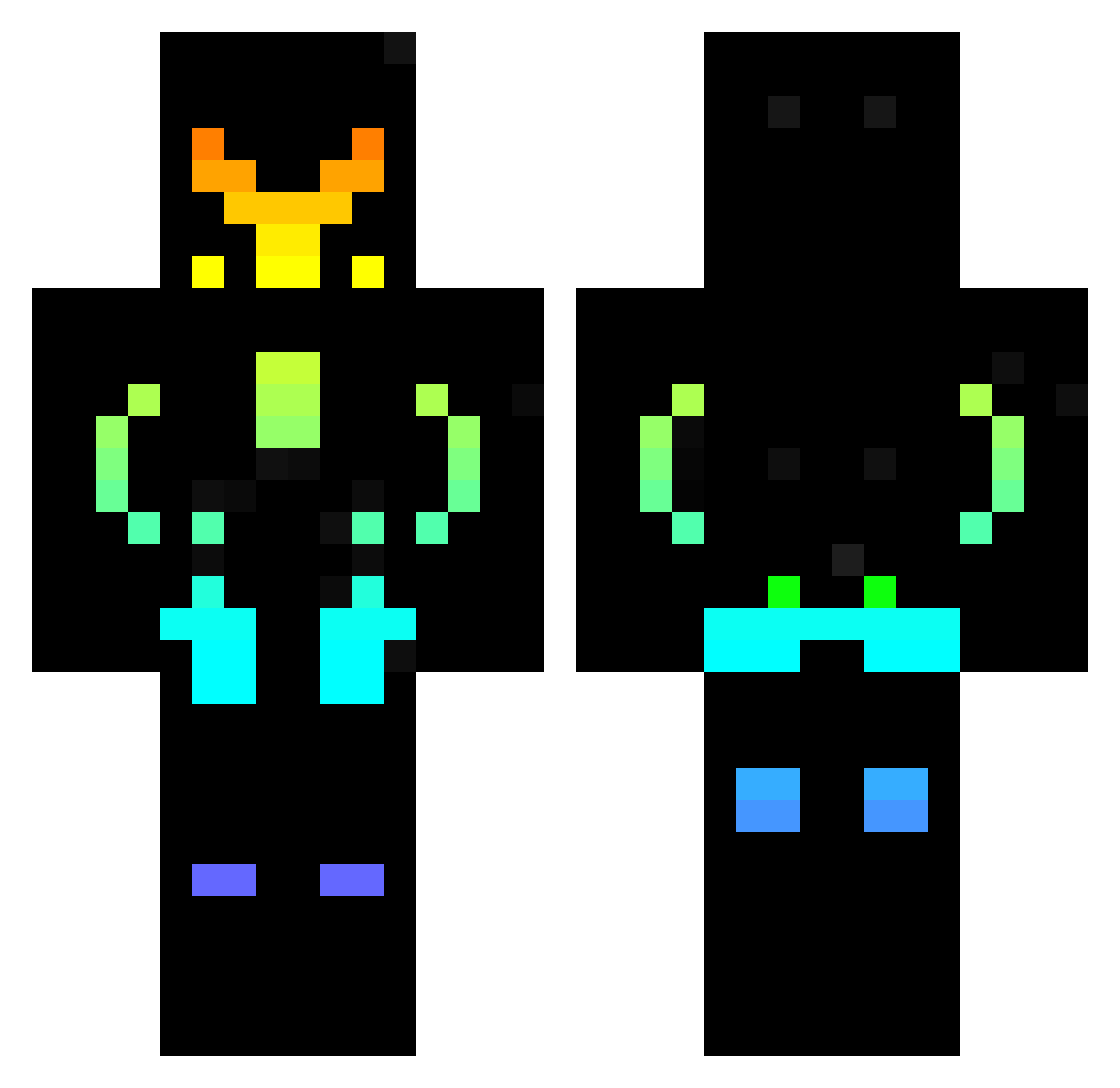
Current Minecraft skin of the player BrianXie, loaded from the official Mojang API. Rotate the 3D model with your mouse or finger, then download the skin as a PNG file and use it in Minecraft: Bedrock Edition or Java Edition for free. When BrianXie changes their skin, this page updates automatically and the old skin stays in the history below.
Other players with this skin (424)
BrianXie was the 386th player we have seen with this skin, first spotted on 24.10.2026. The same skin was seen on these players. Open a nickname to see their current skin and skin history.
 GriningCat aidenx2 Kirito2007H MAXPEN RainbowBananaGuy DukeDreemurr ChandProy Bomba2k7 DarkestTruth _Azakun_ Zebeleu MIghtyFFF 12MICHI21 pert26 epicYA_ Spartan5117 Luxiozepepo Pranaynae Xx_Ga1axy_xX Roboto001 MasterHades10 ARGGUS7 vanness8363 MapleXiu gabrieletr Mike220 jjumper777 Sloomy_wolf nic1038 JacKitAce Dudicus_Brah the_chosen_1_ Briiz4 Devs182 Dragoncito1463 T9nzh vixxgame58 wowispro casdra9923 RudolphVega GTMARMY Itz_Xtreme09 Portalcraft682 Maxou7113 lola2625 snake23200 ExGamer898 BLACK_OPTIMUS Gamerthug_1209 Noob_yt_0_0 Doughnutdog2946 Ryukub NeoGe10 ShiNoBaK WITHER_SLAYER793 zza23 ReyNueS Jacinto_el_sucio ProTeck2001 Berksey
More Cyberpunk Soldier Minecraft skins
See all 1230 Cyberpunk Soldier skins
How to install the BrianXie skin
- Press the Download button above to save the skin as a PNG file.
- Minecraft: Bedrock Edition (PE): open the Dressing Room from the main menu (or tap your character → Edit Character), go to Classic Skins → Owned, press the + (new skin) button, choose the downloaded PNG and pick the Classic (Steve) model. Works on PC and mobile; consoles cannot import custom skins.
- Minecraft: Java Edition: open the Minecraft Launcher, go to the Skins tab, click New Skin, load the PNG, pick the Classic (Steve) model and press Save & Use. You can also upload it at minecraft.net → Profile → Change Skin.
The skin does not show up after import - what should I do?
Restart Minecraft and open the Dressing Room again - imported skins sometimes appear only after a restart. Also make sure you selected the imported skin and picked the Classic (Steve) model.
Which model should I choose, Classic or Slim?
This skin is designed for the Classic (Steve) model. If you pick the wrong model, the arms of the skin will look stretched or squeezed.
Is the skin of BrianXie free to download?
Yes. Press Download, save the PNG file and use it in Minecraft: Bedrock Edition or Java Edition - no payment or registration needed. The skin also works on multiplayer servers and Realms.
More skins
Looking for more? Go back to all Minecraft skins and check the top skins of the week, month and all time, or find any player's skin by nickname.