
Bozy311 - Minecraft Skins & Skin History
Current Minecraft skin of the player Bozy311, loaded from the official Mojang API. Rotate the 3D model with your mouse or finger, then download the skin as a PNG file and use it in Minecraft: Bedrock Edition or Java Edition for free. When Bozy311 changes their skin, this page updates automatically and the old skin stays in the history below.
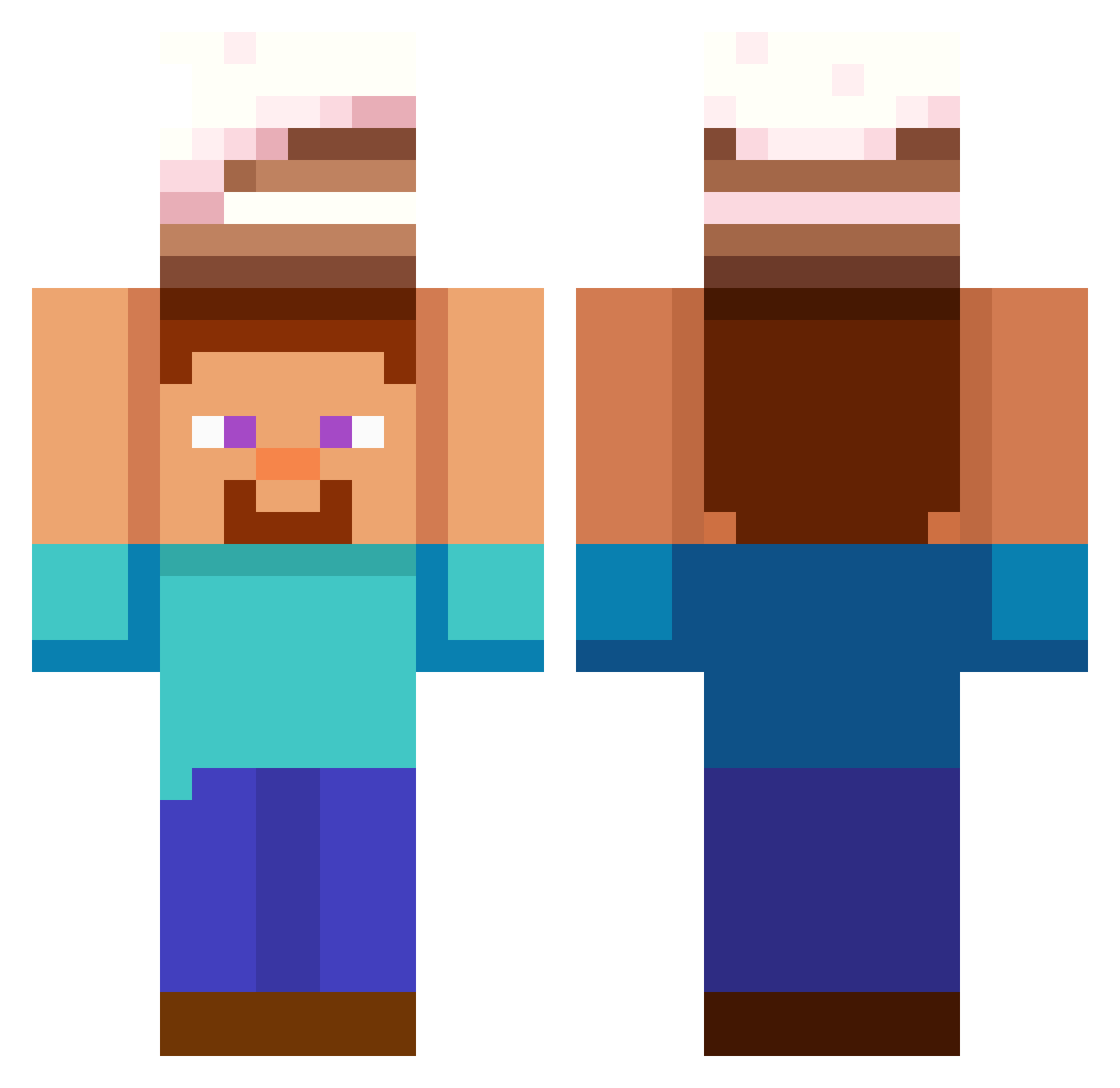
Other players with this skin (565)
Bozy311 was the 176th player we have seen with this skin, first spotted on 24.08.2026. The same skin was seen on these players. Open a nickname to see their current skin and skin history.
 SeggyBacon Taekgil BetaPegasus karlitus69 Nosgem campos51 impactlud SuperCoolSigma47 crwuz wittenninja djmaw ASHADISNOOB alcaaday
 DessoHans nick011 FireBoy350 ArthurPencilgood Alesha7665 7Andrei VerryMean tqy23 bu642_ Badingo3 nickname1205 KnoxyBoy35 enrimane Sanlio76
 DiamondDanny29 oimpy ExampleText22 Hamburger_Harmer FilipWl MrSheep1010 june40437
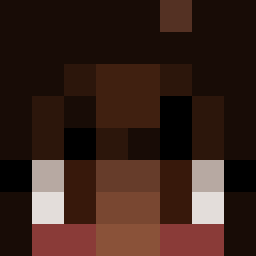 KawaiixPotato hoho_3827 Bubble3192 skatjdals Dakrratious MrNukz
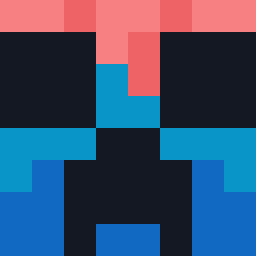 minecraft_delisi Alg0nquin CaptianWolf3000 2swggd
 Peeeeepe Farzuuu Code_Error_4090 LuckyClover1109 GruTheFirst Pokeeman2012 NightKnight9 hello_there2883 Future1998 VASAIEARN LIKEJX emimo2015 Nhatz hagaiD poolboy279 renko1katsuka
More Cake Minecraft skins
How to install the Bozy311 skin
- Press the Download button above to save the skin as a PNG file.
- Minecraft: Bedrock Edition (PE): open the Dressing Room from the main menu (or tap your character → Edit Character), go to Classic Skins → Owned, press the + (new skin) button, choose the downloaded PNG and pick the Classic (Steve) model. Works on PC and mobile; consoles cannot import custom skins.
- Minecraft: Java Edition: open the Minecraft Launcher, go to the Skins tab, click New Skin, load the PNG, pick the Classic (Steve) model and press Save & Use. You can also upload it at minecraft.net → Profile → Change Skin.
The skin does not show up after import - what should I do?
Restart Minecraft and open the Dressing Room again - imported skins sometimes appear only after a restart. Also make sure you selected the imported skin and picked the Classic (Steve) model.
Which model should I choose, Classic or Slim?
This skin is designed for the Classic (Steve) model. If you pick the wrong model, the arms of the skin will look stretched or squeezed.
Is the skin of Bozy311 free to download?
Yes. Press Download, save the PNG file and use it in Minecraft: Bedrock Edition or Java Edition - no payment or registration needed. The skin also works on multiplayer servers and Realms.
More skins
Looking for more? Go back to all Minecraft skins and check the top skins of the week, month and all time, or find any player's skin by nickname.