
BobbyLeeJones - Minecraft Skins & Skin History
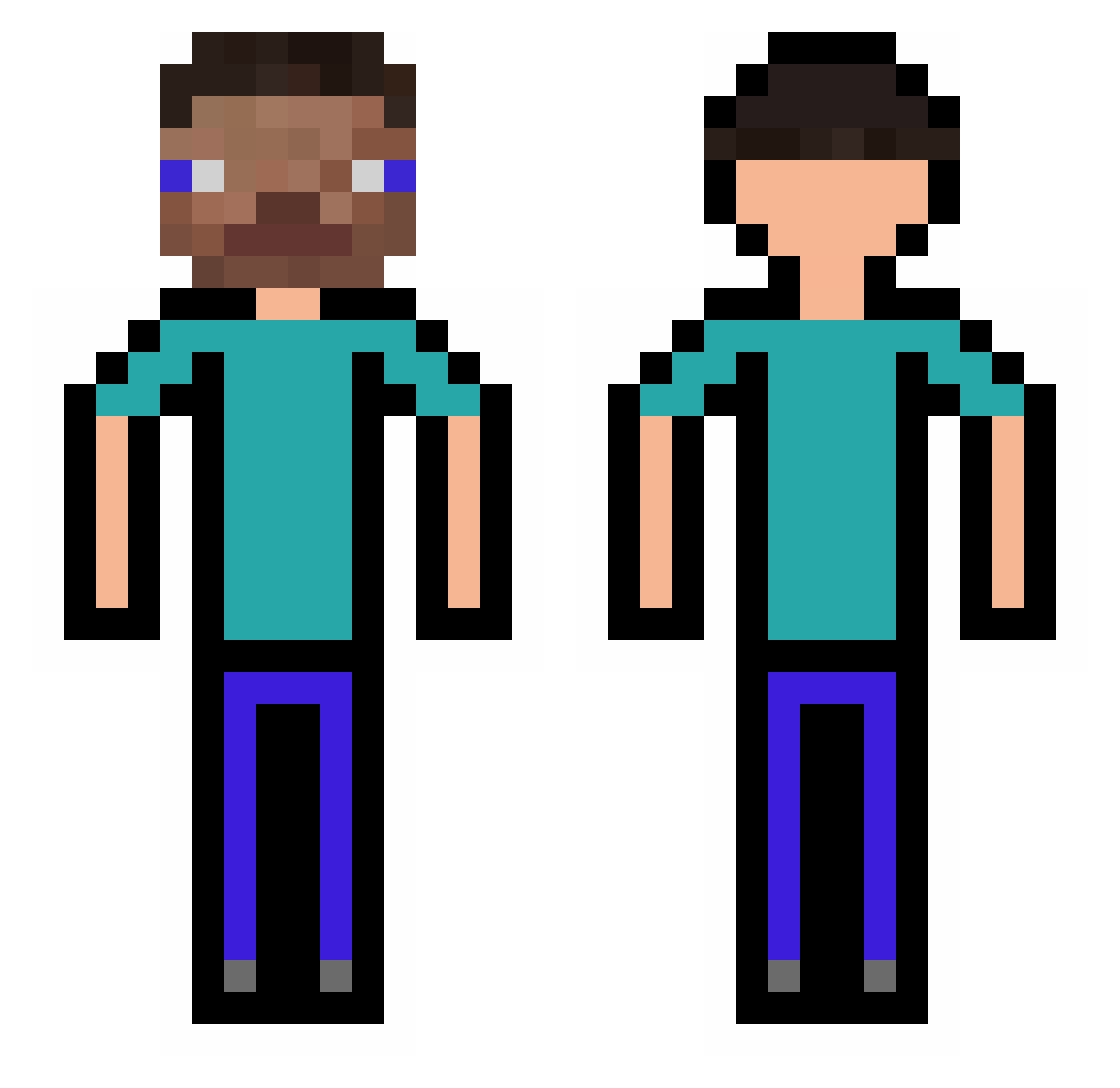
Current Minecraft skin of the player BobbyLeeJones, loaded from the official Mojang API. Rotate the 3D model with your mouse or finger, then download the skin as a PNG file and use it in Minecraft: Bedrock Edition or Java Edition for free. When BobbyLeeJones changes their skin, this page updates automatically and the old skin stays in the history below.
Other players with this skin (308)
BobbyLeeJones was the 43rd player we have seen with this skin, first spotted on 09.08.2026. The same skin was seen on these players. Open a nickname to see their current skin and skin history.
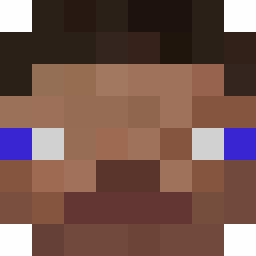 porkchop248 Mapril11 Zovron_ God132435465 KugelBallon89 R3dDuSt Axiu02 Javierrm16 Ey3zen KapperThaOne walkingcarl Destroyer000 zClutch__ Gurkenfahrer Gal_axia oskar031106 U0mil AAAlanW MyMomSaidImGay CoopAhhh hebelehubele1216 _wasd0 tongge8 cheesy349 PennyTrading445 Mollex98 VenVego Fierce_owoo Patate_molle BeanTheLegend jojoo03007 Mofriwars KayzahrX Masterschadows_ ADITA99 MiniDangjaZone _nxqo M9Gerolsteiner jjininder5398 LittleChiri sasashin Real_BGKumbi PastaLePenne Wolmac paulinbiquine A7X_Nzi_Nombyz xucong deepfriedburger1 Pizza_Huttss Ollibollle Royalgaming101 Bubulinagasolina ZAKIMGAMER GhostOfTsushi69 TAOGRAY PapaplatteFanboy AizAreane TeemoTrader thekingkang yeet__lord_
How to install the BobbyLeeJones skin
- Press the Download button above to save the skin as a PNG file.
- Minecraft: Bedrock Edition (PE): open the Dressing Room from the main menu (or tap your character → Edit Character), go to Classic Skins → Owned, press the + (new skin) button, choose the downloaded PNG and pick the Classic (Steve) model. Works on PC and mobile; consoles cannot import custom skins.
- Minecraft: Java Edition: open the Minecraft Launcher, go to the Skins tab, click New Skin, load the PNG, pick the Classic (Steve) model and press Save & Use. You can also upload it at minecraft.net → Profile → Change Skin.
The skin does not show up after import - what should I do?
Restart Minecraft and open the Dressing Room again - imported skins sometimes appear only after a restart. Also make sure you selected the imported skin and picked the Classic (Steve) model.
Which model should I choose, Classic or Slim?
This skin is designed for the Classic (Steve) model. If you pick the wrong model, the arms of the skin will look stretched or squeezed.
Is the skin of BobbyLeeJones free to download?
Yes. Press Download, save the PNG file and use it in Minecraft: Bedrock Edition or Java Edition - no payment or registration needed. The skin also works on multiplayer servers and Realms.
More skins
Looking for more? Go back to all Minecraft skins and check the top skins of the week, month and all time, or find any player's skin by nickname.