
Blitzer1723 - Minecraft Skins & Skin History
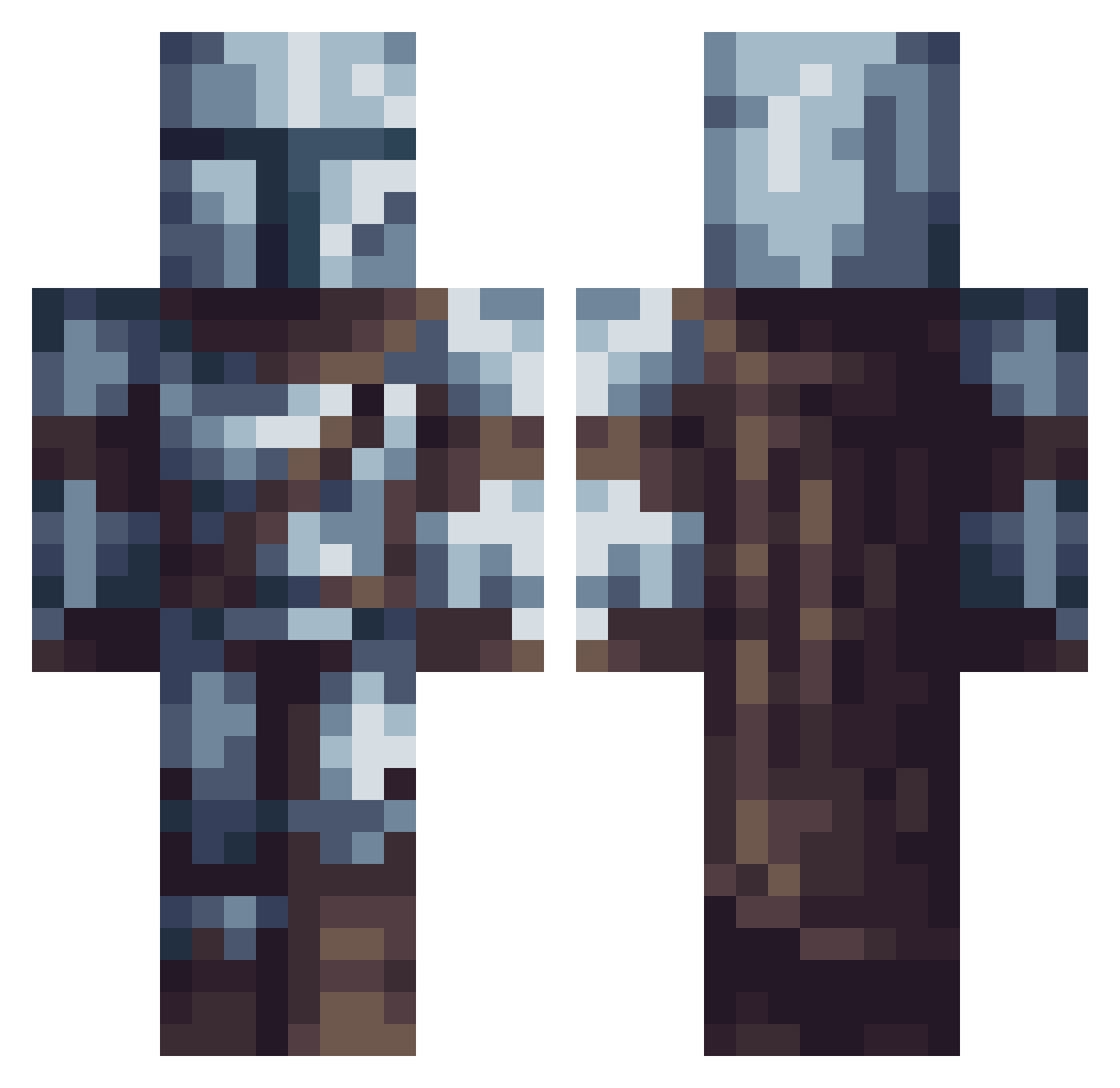
Current Minecraft skin of the player Blitzer1723, loaded from the official Mojang API. Rotate the 3D model with your mouse or finger, then download the skin as a PNG file and use it in Minecraft: Bedrock Edition or Java Edition for free. When Blitzer1723 changes their skin, this page updates automatically and the old skin stays in the history below.
Other players with this skin (745)
Blitzer1723 was the 706th player we have seen with this skin, first spotted on 15.11.2026. The same skin was seen on these players. Open a nickname to see their current skin and skin history.
 AndresVel26 maxhosko barcy707 JohnLawless Joshclark2008 MyNotMine DirtyUnicornsFFS Hunter_1st_Class QuarterMoon23 jedi_onslaught cachifo elunas5 neverfiend twoXus AlexDisk Raphe83600 raybiko lagisawsrodnas Chrissy343 Lessandhil Nefekare Darksia retroboy1980 Ksilt GustoHelikopter2 brousky zero080804 Raffa_RS jakobMC123 MaCcoPaNtS Mcspice RataAtropellada HopeYouRope99 Korbdog Mr_Vlate eggdivinator Hupp_lepuff BigBallBenHall Dark_Unknown21 LARDACENTS skylier6 RedFrame18 homiehouse 2BCF samicamo TheNibblee Meritorius17 Bumpledump Gourgen marduxs SGBTira MarsOps96 EpicMolner MapacheCosmico MrJujek Sh_dy Vindeval morghiad m4hid_hatake Davelantor
More The Mandalorian Minecraft skins
See all 675 The Mandalorian skins
How to install the Blitzer1723 skin
- Press the Download button above to save the skin as a PNG file.
- Minecraft: Bedrock Edition (PE): open the Dressing Room from the main menu (or tap your character → Edit Character), go to Classic Skins → Owned, press the + (new skin) button, choose the downloaded PNG and pick the Classic (Steve) model. Works on PC and mobile; consoles cannot import custom skins.
- Minecraft: Java Edition: open the Minecraft Launcher, go to the Skins tab, click New Skin, load the PNG, pick the Classic (Steve) model and press Save & Use. You can also upload it at minecraft.net → Profile → Change Skin.
The skin does not show up after import - what should I do?
Restart Minecraft and open the Dressing Room again - imported skins sometimes appear only after a restart. Also make sure you selected the imported skin and picked the Classic (Steve) model.
Which model should I choose, Classic or Slim?
This skin is designed for the Classic (Steve) model. If you pick the wrong model, the arms of the skin will look stretched or squeezed.
Is the skin of Blitzer1723 free to download?
Yes. Press Download, save the PNG file and use it in Minecraft: Bedrock Edition or Java Edition - no payment or registration needed. The skin also works on multiplayer servers and Realms.
More skins
Looking for more? Go back to all Minecraft skins and check the top skins of the week, month and all time, or find any player's skin by nickname.