
BlinduAG - Minecraft Skins & Skin History
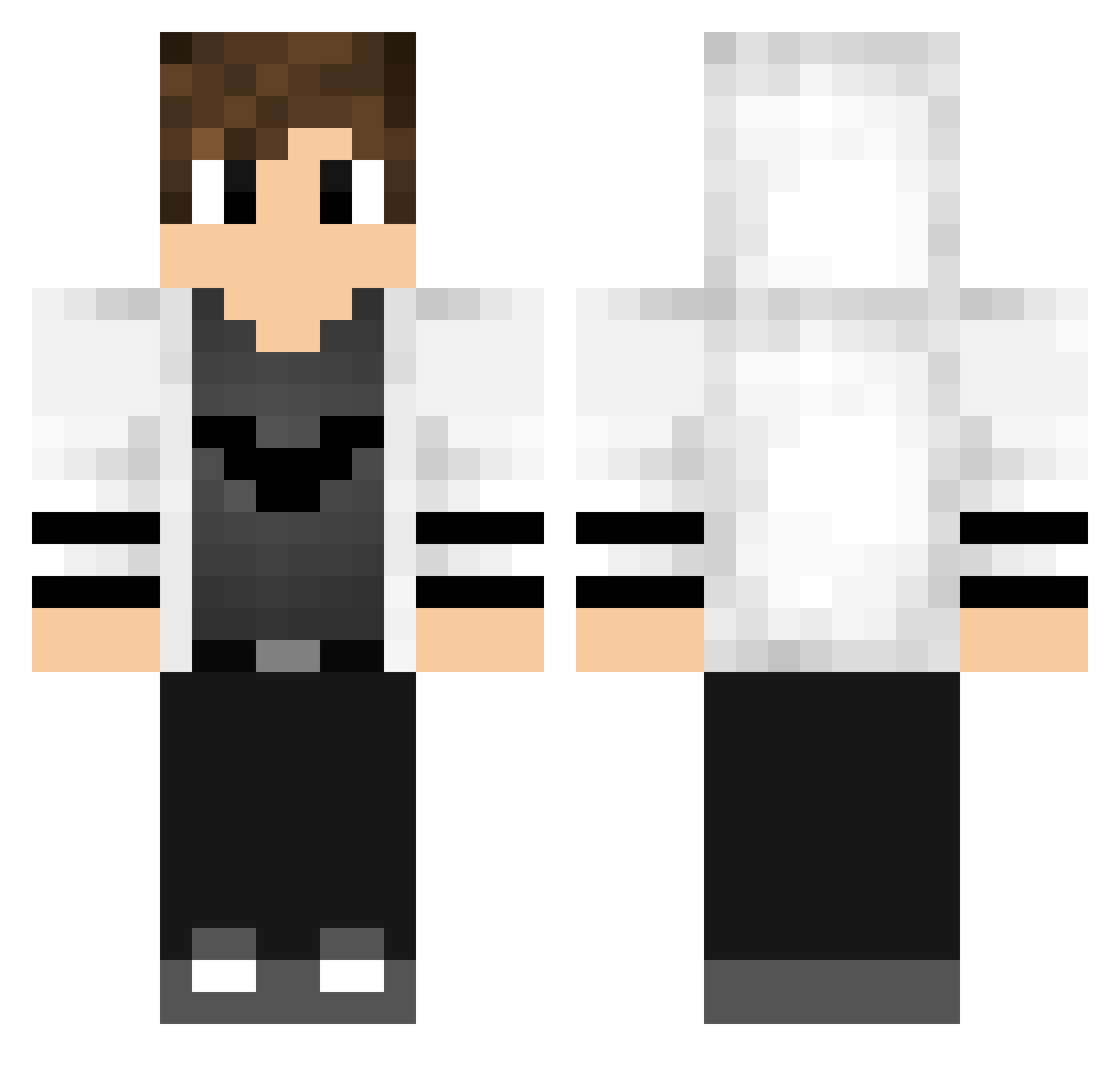
Current Minecraft skin of the player BlinduAG, loaded from the official Mojang API. Rotate the 3D model with your mouse or finger, then download the skin as a PNG file and use it in Minecraft: Bedrock Edition or Java Edition for free. When BlinduAG changes their skin, this page updates automatically and the old skin stays in the history below.
Other players with this skin (193)
BlinduAG was the 28th player we have seen with this skin, first spotted on 12.08.2026. The same skin was seen on these players. Open a nickname to see their current skin and skin history.
 _itel_ ImD4vide sigbigbang00 RiverRaevan ModdyCliient FROPBFE Dejmien99 Alex_Lordis kareemXDL GeekWilbur Glodiator nanodesu1001 Mike_Mikester Sky_FeeD dappl Phaxz F0ntesTheKiller Kluivertpel RafaelWerner RubbGaming Re3ko MrFanaKiZz BirelDarksbane taryo Igendenem Brzeeeczykij Snipeur80 falloutboy38 DireRavens shelter723 Rayzen_47 SociaL_Good BannedDrop Frodex_lol Q3D1R FlekingOut NoHackJustNobina Boss_Anas GalaxyxShapira YigitMC OERIII zLucasPlay Gordon0702 StrafeZellie ArdentSeal Mauri_0013 masterWorld_x ByWeeKz JuandaStyle26 DRIXZAO ShaffeDK FRAN074 FlashReversee Dig11t samecube1705 h3bus KkamsuayK942 frosty_the_god Optimist03 Deluxe_ItagZzer
More Bat Symbol Minecraft skins
How to install the BlinduAG skin
- Press the Download button above to save the skin as a PNG file.
- Minecraft: Bedrock Edition (PE): open the Dressing Room from the main menu (or tap your character → Edit Character), go to Classic Skins → Owned, press the + (new skin) button, choose the downloaded PNG and pick the Classic (Steve) model. Works on PC and mobile; consoles cannot import custom skins.
- Minecraft: Java Edition: open the Minecraft Launcher, go to the Skins tab, click New Skin, load the PNG, pick the Classic (Steve) model and press Save & Use. You can also upload it at minecraft.net → Profile → Change Skin.
The skin does not show up after import - what should I do?
Restart Minecraft and open the Dressing Room again - imported skins sometimes appear only after a restart. Also make sure you selected the imported skin and picked the Classic (Steve) model.
Which model should I choose, Classic or Slim?
This skin is designed for the Classic (Steve) model. If you pick the wrong model, the arms of the skin will look stretched or squeezed.
Is the skin of BlinduAG free to download?
Yes. Press Download, save the PNG file and use it in Minecraft: Bedrock Edition or Java Edition - no payment or registration needed. The skin also works on multiplayer servers and Realms.
More skins
Looking for more? Go back to all Minecraft skins and check the top skins of the week, month and all time, or find any player's skin by nickname.