
 Miguel13HD bananakillss Squaredust6887 max_22711358 SightXD11 Majster46 LordBizzy12 Karly1337 KingZravenger Back2Kill asc_s Xorvik AdventurerDJB Painted_guy KronosZRivii SamBa1903 Laionio Erosfan musicman145 RIP_HEITOR moody10k Bryant_wie NormalTrashKid69 Swwatt Hearondale SASA_MC peteer22r NoX_TxZ CincoChliclones BsdRanea xDarkNeSse Juju747 MrrrMarom JamminJosh123 KIFUP Clinekid2 Marcell706 FAIRY_5833 DrExolt XXDEMONBLADE420X 21AMENTES04 Gabriel5397 felipedlcr Anchill15 CMD_Crafter MALAFATULSAKSAK Zansengaia RaidJaws_ 0range02 NikoSama55 iadl Fog_1121 Prafful0012 Vlad69420 Perek55 Yokkem bennylyon56 Hiken70 Aykut1967 Tpfrosty
Minecraft skin of Chesed_CN. Rotate the 3D model with your mouse or finger to view the skin from every angle, then download it as a PNG file and use it in Minecraft: Bedrock Edition or Java Edition for free. Rate the skin with stars to help other players find the best skins in our collection.
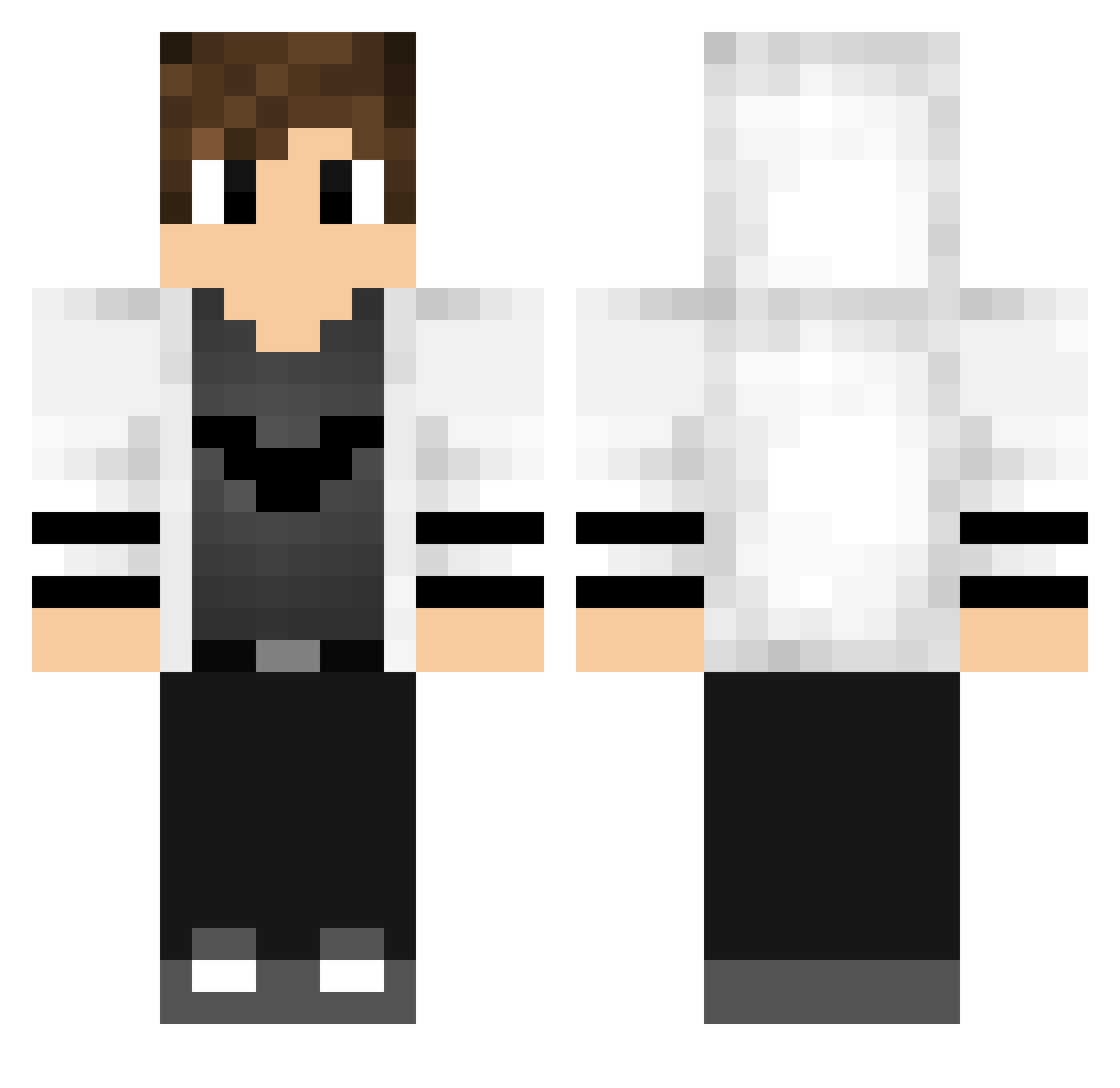
How to install the Chesed_CN skin
- Press the Download button above to save the skin as a PNG file.
- Minecraft: Bedrock Edition (PE): open the Dressing Room from the main menu (or tap your character → Edit Character), go to Classic Skins → Owned, press the + (new skin) button, choose the downloaded PNG and pick the Classic (Steve) model. Works on PC and mobile; consoles cannot import custom skins.
- Minecraft: Java Edition: open the Minecraft Launcher, go to the Skins tab, click New Skin, load the PNG, pick the Classic (Steve) model and press Save & Use. You can also upload it at minecraft.net → Profile → Change Skin.
The skin does not show up after import - what should I do?
Restart Minecraft and open the Dressing Room again - imported skins sometimes appear only after a restart. Also make sure you selected the imported skin and picked the Classic (Steve) model.
Which model should I choose, Classic or Slim?
This skin is designed for the Classic (Steve) model. If you pick the wrong model, the arms of the skin will look stretched or squeezed.
Is this skin free to use?
Yes. Press Download, save the PNG file and use it in Minecraft: Bedrock Edition or Java Edition - no payment or registration needed. The skin also works on multiplayer servers and Realms.
More Bat Symbol Minecraft skins
More skins
Looking for more? Go back to all Minecraft skins and check the top skins of the week, month and all time, or find any player's skin by nickname.