
BigChinJz - Minecraft Skins & Skin History
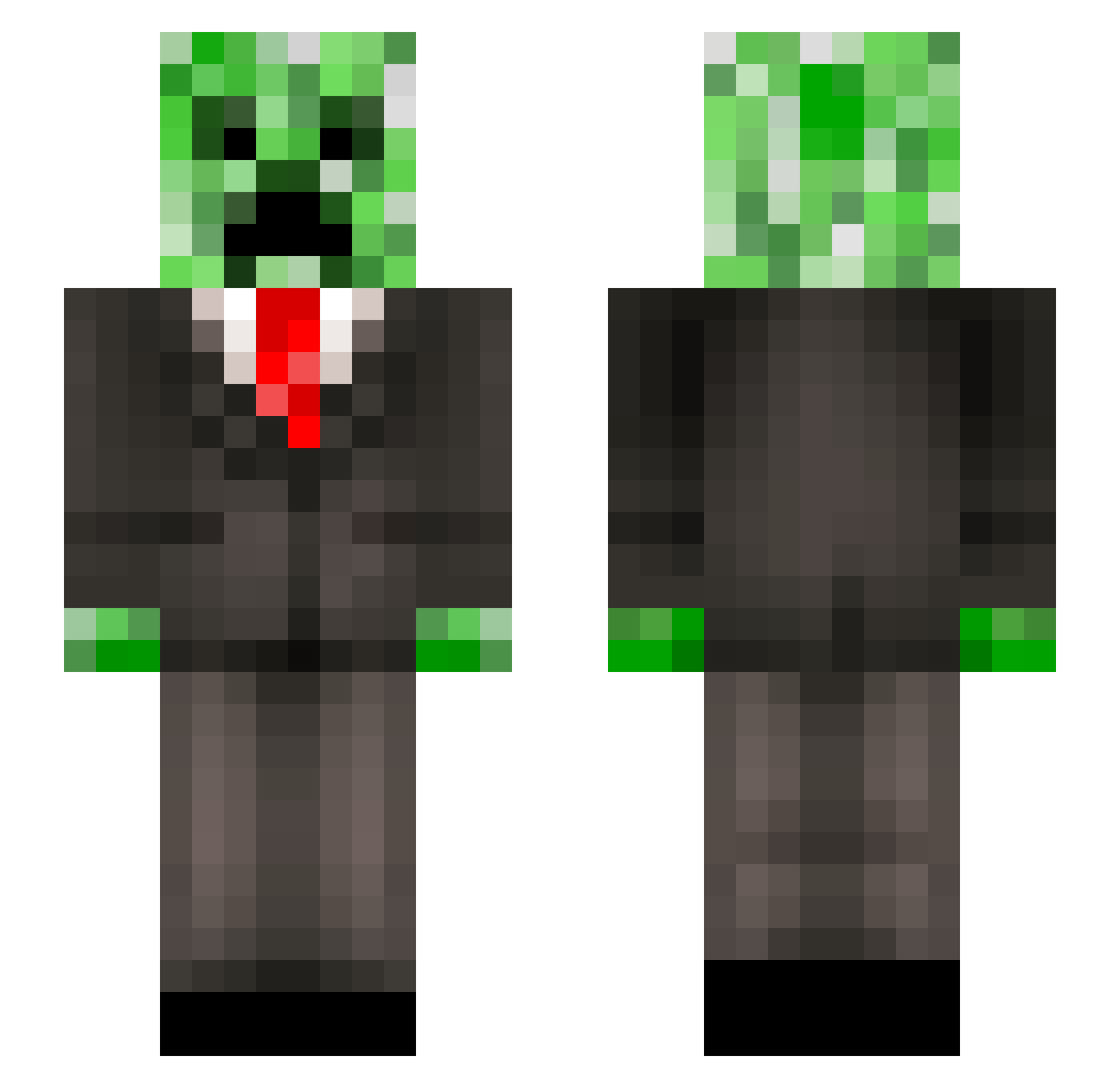
Current Minecraft skin of the player BigChinJz, loaded from the official Mojang API. Rotate the 3D model with your mouse or finger, then download the skin as a PNG file and use it in Minecraft: Bedrock Edition or Java Edition for free. When BigChinJz changes their skin, this page updates automatically and the old skin stays in the history below.
Other players with this skin (246)
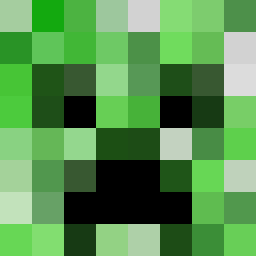
BigChinJz was the 201st player we have seen with this skin, first spotted on 19.10.2026. The same skin was seen on these players. Open a nickname to see their current skin and skin history.
 AshingBashing123 Veli_1 upscalecarcass Colorante5 BusinessCreeper2 Cieling_Creature _xXCSBXx_ Shiftysssss Ruthlessalex98 M_Creeper_hunter NoliTurbare svnxho LeeEmo_ RavenKind72 Erikson132 20280170 Demontuna Red_OFC EpicSpy Kingsman2483 bloodypig DaOrby135 1_crafty_creeper TUPSUarikas 520e BTLag102 ILXNYLH xogratis SiretFeL svincent200 Talant1917 Anarch263 MONSTERSNOWZ ToddlerTickler79 Chopep zxjetpac King_Bacon27 xiao5967 TheEmpireX_ JonnyDash16 XHTTTT Maelso04 Porksteak320 Yeetmaster662 Goatlordy Block_Oracle seggymom Willran04 MelonShark248 Svenkili fdsteffahn sewoooo MrApple213 JoysticKnight17 IGI3232 Darkthrone502 Luis4455 gabidybala kokstus Julle120
More Creeper Minecraft skins
How to install the BigChinJz skin
- Press the Download button above to save the skin as a PNG file.
- Minecraft: Bedrock Edition (PE): open the Dressing Room from the main menu (or tap your character → Edit Character), go to Classic Skins → Owned, press the + (new skin) button, choose the downloaded PNG and pick the Slim (Alex) model. Works on PC and mobile; consoles cannot import custom skins.
- Minecraft: Java Edition: open the Minecraft Launcher, go to the Skins tab, click New Skin, load the PNG, pick the Slim (Alex) model and press Save & Use. You can also upload it at minecraft.net → Profile → Change Skin.
The skin does not show up after import - what should I do?
Restart Minecraft and open the Dressing Room again - imported skins sometimes appear only after a restart. Also make sure you selected the imported skin and picked the Slim (Alex) model.
Which model should I choose, Classic or Slim?
This skin is designed for the Slim (Alex) model. If you pick the wrong model, the arms of the skin will look stretched or squeezed.
Is the skin of BigChinJz free to download?
Yes. Press Download, save the PNG file and use it in Minecraft: Bedrock Edition or Java Edition - no payment or registration needed. The skin also works on multiplayer servers and Realms.
More skins
Looking for more? Go back to all Minecraft skins and check the top skins of the week, month and all time, or find any player's skin by nickname.