
Belmeme - Minecraft Skins & Skin History
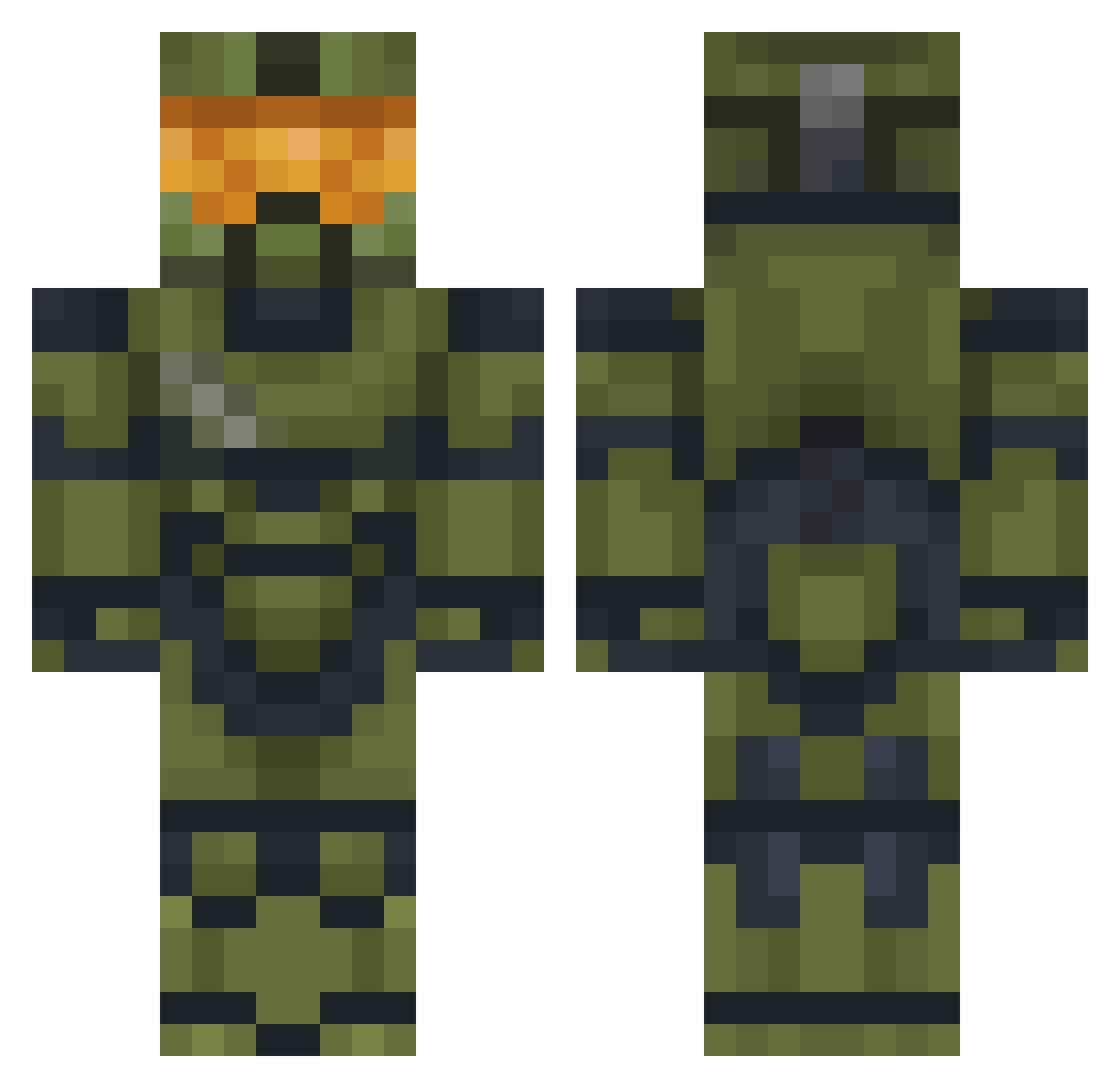
Current Minecraft skin of the player Belmeme, loaded from the official Mojang API. Rotate the 3D model with your mouse or finger, then download the skin as a PNG file and use it in Minecraft: Bedrock Edition or Java Edition for free. When Belmeme changes their skin, this page updates automatically and the old skin stays in the history below.
Other players with this skin (477)
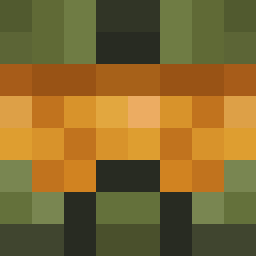
Belmeme was the 395th player we have seen with this skin, first spotted on 16.10.2026. The same skin was seen on these players. Open a nickname to see their current skin and skin history.
 hitman7986 EndDude_YT EnsignSpack LysergicacidOP SteelUnicorn404 INFINITYRS CurryAssassin HaloND95 _MasterChief117 Maiten4173 radagone Marcel5314 LivingLucky MasterChiief Starlord839 TheHost_24 iExecute Vincent4152 JohnnyMeducho Spongepicle3 Ktrip22 Nemesis_rM MilkProduction cathot Quipi96 Tzoutzoukakias AetiusSE ScarlethBarbosa InitiatePlanet foruk2k Kazope M4sterCh1ef ElMasReal Avoxertt Majerio IGmanI LunarFox95 Vrael95 Jota19 NightLa OkiMoogle KnightFog FoldupScarf7417 Somethingys UwUbacon justaguy38 ODJoey BILL0NAIR1 Crashanburn88 BITEME117 JacobyKenobe BigBoyLorenik eltoto13 Kiddo_Kid ezequiel3841 mybootyburns watase Renavark117 shark_minigun Kaltrax
More Master Chief Minecraft skins
See all 527 Master Chief skins
How to install the Belmeme skin
- Press the Download button above to save the skin as a PNG file.
- Minecraft: Bedrock Edition (PE): open the Dressing Room from the main menu (or tap your character → Edit Character), go to Classic Skins → Owned, press the + (new skin) button, choose the downloaded PNG and pick the Classic (Steve) model. Works on PC and mobile; consoles cannot import custom skins.
- Minecraft: Java Edition: open the Minecraft Launcher, go to the Skins tab, click New Skin, load the PNG, pick the Classic (Steve) model and press Save & Use. You can also upload it at minecraft.net → Profile → Change Skin.
The skin does not show up after import - what should I do?
Restart Minecraft and open the Dressing Room again - imported skins sometimes appear only after a restart. Also make sure you selected the imported skin and picked the Classic (Steve) model.
Which model should I choose, Classic or Slim?
This skin is designed for the Classic (Steve) model. If you pick the wrong model, the arms of the skin will look stretched or squeezed.
Is the skin of Belmeme free to download?
Yes. Press Download, save the PNG file and use it in Minecraft: Bedrock Edition or Java Edition - no payment or registration needed. The skin also works on multiplayer servers and Realms.
More skins
Looking for more? Go back to all Minecraft skins and check the top skins of the week, month and all time, or find any player's skin by nickname.