
Beatrica - Minecraft Skins & Skin History
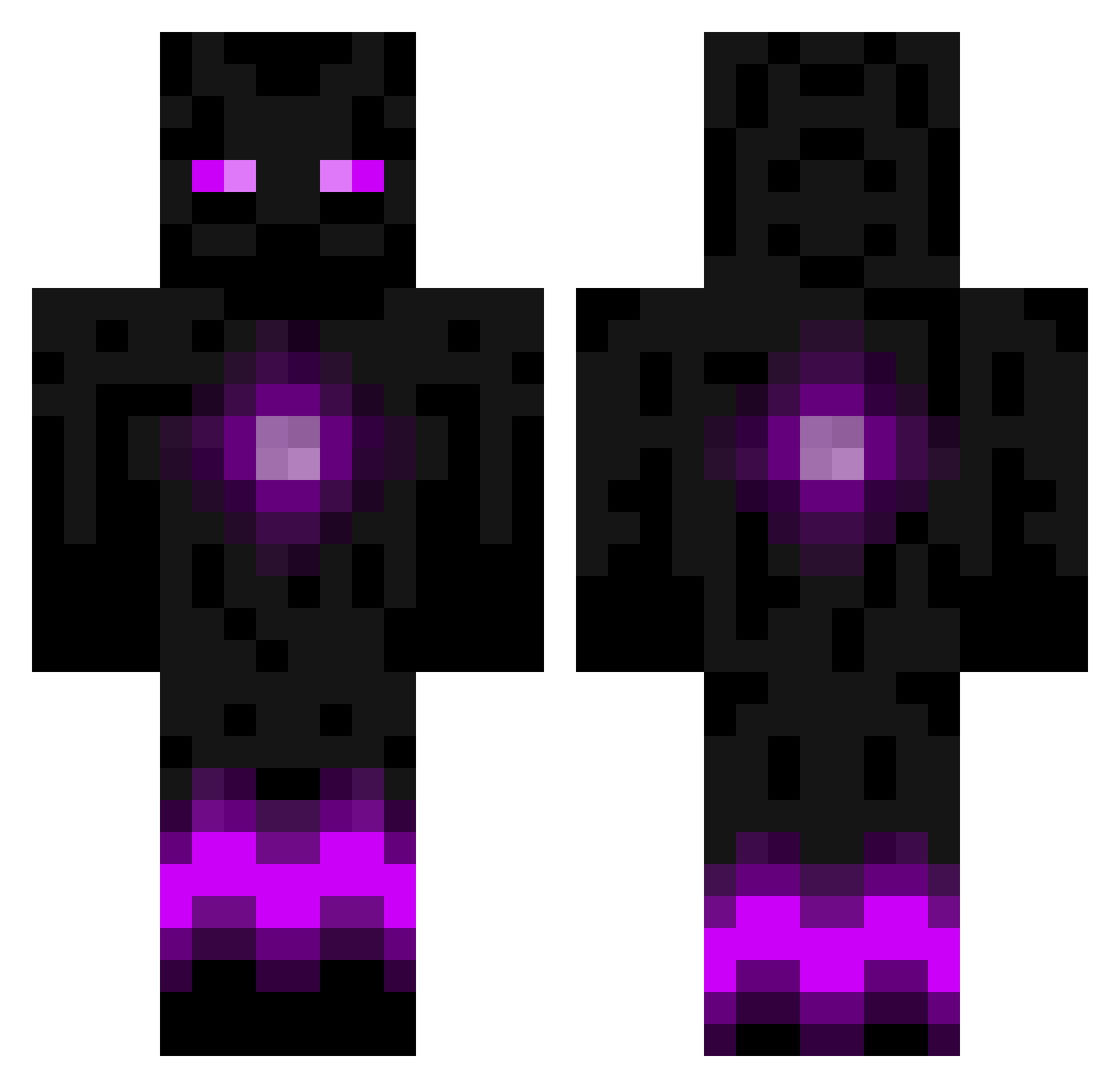
Current Minecraft skin of the player Beatrica, loaded from the official Mojang API. Rotate the 3D model with your mouse or finger, then download the skin as a PNG file and use it in Minecraft: Bedrock Edition or Java Edition for free. When Beatrica changes their skin, this page updates automatically and the old skin stays in the history below.
Other players with this skin (786)
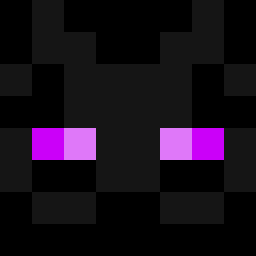
Beatrica was the 723rd player we have seen with this skin, first spotted on 24.10.2026. The same skin was seen on these players. Open a nickname to see their current skin and skin history.
 Moooolin SidTheSquid32 Obscurrus EmeraldTechie taymoto Viva48 _Moep_Moep_ gumby0612 powelly009 Adzter2001 DOOMSku11 raveryder fawn_mariee thegreenbomb2468 chainman3 Aduqatee Zuul26 nicopatten WRS3809 Benke99 Sanojhaa Freazy_HD joelane991778 Grantailar coby2800 5L5c17 ZexDaNoob CraftyBabe1120 theshadowguy_ xalwine IronSage1 StonersLife engleK2 AlexxKidd deathinfluence shri111 Runevar MarriesMonster Batman9782 Gunter24567 Phejmas Avex_kingz Loveluns HellsJaniter deathblesser22 Deaththinius Nallu maxfelix06 Wolfboy0219 TerraPhreak ghost498 Coulors svenaro Alucard3000 Stone_579 krakookassz EddieW11 ITrain4Killn_30 Zombiekila747 SNOOPYBOY444
More Enderman Minecraft skins
How to install the Beatrica skin
- Press the Download button above to save the skin as a PNG file.
- Minecraft: Bedrock Edition (PE): open the Dressing Room from the main menu (or tap your character → Edit Character), go to Classic Skins → Owned, press the + (new skin) button, choose the downloaded PNG and pick the Classic (Steve) model. Works on PC and mobile; consoles cannot import custom skins.
- Minecraft: Java Edition: open the Minecraft Launcher, go to the Skins tab, click New Skin, load the PNG, pick the Classic (Steve) model and press Save & Use. You can also upload it at minecraft.net → Profile → Change Skin.
The skin does not show up after import - what should I do?
Restart Minecraft and open the Dressing Room again - imported skins sometimes appear only after a restart. Also make sure you selected the imported skin and picked the Classic (Steve) model.
Which model should I choose, Classic or Slim?
This skin is designed for the Classic (Steve) model. If you pick the wrong model, the arms of the skin will look stretched or squeezed.
Is the skin of Beatrica free to download?
Yes. Press Download, save the PNG file and use it in Minecraft: Bedrock Edition or Java Edition - no payment or registration needed. The skin also works on multiplayer servers and Realms.
More skins
Looking for more? Go back to all Minecraft skins and check the top skins of the week, month and all time, or find any player's skin by nickname.