
Bautijedi - Minecraft Skins & Skin History
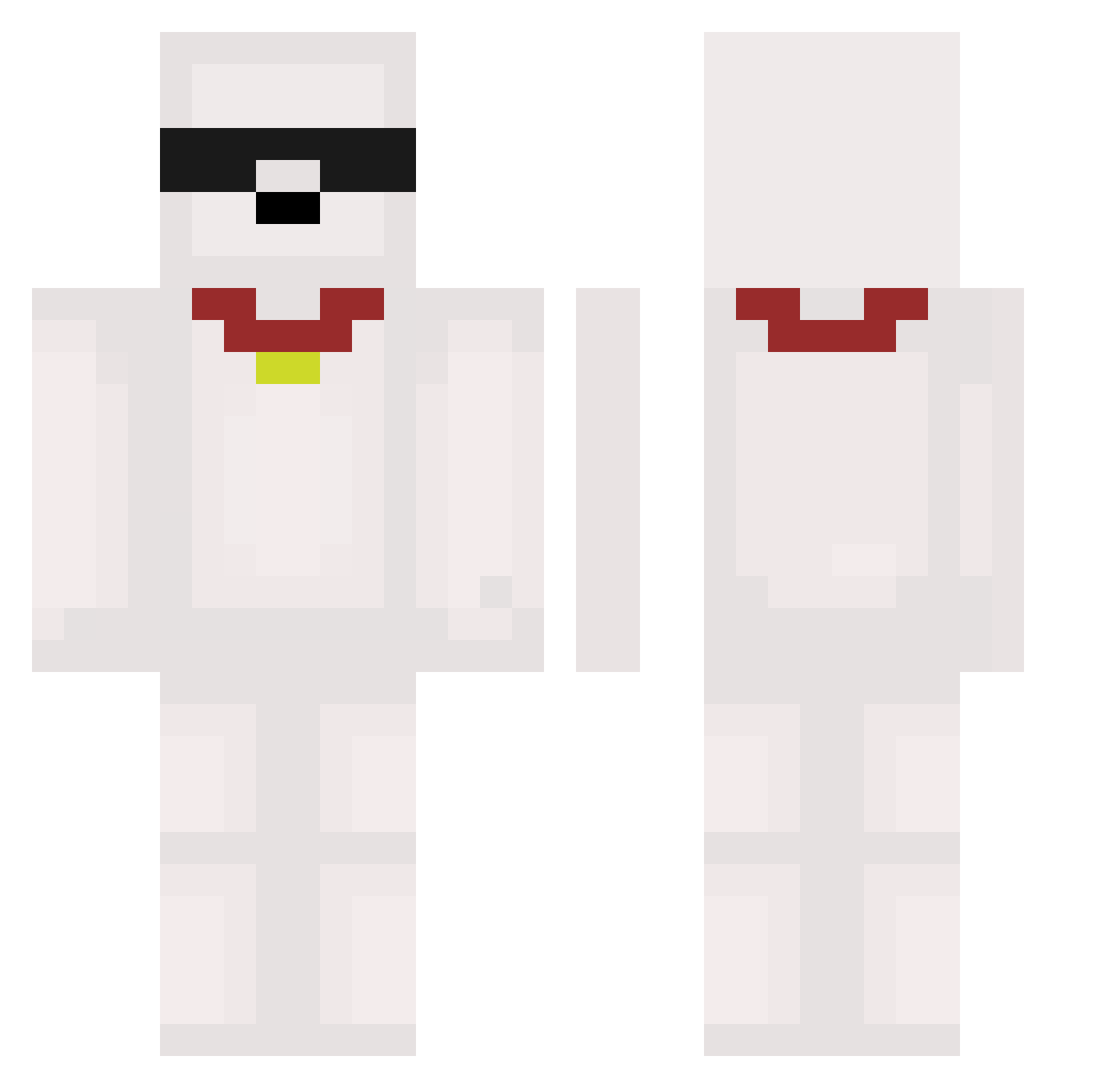
Current Minecraft skin of the player Bautijedi, loaded from the official Mojang API. Rotate the 3D model with your mouse or finger, then download the skin as a PNG file and use it in Minecraft: Bedrock Edition or Java Edition for free. When Bautijedi changes their skin, this page updates automatically and the old skin stays in the history below.
Other players with this skin (473)
Bautijedi was the 263rd player we have seen with this skin, first spotted on 15.09.2026. The same skin was seen on these players. Open a nickname to see their current skin and skin history.
 deadbead_morgan worzaaa savtimka2 LuziYe666 JustinDrewBieb itsleandraaa Davexxd Honono036 david2090 Hsier Kommradee beaniesoup Dxrkm1nd Batupvo KimBacK_9 bunnyboots420 Humin98 Ga_Ying_ GullibleRimble dannycuty miahrrr Moukk4 dahee0523 Adrian0zz tanzihao hoin_00 ZF_dep youxiaobei brian654 wnelekgo hawkyeveryday Vieirinha777 Andrex196 spaceconnector SIMONCAPYT RemnantRex BlamBlu33 Aphilak Dryzouxx Saggyyyyy Hydzh STUDONT DuckDummy faqle fezpot xPhantomix millky1204 Boti1201 DavidSpartanu 15Intel Schmiergeld goosiepuffs sofiliapoto salbis Ironsniper04446 Kimyongjjang teleguiado Trasz Alfaron_ Lonatisho
More Collar Minecraft skins
How to install the Bautijedi skin
- Press the Download button above to save the skin as a PNG file.
- Minecraft: Bedrock Edition (PE): open the Dressing Room from the main menu (or tap your character → Edit Character), go to Classic Skins → Owned, press the + (new skin) button, choose the downloaded PNG and pick the Classic (Steve) model. Works on PC and mobile; consoles cannot import custom skins.
- Minecraft: Java Edition: open the Minecraft Launcher, go to the Skins tab, click New Skin, load the PNG, pick the Classic (Steve) model and press Save & Use. You can also upload it at minecraft.net → Profile → Change Skin.
The skin does not show up after import - what should I do?
Restart Minecraft and open the Dressing Room again - imported skins sometimes appear only after a restart. Also make sure you selected the imported skin and picked the Classic (Steve) model.
Which model should I choose, Classic or Slim?
This skin is designed for the Classic (Steve) model. If you pick the wrong model, the arms of the skin will look stretched or squeezed.
Is the skin of Bautijedi free to download?
Yes. Press Download, save the PNG file and use it in Minecraft: Bedrock Edition or Java Edition - no payment or registration needed. The skin also works on multiplayer servers and Realms.
More skins
Looking for more? Go back to all Minecraft skins and check the top skins of the week, month and all time, or find any player's skin by nickname.