
Batata1_ - Minecraft Skins & Skin History
Current Minecraft skin of the player Batata1_, loaded from the official Mojang API. Rotate the 3D model with your mouse or finger, then download the skin as a PNG file and use it in Minecraft: Bedrock Edition or Java Edition for free. When Batata1_ changes their skin, this page updates automatically and the old skin stays in the history below.
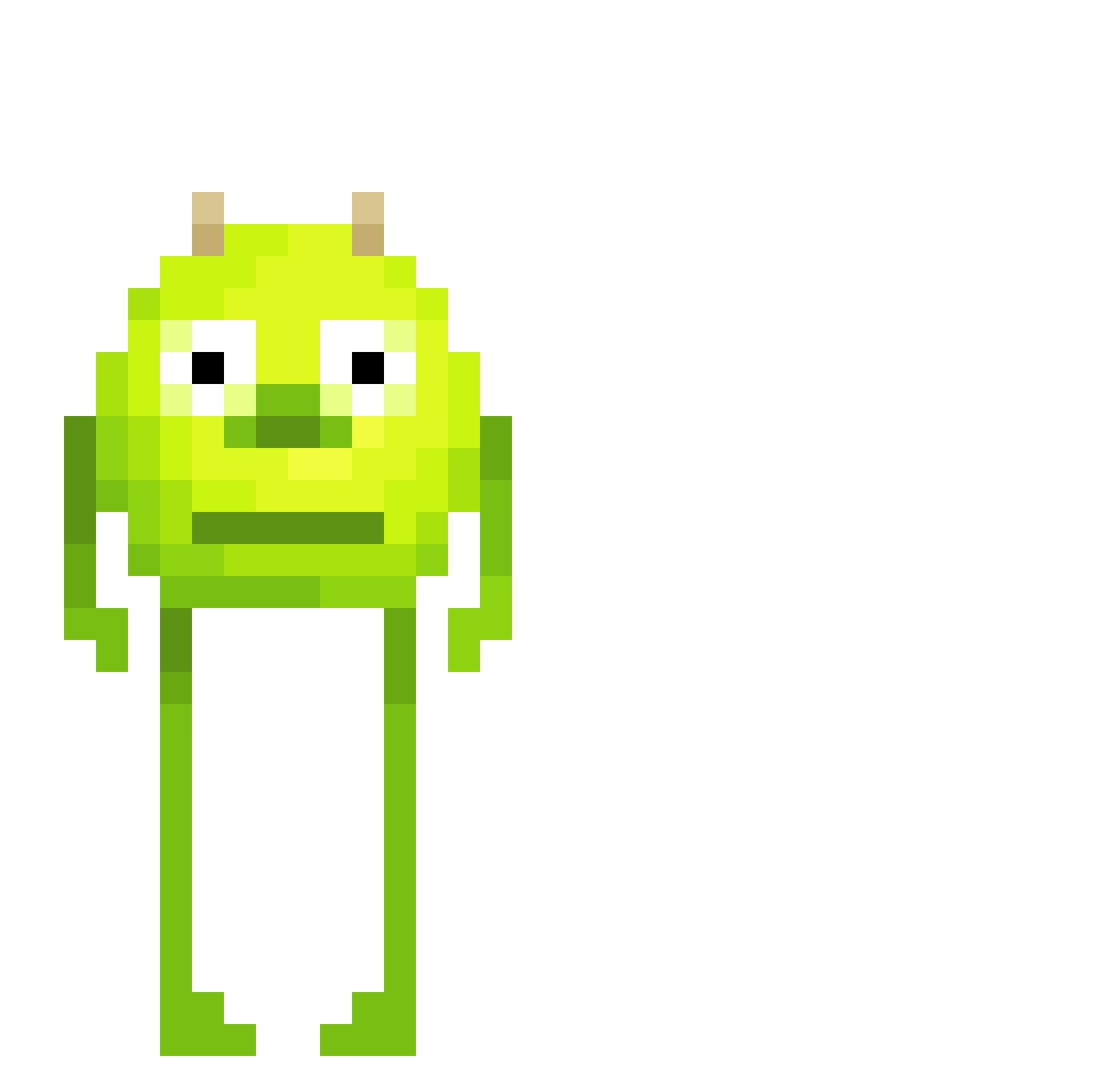
Other players with this skin (477)
Batata1_ was the 366th player we have seen with this skin, first spotted on 12.10.2026. The same skin was seen on these players. Open a nickname to see their current skin and skin history.
 zZHyuga Walter_J_Trump laserna kidnamedpaint123 Sundayice lil_Juan69 LE_CACTUS_MORTEL Sasakyy20 Winchester5346 3jdm Minstemannen5 John_Sina blueyewhitedraco Wulf_dk ATurtleplayz christonabike69 Geekysix808 Ebekek Jayman1209 Rudzky BossManBubert Plasma12 Zimilzortlamayan aoiomo qtGman Viteloww JFG Lucmate33 stoerm TristanH206 D1CKDestroyer_69 CrackAddict1337 REMY157 Charl1to HannaKnappe victorreyous Ihavedatjj Zebra3814 SucreMante94622 UhhDanny TheMonke0204 ThugMacs hannahw1 shootsupre PrePizkin206 poop456745 ryzgyz14 ALVEZELMETRALLET Jack_on_crackYT Deutscher_Kauz JOKO_0 NotguiltyBTW sakuuragi_ survetemonstro TheWhiteBranco Kirbble whycarrot snabulous Biscuit_boi_ Saent2K
More Mike Wazowski Minecraft skins
See all 284 Mike Wazowski skins
How to install the Batata1_ skin
- Press the Download button above to save the skin as a PNG file.
- Minecraft: Bedrock Edition (PE): open the Dressing Room from the main menu (or tap your character → Edit Character), go to Classic Skins → Owned, press the + (new skin) button, choose the downloaded PNG and pick the Classic (Steve) model. Works on PC and mobile; consoles cannot import custom skins.
- Minecraft: Java Edition: open the Minecraft Launcher, go to the Skins tab, click New Skin, load the PNG, pick the Classic (Steve) model and press Save & Use. You can also upload it at minecraft.net → Profile → Change Skin.
The skin does not show up after import - what should I do?
Restart Minecraft and open the Dressing Room again - imported skins sometimes appear only after a restart. Also make sure you selected the imported skin and picked the Classic (Steve) model.
Which model should I choose, Classic or Slim?
This skin is designed for the Classic (Steve) model. If you pick the wrong model, the arms of the skin will look stretched or squeezed.
Is the skin of Batata1_ free to download?
Yes. Press Download, save the PNG file and use it in Minecraft: Bedrock Edition or Java Edition - no payment or registration needed. The skin also works on multiplayer servers and Realms.
More skins
Looking for more? Go back to all Minecraft skins and check the top skins of the week, month and all time, or find any player's skin by nickname.