
BabyWhitewhite - Minecraft Skins & Skin History
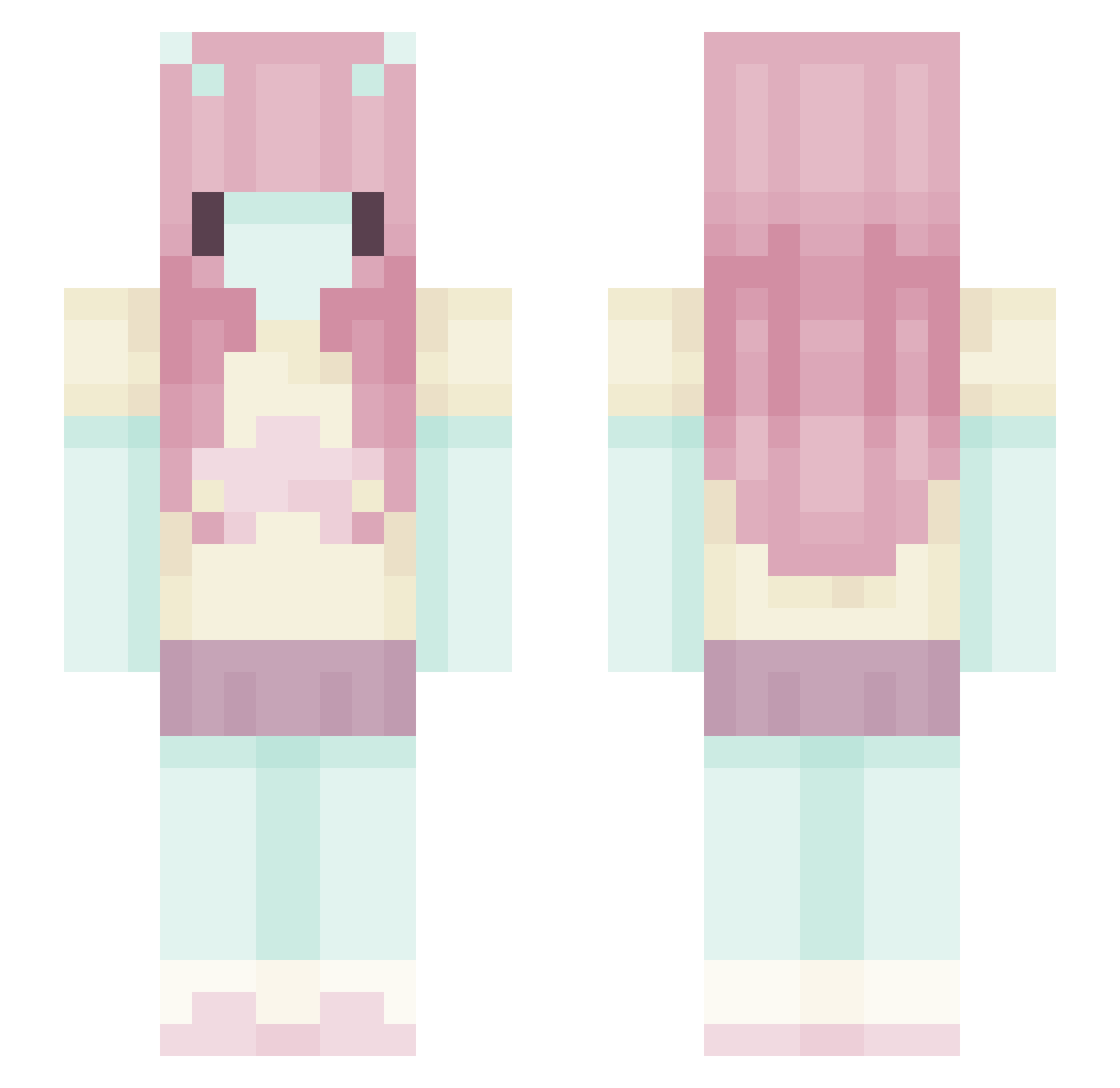
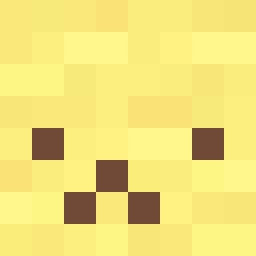
Current Minecraft skin of the player BabyWhitewhite, loaded from the official Mojang API. Rotate the 3D model with your mouse or finger, then download the skin as a PNG file and use it in Minecraft: Bedrock Edition or Java Edition for free. When BabyWhitewhite changes their skin, this page updates automatically and the old skin stays in the history below.
Other players with this skin (580)
BabyWhitewhite was the 196th player we have seen with this skin, first spotted on 30.08.2026. The same skin was seen on these players. Open a nickname to see their current skin and skin history.
 shaniiez meeow0 GeezGazelle watchppldie3 bobthegirlgamer Alloya miokobleh Bbanii jidirori chimkinlittle Daniebla avebuh cuteschizo safiaA marniebear Angel1c Prittt2 sophinasoup beanxbao justfaeriie SunnyStarrburst RoyaleSalute danoninaa m0lipaxin soel2408 matt0021s ItsTheAleman beabadoobae woofmeow123 GabeGabzz rosirn yabujins MamaSeala Sarah9916 samsterloll Quinnasarus_rex christalspoof gloomiiz
 GTi1Xx ambuwu
 Nyxylon32 eoneu Pocolopokito Lyroleaf herejesu SirDookiee sabonnnnn
 WonderPearlz Prankster_Pete vampsukiii liliiwn swagpeegamer
 MrDixieNormous Lymezzz SwaggyFrogLulu Hulia969696 hellawock moon72175 mcelisabeth
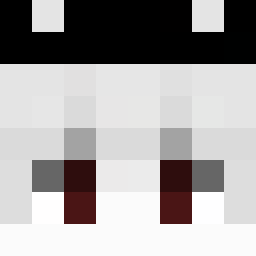 Himikoshii
More Zero Two Minecraft skins
How to install the BabyWhitewhite skin
- Press the Download button above to save the skin as a PNG file.
- Minecraft: Bedrock Edition (PE): open the Dressing Room from the main menu (or tap your character → Edit Character), go to Classic Skins → Owned, press the + (new skin) button, choose the downloaded PNG and pick the Slim (Alex) model. Works on PC and mobile; consoles cannot import custom skins.
- Minecraft: Java Edition: open the Minecraft Launcher, go to the Skins tab, click New Skin, load the PNG, pick the Slim (Alex) model and press Save & Use. You can also upload it at minecraft.net → Profile → Change Skin.
The skin does not show up after import - what should I do?
Restart Minecraft and open the Dressing Room again - imported skins sometimes appear only after a restart. Also make sure you selected the imported skin and picked the Slim (Alex) model.
Which model should I choose, Classic or Slim?
This skin is designed for the Slim (Alex) model. If you pick the wrong model, the arms of the skin will look stretched or squeezed.
Is the skin of BabyWhitewhite free to download?
Yes. Press Download, save the PNG file and use it in Minecraft: Bedrock Edition or Java Edition - no payment or registration needed. The skin also works on multiplayer servers and Realms.
More skins
Looking for more? Go back to all Minecraft skins and check the top skins of the week, month and all time, or find any player's skin by nickname.