
BBQheadphones - Minecraft Skins & Skin History
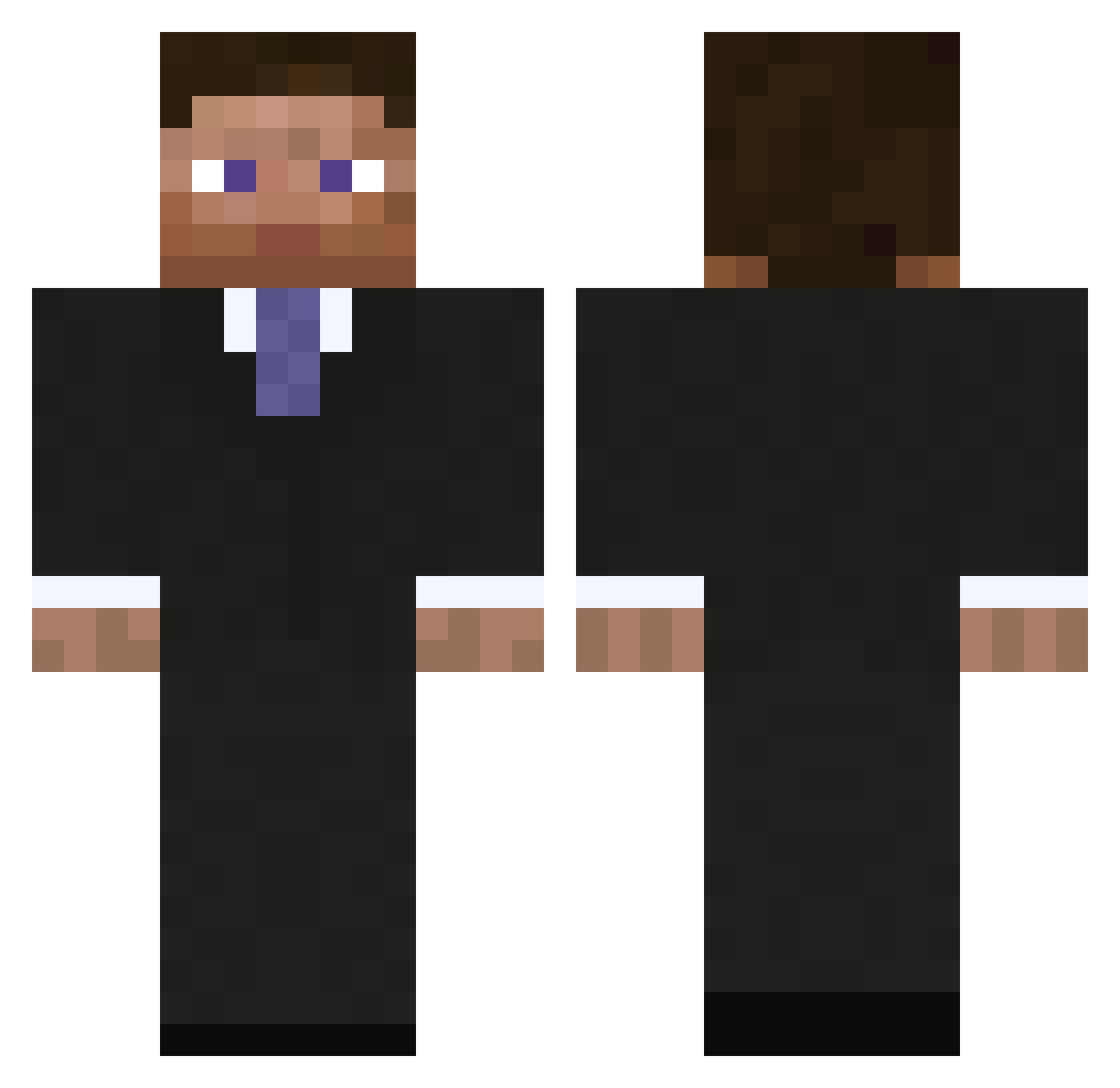
Current Minecraft skin of the player BBQheadphones, loaded from the official Mojang API. Rotate the 3D model with your mouse or finger, then download the skin as a PNG file and use it in Minecraft: Bedrock Edition or Java Edition for free. When BBQheadphones changes their skin, this page updates automatically and the old skin stays in the history below.
Other players with this skin (793)
BBQheadphones was the 322nd player we have seen with this skin, first spotted on 31.08.2026. The same skin was seen on these players. Open a nickname to see their current skin and skin history.
 TheTacoMan836 crustedcore Sylar185 lul2024 Honzas69 FubDuck Negativeclutch petsys KolakCC Bennes mason_ite88 Minecraftler08 MaximumVelocity jaysimons spastikdnb KingArthur82 lettiboy thignus Jefftheman45 Siggah Timpa_1 Olegck Denizen15 Blazedoptimos brandonjh3 Krymore RIOTCONTROL04 bb_lion Aryon329 froglet88 The_SUO555 pewniak747 lizzom kassah moneyman286 crazymonkey605 Zarbustibal impecative rosstheboss11 BOOMBATISTA ArmoredDoughboy TonyBaloney42 Dunn157 DaddyMonstaaaah zweb89 js9719 Jannisg11 Uncle_Matt durablo henryventura creep908 eschbam popcornman888 Qubex20 MADMAXISMAD Borracho_ AgentBubby16 superplayplayer xixphos jensverhoeven
More Businessman Minecraft skins
See all 5473 Businessman skins
How to install the BBQheadphones skin
- Press the Download button above to save the skin as a PNG file.
- Minecraft: Bedrock Edition (PE): open the Dressing Room from the main menu (or tap your character → Edit Character), go to Classic Skins → Owned, press the + (new skin) button, choose the downloaded PNG and pick the Classic (Steve) model. Works on PC and mobile; consoles cannot import custom skins.
- Minecraft: Java Edition: open the Minecraft Launcher, go to the Skins tab, click New Skin, load the PNG, pick the Classic (Steve) model and press Save & Use. You can also upload it at minecraft.net → Profile → Change Skin.
The skin does not show up after import - what should I do?
Restart Minecraft and open the Dressing Room again - imported skins sometimes appear only after a restart. Also make sure you selected the imported skin and picked the Classic (Steve) model.
Which model should I choose, Classic or Slim?
This skin is designed for the Classic (Steve) model. If you pick the wrong model, the arms of the skin will look stretched or squeezed.
Is the skin of BBQheadphones free to download?
Yes. Press Download, save the PNG file and use it in Minecraft: Bedrock Edition or Java Edition - no payment or registration needed. The skin also works on multiplayer servers and Realms.
More skins
Looking for more? Go back to all Minecraft skins and check the top skins of the week, month and all time, or find any player's skin by nickname.