
B3rmingham - Minecraft Skins & Skin History
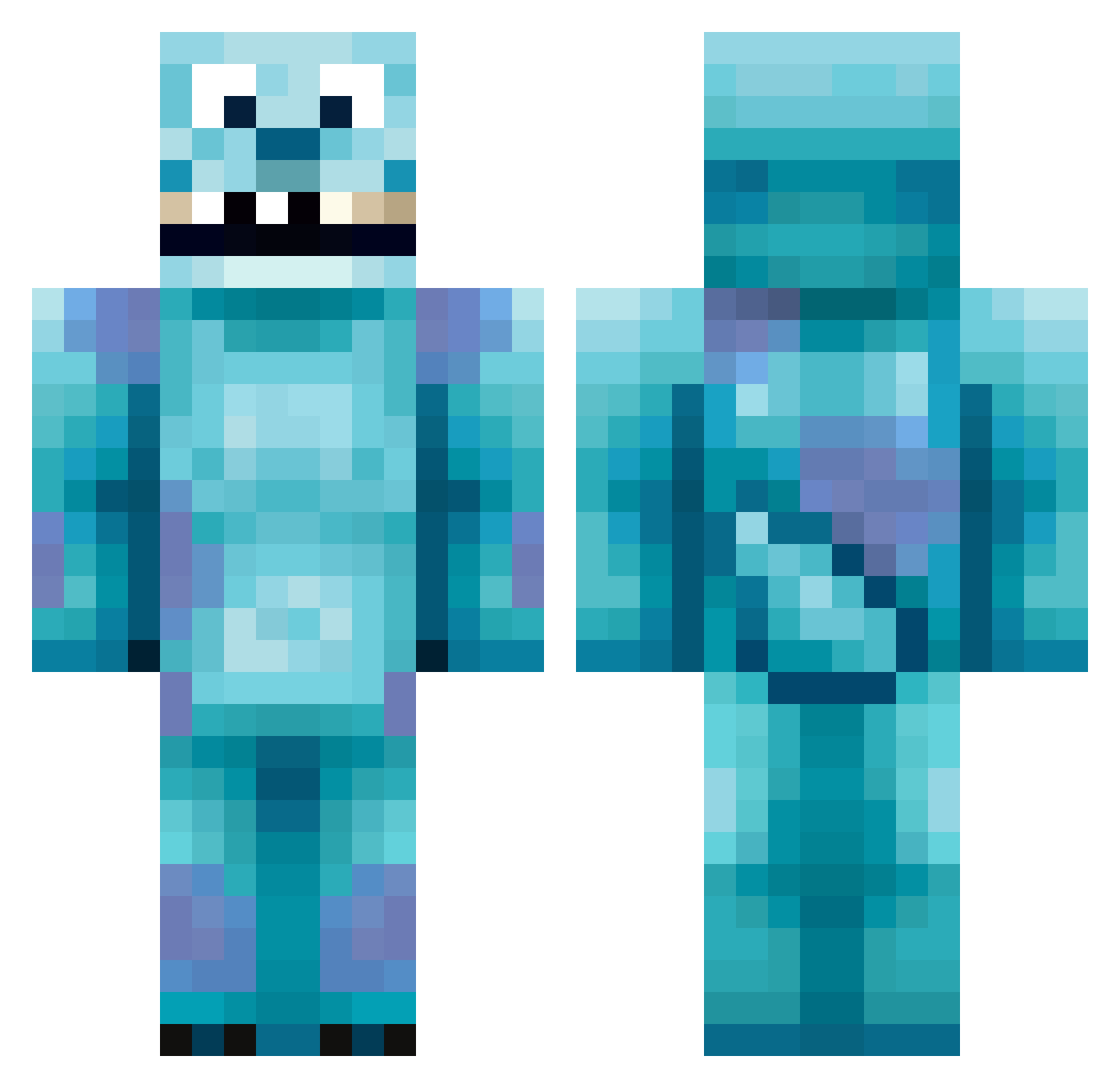
Current Minecraft skin of the player B3rmingham, loaded from the official Mojang API. Rotate the 3D model with your mouse or finger, then download the skin as a PNG file and use it in Minecraft: Bedrock Edition or Java Edition for free. When B3rmingham changes their skin, this page updates automatically and the old skin stays in the history below.
Other players with this skin (213)
B3rmingham was the 109th player we have seen with this skin, first spotted on 24.09.2026. The same skin was seen on these players. Open a nickname to see their current skin and skin history.
 Arrythmic lucasmetralla breethebee11 JPS333 Lilibelle61 Lochi011 Beux4 FatGunnaCells Mopiko28 ProphetJz Desann91 WooPTurn51 twins94 ripgutao _Wonder_bin miyuhhhz Nao38 peytonnicolew HaeTae3 juejuezi2 just_nick_67 iloveprzemek RROM CaptainScuzzy SullyTheBigBoy WingedPhoenix788 joelith cabreros ZombieSlayerXD TaCs_ TTVZendex Crzbr flyertiger Lammy29 stellarama ErkiPerkiii haweeee Andreti stuartgrieve raleigh_g adavies1234 kkkayleigh ToRnaDo_O_A TheJeppie lolligedrol ShaqOMeal12 saad156 GratefulUniverse alden28 JK9129 Ierke001 pinkllamaaa 11un YumPotatoYum Karuutv BlizzLike1 ShinyScorpio91 mcdr ConcreteGuru Monstarwen
More Sulley Minecraft skins
How to install the B3rmingham skin
- Press the Download button above to save the skin as a PNG file.
- Minecraft: Bedrock Edition (PE): open the Dressing Room from the main menu (or tap your character → Edit Character), go to Classic Skins → Owned, press the + (new skin) button, choose the downloaded PNG and pick the Classic (Steve) model. Works on PC and mobile; consoles cannot import custom skins.
- Minecraft: Java Edition: open the Minecraft Launcher, go to the Skins tab, click New Skin, load the PNG, pick the Classic (Steve) model and press Save & Use. You can also upload it at minecraft.net → Profile → Change Skin.
The skin does not show up after import - what should I do?
Restart Minecraft and open the Dressing Room again - imported skins sometimes appear only after a restart. Also make sure you selected the imported skin and picked the Classic (Steve) model.
Which model should I choose, Classic or Slim?
This skin is designed for the Classic (Steve) model. If you pick the wrong model, the arms of the skin will look stretched or squeezed.
Is the skin of B3rmingham free to download?
Yes. Press Download, save the PNG file and use it in Minecraft: Bedrock Edition or Java Edition - no payment or registration needed. The skin also works on multiplayer servers and Realms.
More skins
Looking for more? Go back to all Minecraft skins and check the top skins of the week, month and all time, or find any player's skin by nickname.