
Awesomeman2482 - Minecraft Skins & Skin History
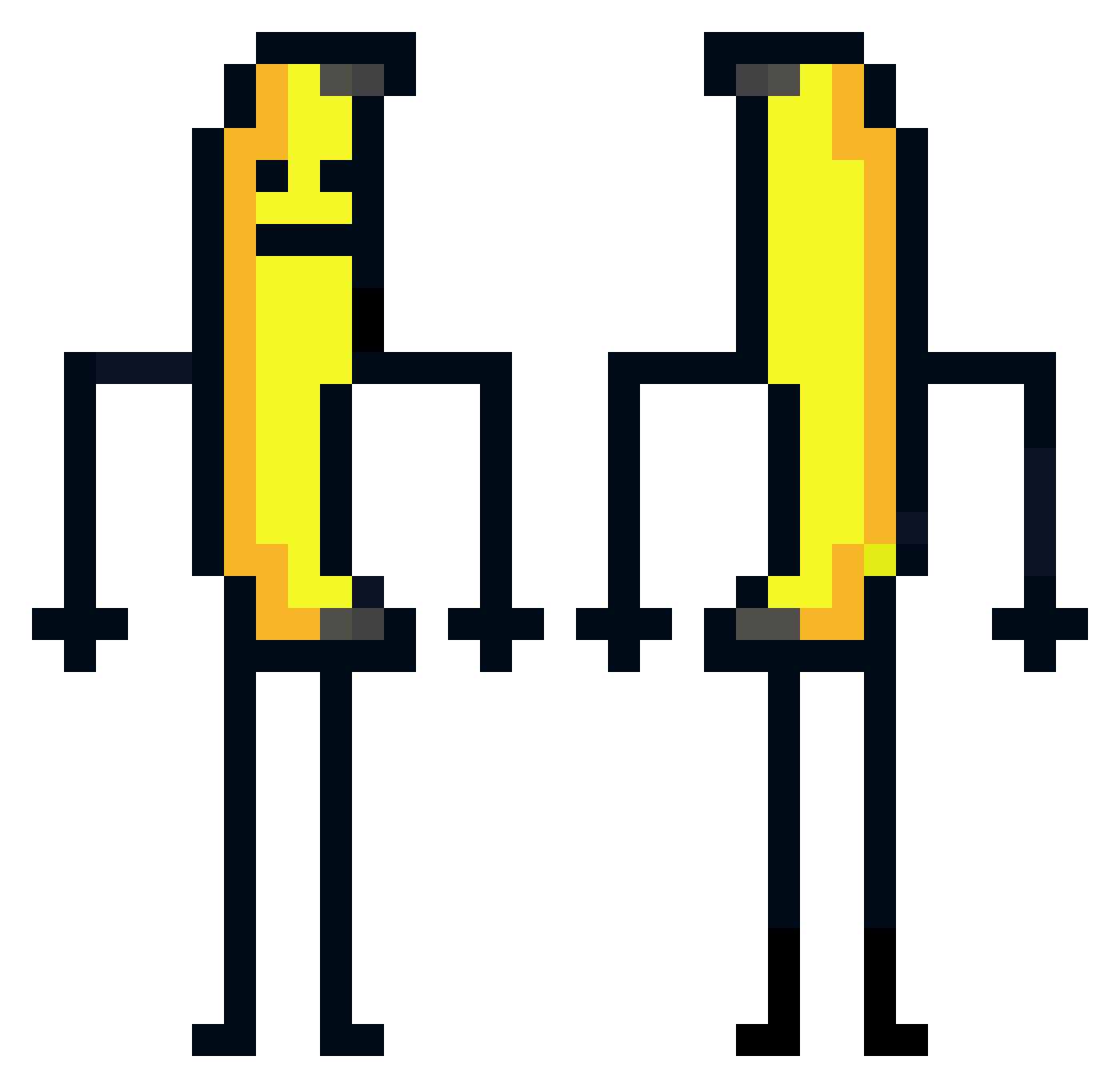
Current Minecraft skin of the player Awesomeman2482, loaded from the official Mojang API. Rotate the 3D model with your mouse or finger, then download the skin as a PNG file and use it in Minecraft: Bedrock Edition or Java Edition for free. When Awesomeman2482 changes their skin, this page updates automatically and the old skin stays in the history below.
Other players with this skin (583)
Awesomeman2482 was the 432nd player we have seen with this skin, first spotted on 12.10.2026. The same skin was seen on these players. Open a nickname to see their current skin and skin history.
 SQUP03 songpyeona _an_gb_ BlackiKatze34 TR_GABRY96 SMERT02 Sanyyyy Thalens Maksikaas ThatPlumBoy _M4T30_ jeawon1030 mikleityrano Bananensaft_2000 MerkeldasFerkel Jacki09 allxanarchy Assinus andyyang22 ScpQ crushmeat zeroner Mac_ispoopy bel1nd sqto02 ZenyIsPoor YNK090 Super_Bommm MasterBeast_ TKL_Dequan Snapiiiii KisiPoSisi QASKOFYW m_sity WaltOWalt lsh101115 OnurOzkan3 TahaPolizei Kreca Noobmaster15991 DoggyCZ_ thibault002 seeba00 urdadlime Grubsbot2 TheWinterOwl Filipek12 skyyyyeeee LeoRyd Schmeloelo jvsvdg AlbertJobrun JongSooZZang woaoqo Fr3nzi AngieGamer25 lolexsis Guitir pppitersss maeru06
More Banana Minecraft skins
How to install the Awesomeman2482 skin
- Press the Download button above to save the skin as a PNG file.
- Minecraft: Bedrock Edition (PE): open the Dressing Room from the main menu (or tap your character → Edit Character), go to Classic Skins → Owned, press the + (new skin) button, choose the downloaded PNG and pick the Classic (Steve) model. Works on PC and mobile; consoles cannot import custom skins.
- Minecraft: Java Edition: open the Minecraft Launcher, go to the Skins tab, click New Skin, load the PNG, pick the Classic (Steve) model and press Save & Use. You can also upload it at minecraft.net → Profile → Change Skin.
The skin does not show up after import - what should I do?
Restart Minecraft and open the Dressing Room again - imported skins sometimes appear only after a restart. Also make sure you selected the imported skin and picked the Classic (Steve) model.
Which model should I choose, Classic or Slim?
This skin is designed for the Classic (Steve) model. If you pick the wrong model, the arms of the skin will look stretched or squeezed.
Is the skin of Awesomeman2482 free to download?
Yes. Press Download, save the PNG file and use it in Minecraft: Bedrock Edition or Java Edition - no payment or registration needed. The skin also works on multiplayer servers and Realms.
More skins
Looking for more? Go back to all Minecraft skins and check the top skins of the week, month and all time, or find any player's skin by nickname.