
Aran006 - Minecraft Skins & Skin History
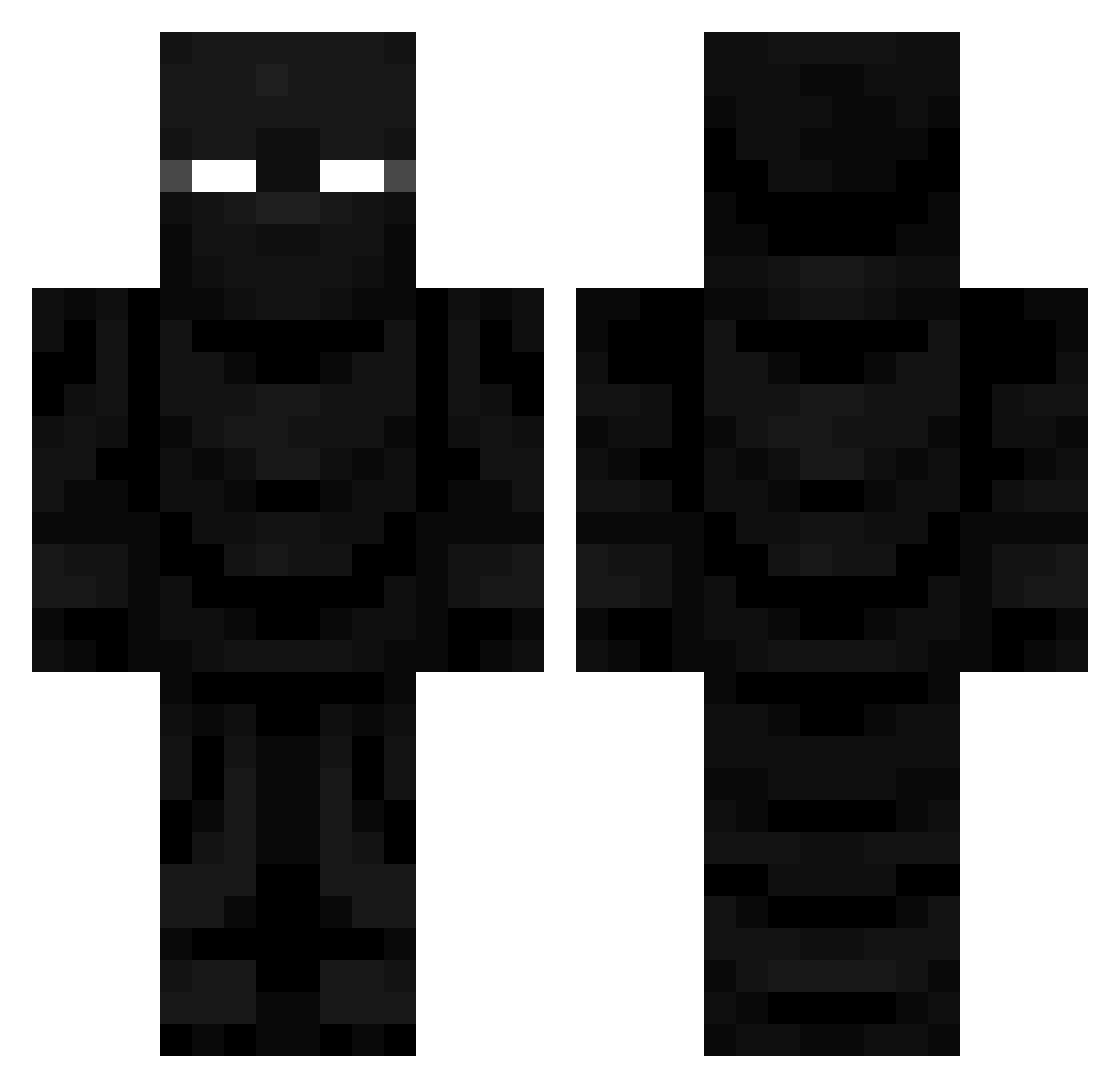
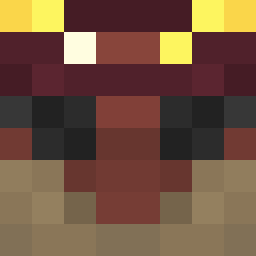
Current Minecraft skin of the player Aran006, loaded from the official Mojang API. Rotate the 3D model with your mouse or finger, then download the skin as a PNG file and use it in Minecraft: Bedrock Edition or Java Edition for free. When Aran006 changes their skin, this page updates automatically and the old skin stays in the history below.
Other players with this skin (728)
Aran006 was the 258th player we have seen with this skin, first spotted on 05.09.2026. The same skin was seen on these players. Open a nickname to see their current skin and skin history.
 Notorious_NUTRAG kerbitt _FALLOUTmg360_ thefishnl 123lllll Bjorn02300 linklord
 JavaManiacMC MrNickNasty Xynx0 _CrimsonHearts_ vifongoldchicken MedinaBoyzz2 3w_n Ztrex0 Vozify14 LucaLH Dogannator DoubleEie GeckoCRT B0NEG0D Ultima334 Rooz10to Prahla IbroxI05 PL3TH0R4 LexEscobar Allainne RentalElf22 Iamask3 dean_isgezien HenryL12 Neoken_0ff TheeMrMan Isxudo beans2313 s_p_a_c_eman Nightrose_Am Squadx44 RetroNintendo101 unleee
 Yimiark HoldMyGlassWeeZy WetChip69 FeloGrafix JxDemon _BudSpencer__ alex2667 l3g3nd95 1FAnilist Xlin11 CloudsClap imclu OHVIKING1
 Smidgenitro duffle0 Spike_2009 Crii_exe 2EKA eatdabox
More Ninja Minecraft skins
How to install the Aran006 skin
- Press the Download button above to save the skin as a PNG file.
- Minecraft: Bedrock Edition (PE): open the Dressing Room from the main menu (or tap your character → Edit Character), go to Classic Skins → Owned, press the + (new skin) button, choose the downloaded PNG and pick the Classic (Steve) model. Works on PC and mobile; consoles cannot import custom skins.
- Minecraft: Java Edition: open the Minecraft Launcher, go to the Skins tab, click New Skin, load the PNG, pick the Classic (Steve) model and press Save & Use. You can also upload it at minecraft.net → Profile → Change Skin.
The skin does not show up after import - what should I do?
Restart Minecraft and open the Dressing Room again - imported skins sometimes appear only after a restart. Also make sure you selected the imported skin and picked the Classic (Steve) model.
Which model should I choose, Classic or Slim?
This skin is designed for the Classic (Steve) model. If you pick the wrong model, the arms of the skin will look stretched or squeezed.
Is the skin of Aran006 free to download?
Yes. Press Download, save the PNG file and use it in Minecraft: Bedrock Edition or Java Edition - no payment or registration needed. The skin also works on multiplayer servers and Realms.
More skins
Looking for more? Go back to all Minecraft skins and check the top skins of the week, month and all time, or find any player's skin by nickname.